Products Tutorial

Learn how to get more from your LONGER machines with helpful tutorials and tips.

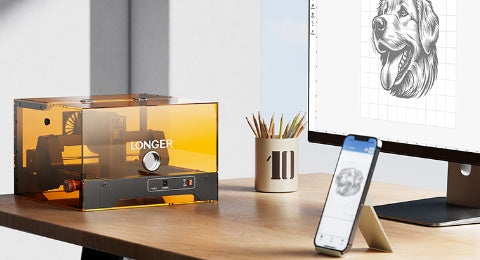
LaserBurn AI User Guide

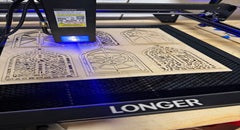
With the development of AI technology, laser engraving has become easier and more efficient. LONGER LaserBurn integrates multiple AI-powered tools to help users simplify the design and engraving workflow. This guide introduces the four main AI features in...
Read more
  • 1 comment
  • By Daniel Reeves

How to Get Colored Shades Engravings with Longer Ray5 & B1

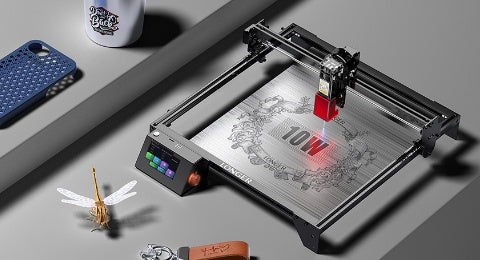
Longer laser engravers like Ray5 and B1 series can create brilliant multicolor engravings on metal, starting from just 10W of power. Using LightBurn's Material Test, users can easily identify the best settings to unlock vibrant shades. Even with lower-power lasers, up to 90 distinct colors are possible, making metal engraving both creative and accessible. Learn how to test, tweak, and master color engraving with your Longer machine.

Read more

LONGER How To:LightBurn Path Optimization Settings

Path optimization is essential in laser engraving and cutting for improving speed, precision, and machine longevity. This guide explains how to use LightBurn’s powerful optimization tools—including group, layer, and priority-based settings—to streamline workflows, reduce idle travel, and enhance output quality. Whether you're managing a simple project or a complex design, mastering these settings ensures maximum performance from your laser system.

Read more

LONGER How To|How to Upgrade the Firmware on the Nano Duo

This step-by-step guide walks you through upgrading the firmware on the LONGER Nano Duo laser engraver. From downloading the latest files to updating screen, galvo, and main control components, each step ensures your device stays optimized. Firmware updates enhance performance, unlock new features, and improve overall engraving accuracy. Stay current to get the most from your Nano Duo.

Read more

LONGER How to: How to Solve the issues caused by Lightburn V2.0

After upgrading to LightBurn V2.0, some users reported display glitches and preview issues affecting their workflow. This guide walks you through reverting to version 1.7.08 — a stable release fully compatible with Longer Ray5, B1, and Nano machines. Learn how to uninstall, reinstall, and reactivate the previous version of LightBurn to restore full functionality and continue engraving without disruption.

Read more

LONGER How to: Ray5 Mini Laser Engraver Tips Using LightBurn

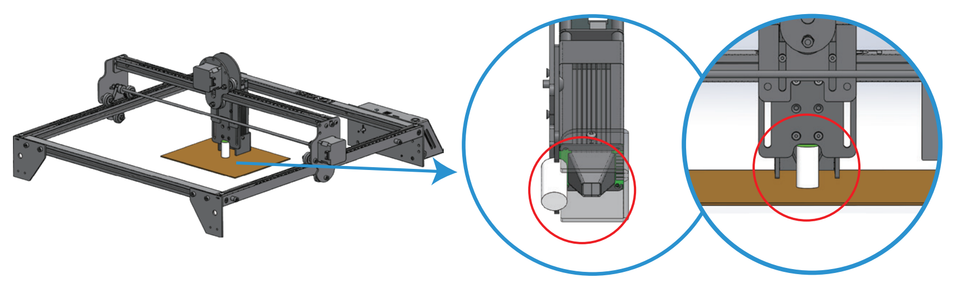
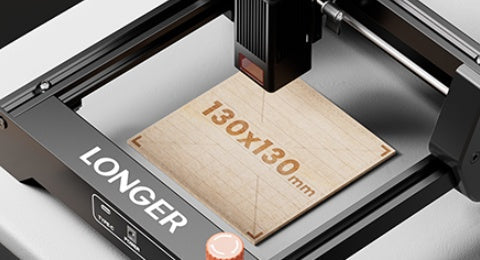
The LONGER Ray5 Mini is a compact, high-precision laser engraver ideal for small-scale projects. This guide walks you through setup, focusing, and engraving using LightBurn software. From importing your design to the finished result, discover how to get professional-quality engravings with ease. The Ray5 Mini balances performance, safety, and user-friendliness—perfect for hobbyists, creators, and small studios alike.

Read more