Blog Articles

Explore the latest news, updates, and practical guides.

Light ArtLONGER ePrint Light Painting Kit Quick Start Guide
  • 0 comments
  • By longer global

LONGER ePrint Light Painting Kit Quick Start Guide

Welcome to the Longer ePrint Light Painting Kit user guide. This guide is designed for beginners and explains how to assemble, print, and use the light painting product step by step. By following the instructions carefully, you can...
Read more
Linear EncoderLonger ePrint Linear Encoder Replacement
  • 0 comments
  • By longer global

Longer ePrint Linear Encoder Replacement

The linear encoder is responsible for accurate motion control of the printhead on the Longer ePrint UV printer. If it fails, you may experience positioning errors or unstable printing. This guide provides the official replacement steps for Replacing...
Read more
Encoder CareLonger ePrint Linear Encoder Strip Replacement
  • 0 comments
  • By longer global

Longer ePrint Linear Encoder Strip Replacement

The linear encoder strip is essential for accurate printhead positioning on the Longer ePrint UV printer. If you experience print misalignment or positioning errors, the linear encoder strip may need to be replaced. This guide provides the official...
Read more
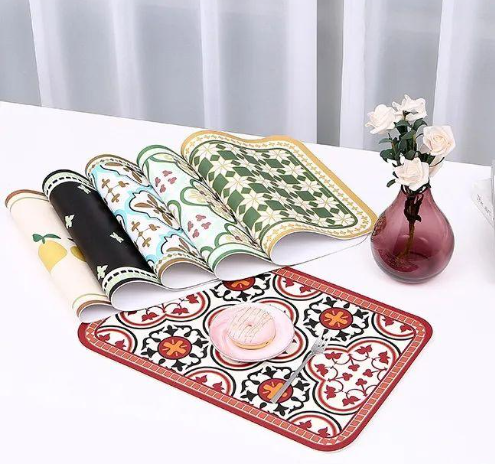
Stone ArtGuide to Stone Engraving Using Longer Laser Engravers
  • 0 comments
  • By Sophia Grant

Guide to Stone Engraving Using Longer Laser Engravers

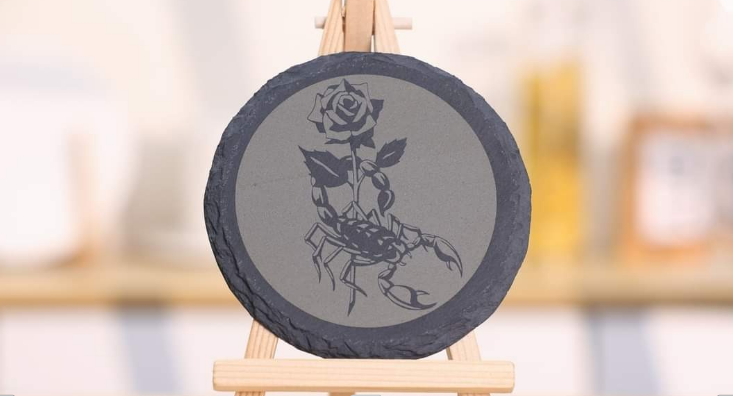
Stone engraving is a popular laser application that allows creators to turn natural materials into durable and detailed artworks. Compared with common materials like wood, stone offers a unique texture and long-lasting finish. With Longer laser engravers, including...
Read more
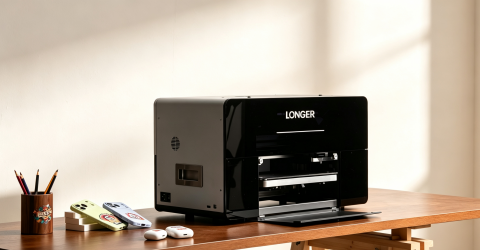
How to Get the Best LaserBurn Parameters Using the Material Library
  • 1 comment
  • By Marcus Bennett

How to Get the Best LaserBurn Parameters Using the Material Library

Introduction Finding the right settings for laser engraving and laser cutting can be difficult, especially when working with different materials. Each material may require different power and speed settings to achieve the best results. To make this process...
Read more
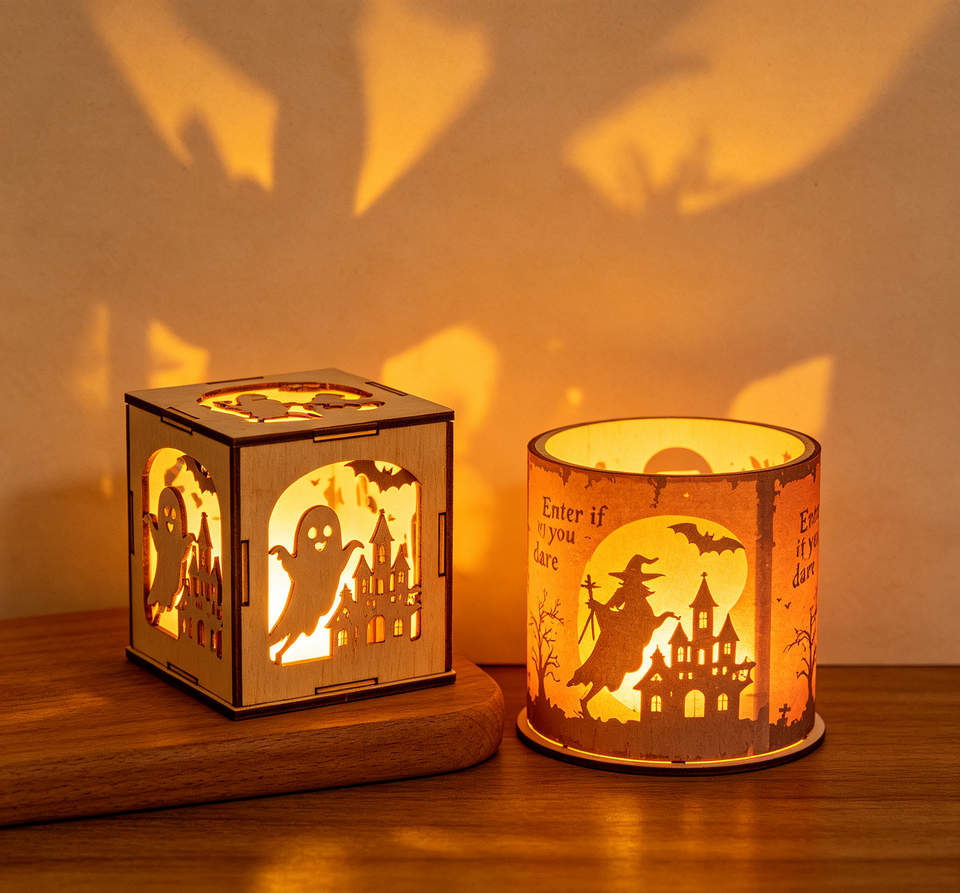
What Is a UV Printer? A Practical Guide to UV Printing Technology
  • 0 comments
  • By Olivia Harper

What Is a UV Printer? A Practical Guide to UV Printing Technology

UV printing technology has become an important part of modern digital manufacturing. In the past, UV printing was mainly used in professional production environments. Today, with the development of desktop UV printers, this technology is becoming more accessible...
Read more
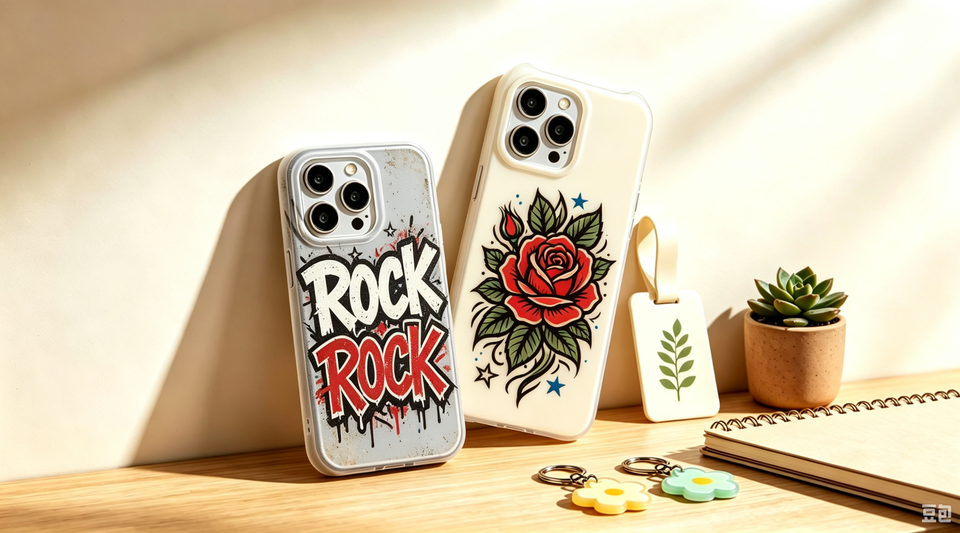
How Does a UV Printer Work? 
  • 0 comments
  • By Marcus Bennett

How Does a UV Printer Work? 

UV printing has become an important digital printing technology for personalized products, small businesses, and industrial manufacturing. By combining precision inkjet printing with ultraviolet curing technology, UV printers can create high-resolution and durable designs on various materials, including...
Read more
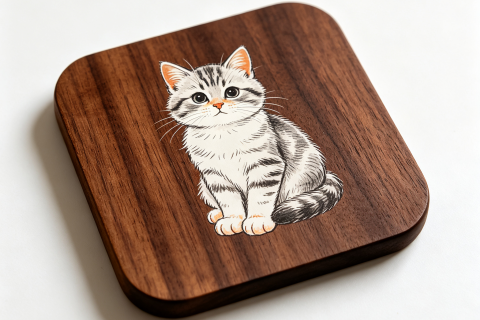
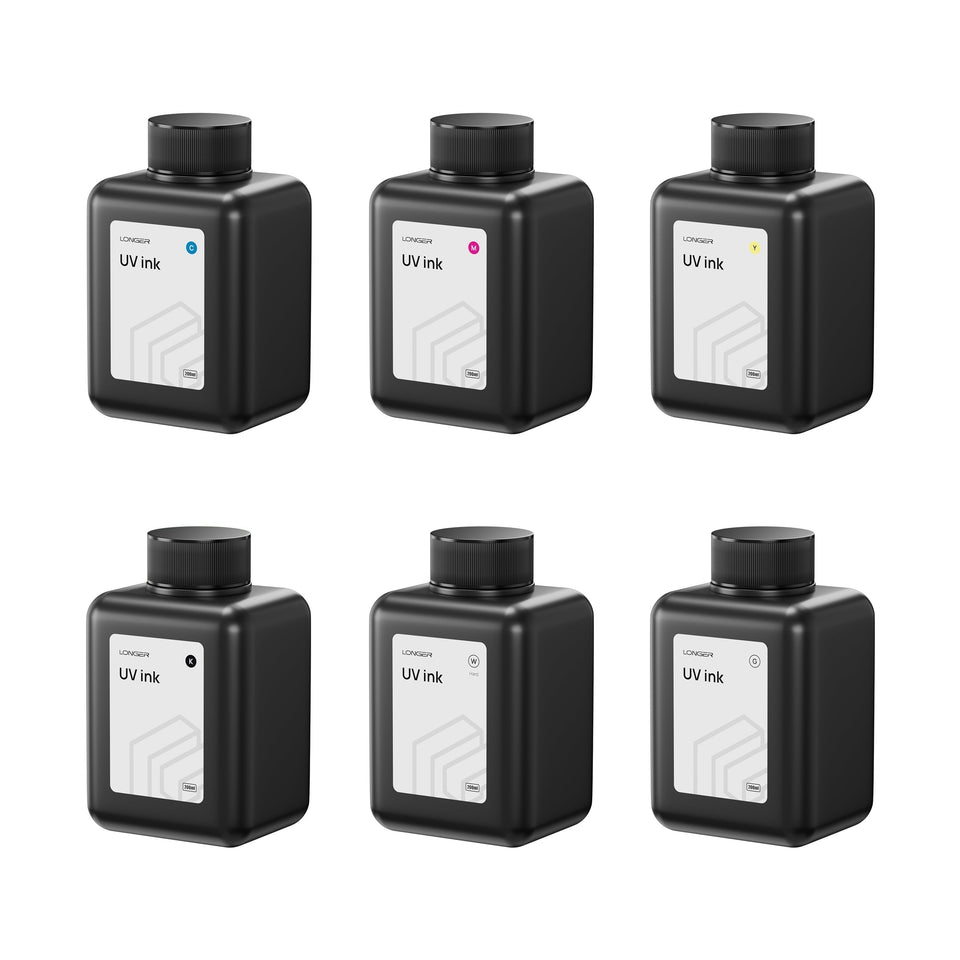
UV Ink Types Explained: A Practical Guide for UV Printer Users
  • 0 comments
  • By Longersupport

UV Ink Types Explained: A Practical Guide for UV Printer Users

UV printing has become a popular solution for product customization, advertising signage, packaging, industrial labeling, and decorative printing. Whether you're using a desktop UV printer, a flatbed UV printer, or a UV DTF printer, UV technology makes it...
Read more
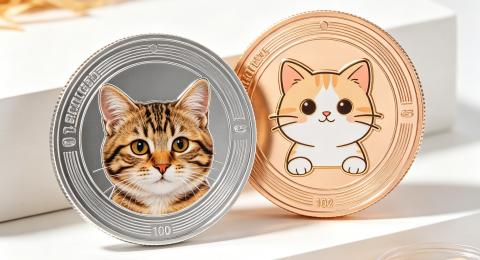
USB Connection Failure Troubleshooting Guide for LaserBurn Software
  • 0 comments
  • By Sophia Grant

USB Connection Failure Troubleshooting Guide for LaserBurn Software

A stable USB connection is important when using LaserBurn software to control your laser engraving device. However, connection problems may sometimes happen because of USB cables, drivers, computer settings, or system compatibility issues. This guide provides a step-by-step...
Read more
RAY5 Series – Vision Correction Alignment Guide
  • 0 comments
  • By Marcus Bennett

RAY5 Series – Vision Correction Alignment Guide

Introduction Before using the visual functions of the RAY5 series laser engraver, you need to complete the visual alignment (visual calibration) process first. This calibration helps the camera accurately match the engraving area, improving positioning accuracy and engraving...
Read more

Fixing the Nano Duo Screen Stuck on the LONGER Logo
  • 1 comment
  • By Olivia Harper

Fixing the Nano Duo Screen Stuck on the LONGER Logo

If your LONGER Nano Duo freezes on the LONGER logo during startup, the firmware may be incomplete or corrupted. In most cases, the issue can be resolved by reflashing the firmware with the official recovery tool. This guide...
Read more
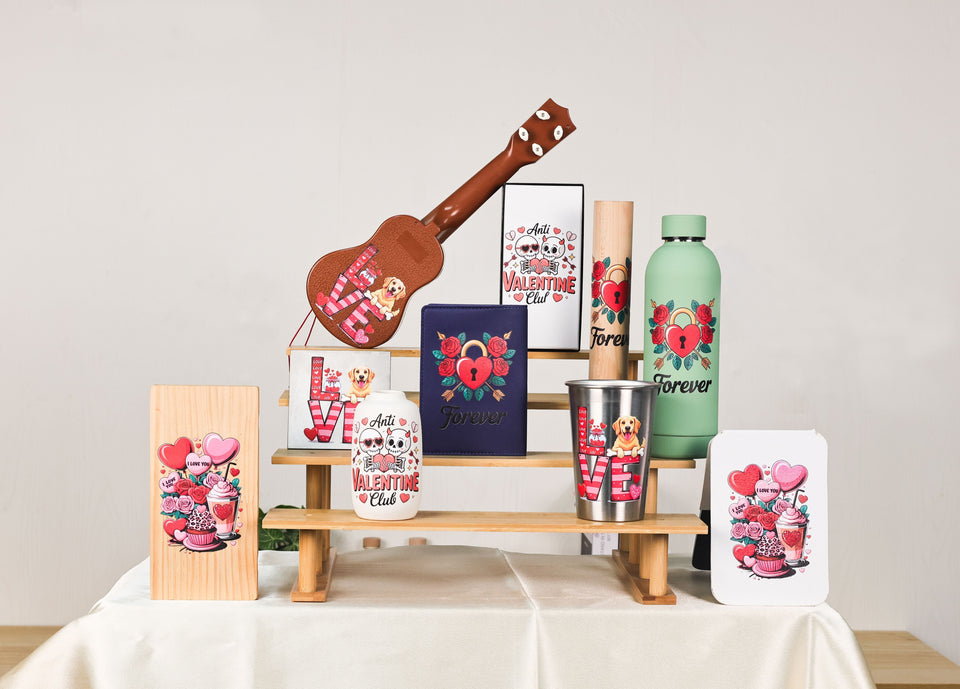
Ray5 Series Firmware Upgrade
  • 1 comment
  • By Marcus Bennett

Ray5 Series Firmware Upgrade

During the operation of the LONGER Ray5 Series laser engraver, users may occasionally experience software-related issues, such as system bugs, unstable performance, or feature limitations. These issues may affect the machine's engraving accuracy, operating stability, and overall laser...
Read more
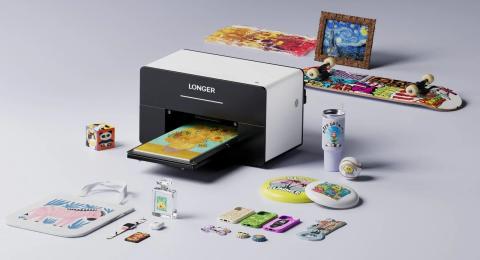
Replacing the Combo Cable on Ray5 10W and 5W
  • 1 comment
  • By Ethan Caldwell

Replacing the Combo Cable on Ray5 10W and 5W

The combo cable connects the control board to the motors, limit switches, and laser module. If the cable is damaged or the connection becomes loose, the machine may experience communication problems or unstable operation. This guide explains how...
Read more
Timing Belt Replacement for Ray5 10W / 5W
  • 1 comment
  • By Sophia Grant

Timing Belt Replacement for Ray5 10W / 5W

The timing belt is an important part of the Longer Ray5 laser engraver. It helps control the movement of the laser module and ensures stable and accurate engraving. After long-term use, the timing belt may become loose, worn,...
Read more
Nano Pro: Sudden Stop During Engraving
  • 1 comment
  • By Marcus Bennett

Nano Pro: Sudden Stop During Engraving

If your LONGER Nano Pro laser engraver suddenly stops while working, the issue is usually related to the USB connection or a triggered safety alarm. This guide explains the common causes and simple solutions to help you quickly...
Read more
Motor Replacement for Ray5 10W / 5W
  • 0 comments
  • By Ethan Caldwell

Motor Replacement for Ray5 10W / 5W

The X-axis and Y-axis motors are important components of the Longer Ray5 laser engraver. They control the movement of the laser module and directly affect engraving accuracy. If the motor becomes damaged, unstable, or stops working properly, replacing...
Read more
Laser Fan Replacement for Ray5 10W / 5W
  • 0 comments
  • By Ethan Caldwell

Laser Fan Replacement for Ray5 10W / 5W

The cooling fan inside the Longer Ray5 10W or 5W laser module plays an important role in maintaining stable operation. If the fan is damaged or stops working properly, replacing it can help restore proper cooling performance. This...
Read more
How to Check and Install Drivers
  • 0 comments
  • By Sophia Grant

How to Check and Install Drivers

Before connecting your Longer laser engraver to your computer, make sure the required drivers are installed correctly. If the driver is missing or installed incorrectly, software such as LightBurn, LaserGRBL, or LaserBurn may not recognize your machine. This...
Read more
Motor Reversal on Ray5 10W and Ray5 5W
  • 0 comments
  • By Sophia Grant

Motor Reversal on Ray5 10W and Ray5 5W

During laser engraving, the correct movement direction of the X-axis and Y-axis is essential for accurate positioning and proper operation. If a motor moves in the opposite direction, it may cause incorrect engraving positions or failed jobs. For...
Read more
How to Update the Firmware on Nano Series
  • 0 comments
  • By Ethan Caldwell

How to Update the Firmware on Nano Series

Keeping your laser engraver firmware updated can help ensure your machine works properly and stays compatible with the latest features and improvements. For the LONGER Nano series, firmware updates can be completed in several ways, including online update...
Read more
Flame Sensor Replacement for Ray5 10W / 5W
  • 0 comments
  • By Olivia Harper

Flame Sensor Replacement for Ray5 10W / 5W

The flame sensor is an important safety component in the LONGER Ray5 laser engraver. It helps detect unexpected flames during operation and activates the machine’s safety protection system. If the flame sensor becomes damaged or stops working properly,...
Read more
“Busy/Paused” Machine Prompt — Nano Troubleshooting
  • 0 comments
  • By Marcus Bennett

“Busy/Paused” Machine Prompt — Nano Troubleshooting

When using the LONGER Nano Series laser engraver, some users may see a “Busy/Paused” message during operation or connection. This message usually appears because of communication issues, such as an active engraving task, incorrect driver installation, USB connection problems,...
Read more
How to Focus the Ray5 Mini
  • 0 comments
  • By Sophia Grant

How to Focus the Ray5 Mini

Proper laser focusing is an important step for achieving clear and precise engraving results with the LONGER Ray5 Mini. An incorrect focus distance may cause blurry engraving, uneven results, or reduced cutting performance. This guide explains how to correctly...
Read more
How to Update the Firmware on Ray5 mini/miniS
  • 0 comments
  • By Ethan Caldwell

How to Update the Firmware on Ray5 mini/miniS

Keeping the firmware updated is important for maintaining stable performance and reliable operation of your LONGER Ray5 mini and Ray5 miniS laser engravers. Firmware updates can improve device compatibility, fix known issues, and optimize communication between the machine...
Read more
Cleaning the Laser Window Lens and Galvo Mirror — Nano
  • 0 comments
  • By Marcus Bennett

Cleaning the Laser Window Lens and Galvo Mirror — Nano

Keeping the optical components of a laser engraver clean is important for maintaining engraving quality and stable performance. During daily use, dust, smoke residue, and engraving debris may accumulate on the laser window lens and galvo mirror, which...
Read more
Nano Duo Firmware Upgrade
  • 0 comments
  • By Marcus Bennett

Nano Duo Firmware Upgrade

Firmware is an important part of the LONGER Nano Duo laser engraver. Regular firmware updates help maintain stable device performance and ensure a smoother engraving experience. This guide explains how to upgrade the firmware on your Nano Duo...
Read more
Display Screen Replacement for Ray5 10W / 5W
  • 0 comments
  • By Olivia Harper

Display Screen Replacement for Ray5 10W / 5W

The display screen is an important part of the LONGER Ray5 10W and Ray5 5W laser engravers, allowing users to control machine settings and monitor operation status. If the display screen becomes damaged, unresponsive, or stops working properly,...
Read more
How to Fix SD Card Not Recognized on Ray5 10W / 5W
  • 1 comment
  • By Sophia Grant

How to Fix SD Card Not Recognized on Ray5 10W / 5W

Using an SD card allows you to perform offline engraving on your LONGER Ray5 10W or 5W laser engraver without connecting the machine to a computer. However, you may sometimes encounter issues such as the SD card not...
Read more
Engraving Errors or Alarms — Ray5 10W / 5W
  • 0 comments
  • By Ethan Caldwell

Engraving Errors or Alarms — Ray5 10W / 5W

Your Ray5 Series machine may occasionally display an alarm during engraving. In most cases, the machine is not damaged. The alarm is usually caused by limit switches, coordinate settings, overscan, or normal machine operation. This guide explains the most...
Read more
Ray5 Flame Sensor and Motion Sensor Alarm Troubleshooting
  • 1 comment
  • By Ethan Caldwell

Ray5 Flame Sensor and Motion Sensor Alarm Troubleshooting

The flame sensor and motion sensor are built-in safety features on the Ray5 laser engraver, designed to protect both the machine and the engraving process. In some cases, these sensors may trigger unexpectedly due to environmental conditions, incorrect...
Read more
How to check the driver and install it
  • 0 comments
  • By Ethan Caldwell

How to check the driver and install it

Before using your Longer laser engraver, make sure the required CH340 driver is installed correctly. A missing or incorrect driver may prevent your computer from recognizing the machine in LightBurn, LaserGRBL, or LaserBurn. This guide shows you how...
Read more
Mainboard Replacement for Ray5 10W / 5W
  • 1 comment
  • By Ethan Caldwell

Mainboard Replacement for Ray5 10W / 5W

Introduction The mainboard is one of the most important components inside a laser engraver. It controls communication between different machine components and ensures stable operation. If the mainboard of your LONGER Ray5 10W or Ray5 5W laser engraver...
Read more
B1: Adjust laser focus
  • 0 comments
  • By Ethan Caldwell

B1: Adjust laser focus

Introduction Proper laser focus is an important step for achieving clear engraving results and efficient cutting performance. A correctly focused laser beam helps create sharper lines, better details, and more consistent engraving results. The LONGER B1 laser engraver...
Read more
Motor Noise Troubleshooting for Ray5 10W / 5W
  • 1 comment
  • By Ethan Caldwell

Motor Noise Troubleshooting for Ray5 10W / 5W

Unusual motor noise on the Longer Ray5 10W / 5W laser engraver may affect engraving accuracy and machine performance. This guide explains common causes of motor noise and provides step-by-step troubleshooting methods. Step 1: Identify the Type of...
Read more
Laser Module Replacement for Ray5 10W / 5W
  • 0 comments
  • By Sophia Grant

Laser Module Replacement for Ray5 10W / 5W

Introduction The laser module is one of the most important components of the LONGER RAY5 laser engraver. Over time, a laser module may need to be replaced due to damage, reduced engraving performance, or other hardware issues. Replacing...
Read more
UV BreakthroughLONGER ePrint: The First Dual Print Head Personal UV Printer Makes a Grand Debut
  • 1 comment
  • By Olivia Harper

Longer ePrint: The First Dual-Head Personal UV Printer

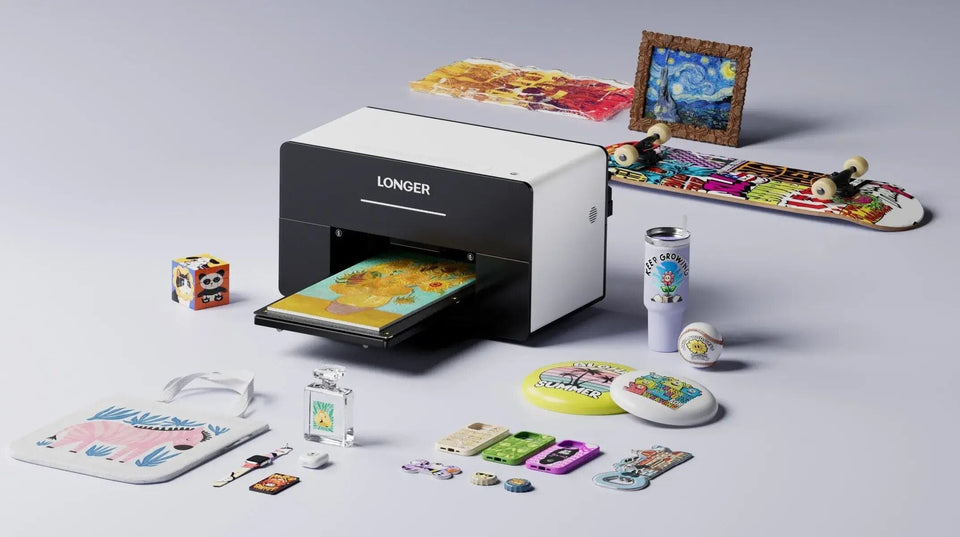
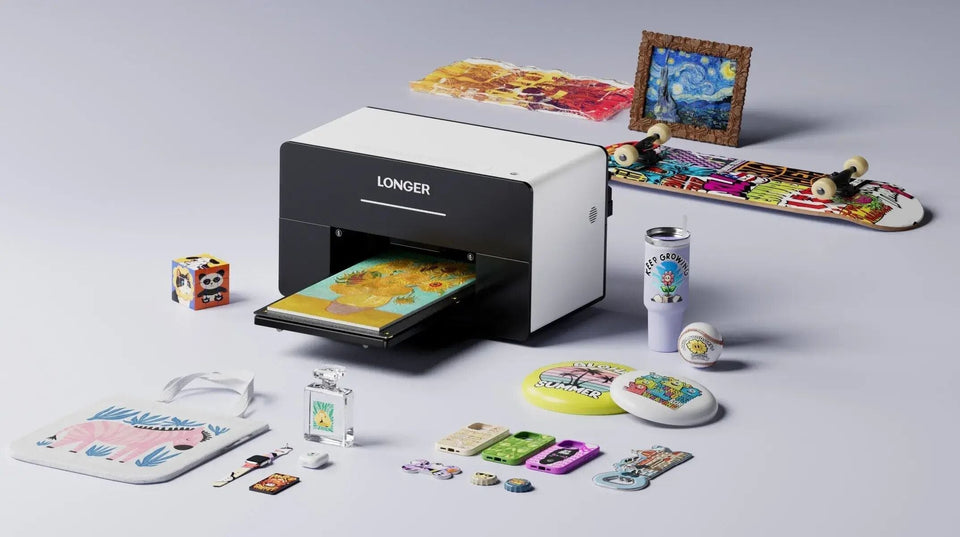
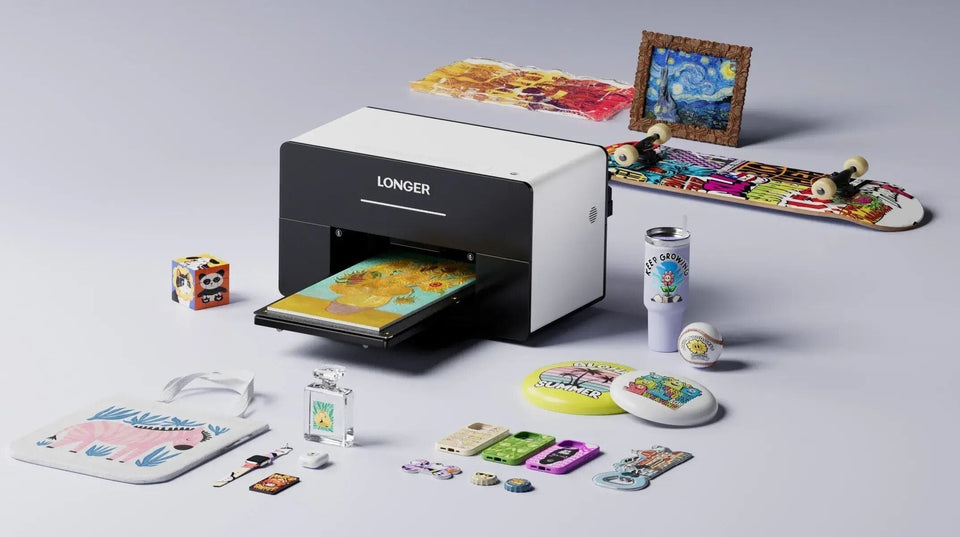
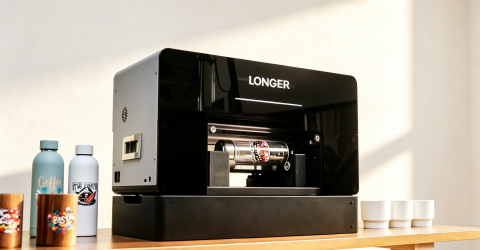
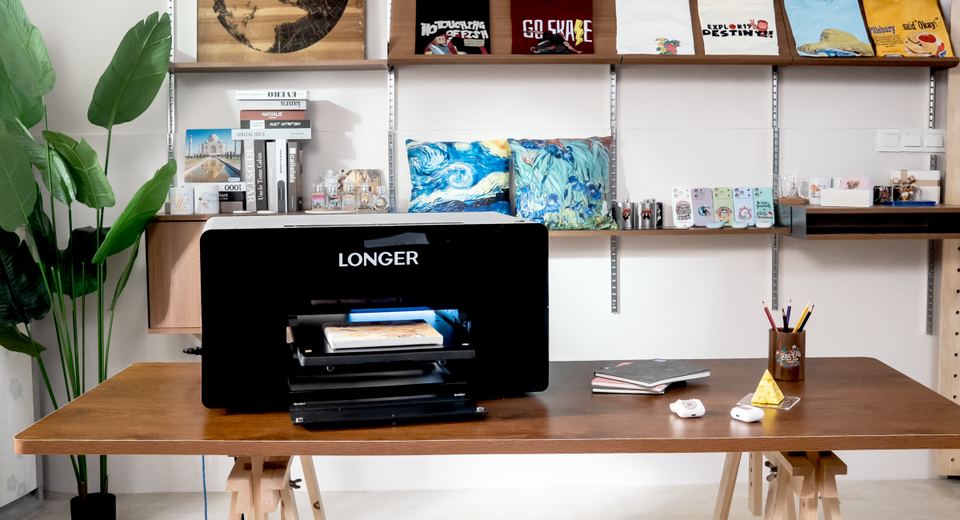
LONGER, a leading brand dedicated to intelligent desktop manufacturing solutions, today announced the launch of its groundbreaking dual-print head desktop printer, LONGER ePrint. This innovative model combines industrial-grade printing performance with a compact design, marking a major leap forward in personalized and small-scale UV printing technology.

Read more
Bed Leveling3D Printer leveling tutorial follow by steps - LONGER
  • 0 comments
  • By Sophia Grant

3D Printer leveling tutorial follow by steps

A properly leveled print bed is the first step to achieving successful 3D printing results. For beginners, incorrect bed leveling can cause problems such as poor first-layer adhesion, uneven printing, or failed prints. This guide explains how to...
Read more
LK1/LK4/LK4 PRO/LK5 PRO
  • 1 comment
  • By Sophia Grant

BLTouch for LK1/LK4/LK4 PRO/LK5 PRO Leveling

This article is to help the LONGER LK and LK Pro series 3d printer users who want to upgrade with auto bed leveling sensor, like BL-TOUCH, LK5 PRO Leveling, etc.
Read more
3D Printer Download Guidelines - LONGER
  • 1 comment
  • By Sophia Grant

3D Printer Download Guidelines

To help users quickly access all essential resources for LONGER 3D printers, this download center provides a structured collection of firmware, slicing software, manuals, drivers, and utility tools. Each section is organized by category and includes brief usage...
Read more
From a Basic Laser to Marina Name Plates: One Maker’s Journey with the Ray5 20W
  • 0 comments
  • By Daniel Brooks

From a Basic Laser to Marina Name Plates: One Maker’s Journey with the Ray5 20W

Every creative journey begins somewhere—sometimes with nothing more than curiosity and a simple machine. For a maker from the United States, that first step into laser engraving quickly grew into a deeper passion. What started with a basic setup soon led to an upgrade to the Longer Ray5 20W, opening new possibilities for personalized and meaningful projects. From marina name plates to thoughtful gifts for friends, this journey shows how hands-on making can transform a simple interest into a rewarding creative pursuit.

Read more
LaserBurnLaserBurn PC Software User Manual
  • 0 comments
  • By AndrewShrimpton

LaserBurn PC Software User Manual

I、Foreword 1.1 Software Introduction LaserBurn is a laser engraving software that allows users to design projects, adjust engraving parameters, and control compatible laser machines. This guide introduces the main features of LaserBurn, including software installation, interface overview, file...
Read more
Wireless WorkflowConnect Ray5 miniS to LightBurn via Wi-Fi
  • 0 comments
  • By Ethan Caldwell

Connect Ray5 miniS to LightBurn via Wi-Fi

The LONGER Ray5 miniS laser engraver supports Wi-Fi connection with LightBurn, allowing users to control the machine wirelessly without using a USB cable. Ray5 miniS provides two Wi-Fi connection modes: AP Mode: The computer connects directly to the...
Read more
LightBurn LayersHow to set up multi-layer management in Lightburn
  • 0 comments
  • By Ethan Caldwell

How to set up multi-layer management in Lightburn

LightBurn layers are an important feature for organizing laser engraving and cutting projects. By using different layers, users can separate different processing tasks and apply specific settings such as power, speed, and passes for each part of the...
Read more
Unable to connect to Lightburn or LaserGRBL for Nano
  • 0 comments
  • By Marcus Bennett

Unable to connect to Lightburn or LaserGRBL for Nano

Introduction If your LONGER Nano Series laser engraver cannot connect to LightBurn or LaserGRBL, or your computer does not recognize the machine, the issue is usually related to the USB connection, driver installation, software configuration, or communication settings....
Read more
Parameter TuningHow to use LaserBurn to test material parameters
  • 0 comments
  • By Ethan Caldwell

How to use LaserBurn to test material parameters

Choosing the correct laser engraving settings is one of the most important steps for achieving high-quality results. While the recommended material parameters provide a useful starting point, different materials, thicknesses, and surface finishes may require adjustments. LaserBurn's Material...
Read more
USB ConnectionHow to connect the machine via USB in different software
  • 0 comments
  • By Ethan Caldwell

How to connect the machine via USB in different software

Connecting your Nano series laser engraver to the correct software through USB is the first step toward reliable communication and successful engraving. Whether you're using LaserGRBL, LightBurn, or LaserBurn Desktop, selecting the correct COM port and configuring the connection properly...
Read more
LaserGRBL SetupLaser GRBL Import configuration file
  • 0 comments
  • By Ethan Caldwell

Laser GRBL Import configuration file

Introduction Before using LaserGRBL with a LONGER Nano or Nano Pro laser engraver, you need to import the correct configuration file to enable the required control functions. The LaserGRBL configuration file adds custom buttons to the software interface...
Read more
How to import configuration files in LightBurn
  • 0 comments
  • By Ethan Caldwell

How to import configuration files in LightBurn

Importing the correct configuration file is an important step when setting up your laser engraver in LightBurn. The correct .lbdev file allows the software to recognize your machine and apply the proper device settings. This guide explains how...
Read more
How to Connect the Machine to LightBurn via USB
  • 0 comments
  • By Ethan Caldwell

How to Connect the Machine to LightBurn via USB

To use the Ray5 miniS laser engraver with LightBurn, you need to correctly install the device configuration, USB driver, and establish a stable USB connection between the machine and the software. This guide explains how to connect the...
Read more
Connecting RAY5 mini to LaserGRBL via Wi-Fi
  • 0 comments
  • By Ethan Caldwell

Connecting RAY5 mini to LaserGRBL via Wi-Fi

Connecting your Ray5 Mini laser engraver to LaserGRBL via Wi-Fi allows for a more flexible and efficient workflow by eliminating the need for a constant USB connection. The RAY5 Mini supports two wireless connection modes: AP mode and STA...
Read more
LaserBurn APP cannot connect to WIFI
  • 0 comments
  • By Ethan Caldwell

LaserBurn APP cannot connect to WIFI

A stable WIFI connection between the LaserBurn APP and your LONGER laser cutter and engraver ensures smooth wireless control, easy parameter adjustments, and a more efficient engraving workflow. If your LaserBurn APP cannot detect or connect to your...
Read more
LightBurn Download Link & License Selection
  • 0 comments
  • By Ethan Caldwell

LightBurn Download Link & License Selection

LightBurn is one of the most popular laser engraving and cutting software solutions for hobbyists, makers, and professional users. It provides powerful design tools, layer management, path optimization, and machine control features for compatible laser engravers. Choosing the correct...
Read more
Import Configuration File
  • 0 comments
  • By Ethan Caldwell

Import the Ray5 miniS Configuration File

If you're using a LONGER Ray5 miniS laser engraver with LightBurn, importing the correct .lbdev configuration file is one of the first and most important setup steps. Without the proper device profile, LightBurn may not communicate with your...
Read more
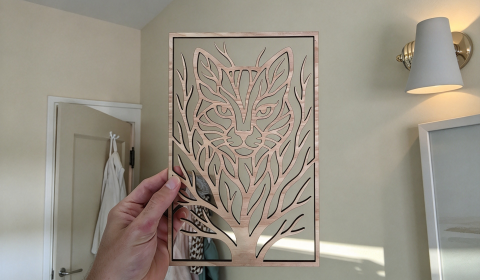
Lens Cleaning for Longer Ray5 10W
  • 1 comment
  • By Daniel Reeves

Lens Cleaning for Longer Ray5 10W

Regular lens cleaning is an important part of maintaining the Longer Ray5 10W. During engraving and cutting, smoke and dust gradually collect on the lens window and nozzle. As the residue builds up, laser performance may decrease and engraving...
Read more
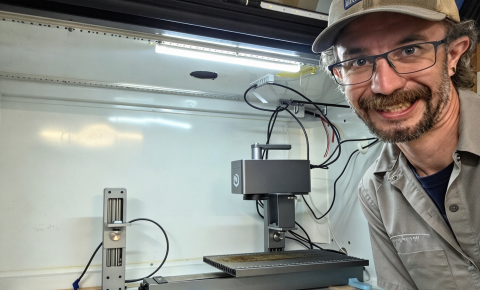
Longer Ray5 Laser Engraving, Carving and Cutting Applications - LONGER
  • 0 comments
  • By Marcus Bennett

Longer Ray5 Laser Engraving, Carving and Cutting Applications

The LONGER Ray5 laser engraver provides an easy way to create personalized designs and practical projects with high precision. Depending on the material and settings, Ray5 can perform different types of laser processing, including engraving, carving, and cutting....
Read more
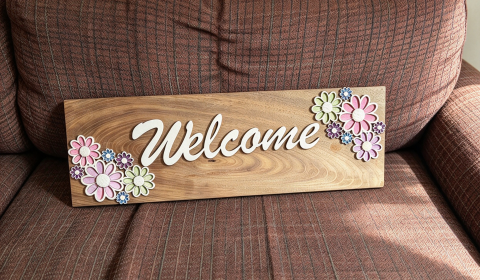
LONGER How To: Set Up Rotary Roller Engraving in LightBurn
  • 0 comments
  • By AndrewShrimpton

LONGER How To: Set Up Rotary Roller Engraving in LightBurn

Engraving curved objects such as tumblers, bottles, and cylinders requires a different setup compared with flat surface engraving. The LONGER Rotary Roller accessory helps laser engravers maintain the correct focal distance while rotating cylindrical materials, allowing users to...
Read more
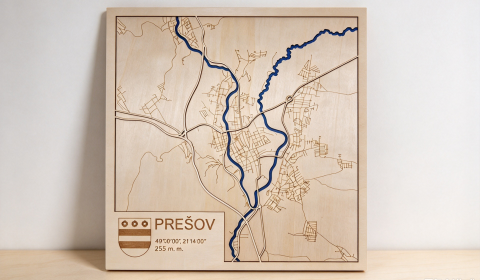
LONGER How To:Use the Circular Array Feature in LightBurn
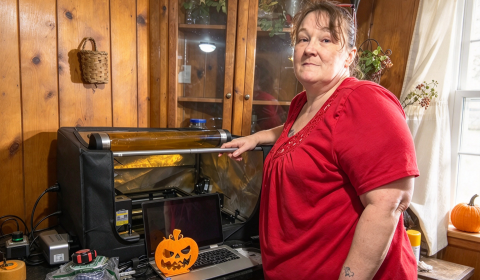
  • 0 comments
  • By Ethan Caldwell

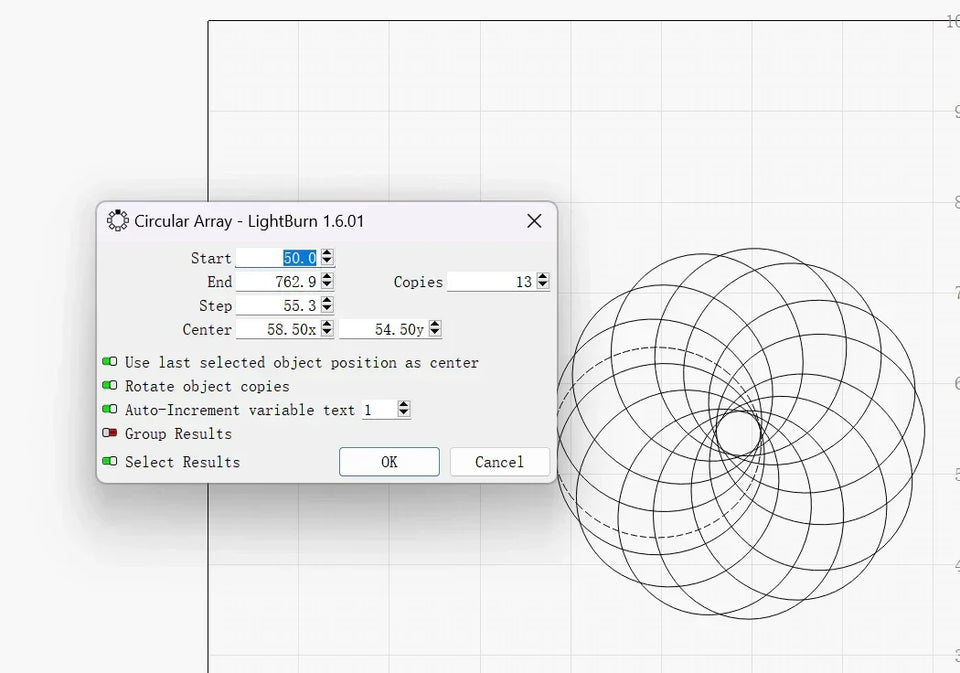
LONGER How To:Use the Circular Array Feature in LightBurn

This guide explains how to use the Circular Array feature in LightBurn to duplicate and arrange objects in radial patterns. Perfect for applications like clock faces, mandalas, and coasters, this tool simplifies complex layouts into a few clicks. You'll learn how to select graphics, configure array parameters, and prepare the final design for laser engraving. Whether you're a beginner or advanced user, mastering this feature enhances both precision and creativity in your Longer laser engraving projects.

Read more
LONGER Academy: Top Diode Laser Safety and Usage Guide: Longer Ray5 10W Review
  • 0 comments
  • By Daniel Reeves

LONGER Academy: Top Diode Laser Safety and Usage Guide: Longer Ray5 10W Review

Hello everyone, geek Andy here! Welcome to my in-depth series on laser diode engravers. My first own laser engraver, the Longer Ray5 10W. For geeks, LONGER machines are 100% amazing, they are dedicated to creating powerful and sincere products, suitable for technology enthusiasts who pay great attention to parameters and cost-effectiveness.
Read more
Cutting Test with LaserGRBL for Longer Ray5 & B1
  • 0 comments
  • By Daniel Reeves

Cutting Test with LaserGRBL for Longer Ray5 & B1

Different materials require different laser power, engraving speed, and cutting passes to achieve clean cutting results. Even materials of the same type may vary in density or composition, which can affect cutting performance. The LaserGRBL Cutting Test helps...
Read more
Longer Laser Rotary Roller - LONGER
  • 1 comment
  • By Daniel Reeves

Longer Laser Rotary Roller

The Longer Laser Rotary Roller is a useful accessory for laser engraving curved objects. Unlike flat materials, cylindrical items such as pens, jars, and bottles require a different engraving method to keep the laser focused. By rotating the...
Read more
15 Best Hobbies For Retirement Using Laser Engraver
  • 0 comments
  • By Daniel Reeves

15 Best Hobbies For Retirement Using Laser Engraver

Introduction Retirement opens a new chapter of life with more time to explore creative hobbies and personal interests. For many retirees, finding a hobby that is both enjoyable and meaningful can bring new energy and inspiration to daily...
Read more
Review about Longer Ray5 10W
  • 0 comments
  • By Daniel Reeves

Review about Longer Ray5 10W

Choosing the right laser engraver depends on several factors, including laser power, working area, precision, speed, and material compatibility. The Longer Ray5 10W is designed for users who need accurate engraving and cutting performance. With its 10–12W laser...
Read more
Introduction to different types of lasers - LONGER
  • 0 comments
  • By Daniel Reeves

Introduction to different types of lasers

Laser technology is widely used in modern manufacturing, engraving, cutting, communication, and many other industries. From industrial machines to consumer laser engravers, different types of lasers are designed for different applications. Although all lasers work based on the...
Read more
Mesh Bed Levelling for LK4PRO & LK5PRO - LONGER
  • 0 comments
  • By Daniel Reeves

Mesh Bed Levelling for LK4PRO & LK5PRO

For users of LONGER LK4PRO and LK5PRO FDM 3D printers, a BL-Touch automatic leveling sensor can help improve bed leveling accuracy and print consistency. However, BL-Touch normally performs a new bed measurement before every print. This process takes...
Read more
BL-Touch Installing Guide for LK4PRO & LK5PRO - LONGER
  • 1 comment
  • By Daniel Reeves

BL-Touch Installing Guide for LK4PRO & LK5PRO

The Longer LK4 PRO and LK5 PRO are FDM 3D printers that can benefit greatly from a BL-Touch automatic bed leveling sensor upgrade. This upgrade improves first-layer consistency and reduces the need for manual bed leveling. With BL-Touch installed,...
Read more
Lens Cleaning for Longer Ray5 5W - LONGER
  • 1 comment
  • By Daniel Reeves

Lens Cleaning for Longer Ray5 5W

Introduction Regular maintenance is important for keeping your laser engraver working properly. During engraving and cutting, smoke, dust, and residue may build up on the laser module lens over time. A dirty lens can affect laser performance, reduce...
Read more
Engraving & Cutting with Lightburn and Longer Ray5 - LONGER
  • 0 comments
  • By Daniel Reeves

Engraving & Cutting with Lightburn and Longer Ray5

The Longer Ray5 laser engraver makes it easy to engrave and cut a wide variety of materials, including wood, acrylic, leather, and more. Many users want to complete both engraving and cutting in a single job to save...
Read more
testMaterial Testing for Longer Ray5 5W & 10W
  • 1 comment
  • By Daniel Reeves

Material Testing for Longer Ray5 5W & 10W

Longer Ray5 5W and  Ray5 10W allow users to engrave and cut a wide range of materials with high precision and efficiency. However, different materials require different combinations of laser power and speed. Each material reacts differently to the laser beam. Even...
Read more
Air Assist Kit installation for Longer Ray5 10W & 5W
  • 1 comment
  • By Daniel Reeves

Air Assist Kit installation for Longer Ray5 10W & 5W

Air Assist is an essential upgrade for the LONGER Ray5 10W and Ray5 5W laser engravers, designed to improve engraving quality, reduce burn marks, and enhance cutting performance. During laser engraving, high-energy beams can generate heat that affects...
Read more
Hotend Replacement for Longer FDM 3D Printer - LONGER
  • 0 comments
  • By Daniel Reeves

Hotend Replacement for Longer FDM 3D Printer

The hotend is one of the most important parts of an FDM 3D printer. Over time, it may need to be replaced due to wear or printing issues such as persistent clogs. Common causes include a small gap...
Read more
Hotends comparison - MK8 vs V6 - LONGER
  • 0 comments
  • By Daniel Reeves

Hotends comparison - MK8 vs V6

The hotend is one of the most important parts of an FDM 3D printer. It melts the filament and deposits the molten material through the nozzle to create each printed layer. A typical 3D printer hotend consists of...
Read more
PETG 3D Printing in FDM - LONGER
  • 0 comments
  • By Daniel Reeves

PETG 3D Printing in FDM

PETG is one of the most popular materials used in FDM 3D printing. It combines the easy printing characteristics of PLA with better durability and strength, making it suitable for many different applications. Longer FDM 3D printers can...
Read more
Longer Fanducts for FDM 3D printers - LONGER
  • 0 comments
  • By Marcus Bennett

Longer Fanducts for FDM 3D printers

In FDM 3D printing, proper cooling is important for improving print quality. The cooling fan helps the filament solidify quickly, while the fanduct guides and directs airflow to the printed area. LONGER provides different fanduct designs for FDM...
Read more
Longer Drawing Machine - LONGER
  • 0 comments
  • By Daniel Reeves

Longer Drawing Machine

A pen plotter is a creative upgrade that allows a LONGER FDM 3D printer to work as a computer-controlled drawing machine. By replacing the print head with a pen holder, the printer can draw 2D designs with the...
Read more
Diode Laser Engraver (450 nm) vs CO2 Laser Engraver (1024 nm) - LONGER
  • 0 comments
  • By Daniel Reeves

Diode Laser Engraver (450 nm) vs CO2 Laser Engraver (1024 nm)

Laser engravers use different types of laser sources, and the wavelength of the laser plays an important role in how the machine interacts with different materials. Among consumer and industrial laser engraving solutions, diode laser engravers and CO₂...
Read more
3D RESIN PRINTER REVIEW | DON'T UNDERESTIMATE THE MIGHTY ORANGE 30 - LONGER
  • 0 comments
  • By Marcus Bennett

3D RESIN PRINTER REVIEW | DON'T UNDERESTIMATE THE MIGHTY ORANGE 30

In this user review, a 3D printing enthusiast shares their experience with the LONGER Orange 30 Resin 3D Printer, including the unboxing process, setup, printing performance, and overall usage experience. This review provides a closer look at how...
Read more
Air Assist Kit installation for Longer Ray5 10W - LONGER
  • 0 comments
  • By Marcus Bennett

Air Assist Kit installation for Longer Ray5 10W

Introduction Air Assist is an important accessory for improving laser engraving and cutting performance. By providing a continuous airflow during the engraving process, it helps remove smoke and residue from the working area. For the LONGER Ray5 10W...
Read more
MKSLaser - Longer Ray5 Smartphone App - LONGER
  • 1 comment
  • By Marcus Bennett

MKSLaser - Longer Ray5 Smartphone App

The Longer Ray5 laser engraver uses an MKS DLC32 mainboard with wireless connectivity, microSD card support, and a touchscreen interface. It also supports full remote control through the MKSLaser application on Android and iOS devices. MKSLaser allows users to...
Read more
Installing Octoprint on Laptop/Tablet for 3D FDM printers - LONGER
  • 0 comments
  • By Marcus Bennett

Installing Octoprint on Laptop/Tablet for 3D FDM printers

Introduction Many FDM 3D printer users want a more convenient way to manage and monitor their printing process. With OctoPrint, users can remotely control their printer, upload files, monitor printing progress, and expand functions through plugins. Normally, OctoPrint...
Read more
How to upgrade LONGER LK4 PRO into a mini-LK5 PRO - LONGER
  • 0 comments
  • By Marcus Bennett

How to upgrade LONGER LK4 PRO into a mini-LK5 PRO

The Longer LK4 PRO and LK5 PRO are both popular FDM 3D printers with similar designs. While the LK5 PRO offers a larger printing area and several hardware improvements, LK4 PRO users can also upgrade their machines with some...
Read more
Transform a 2D image into a 3D model - LONGER
  • 0 comments
  • By Marcus Bennett

Transform a 2D image into a 3D model

Turning a simple 2D image into a printable 3D model is one of the easiest ways to start exploring creative 3D printing. With the help of image conversion tools, photos, logos, and artwork can be transformed into 3D...
Read more

Blog posts

This section doesn’t currently include any content. Add content to this section using the sidebar.