LONGER How to: Quickly Create Multiple Repeating Patterns Using “Create an Array of the Selected Objects” in LightBurn
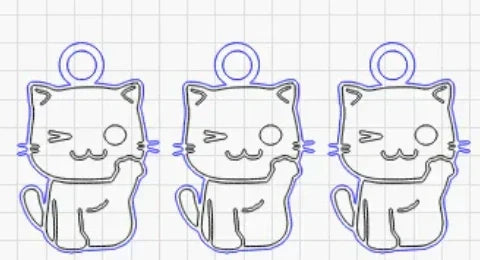
Repeating the same pattern in laser engraving projects can be time-consuming if done manually. LightBurn’s “Create an Array of the Selected Objects” feature allows LONGER laser engraver users to instantly duplicate any design in multiple rows and columns with precise spacing and alignment. This step-by-step guide explains how to use the array tool, customize its parameters, and streamline repetitive tasks—ideal for bulk production or patterned engraving. Save time, boost accuracy, and improve workflow efficiency with this powerful LightBurn function.