
Longer laser engravers, including the Longer Ray5, Longer B1 and Longer Nano, are fully compatible with LightBurn, a powerful laser engraving software that helps users achieve more creative possibilities.
Recently, LightBurn released version V2.0 with several new features and improvements. However, after updating, some users may experience issues such as incorrect graphical interface display or problems with the preview function. This guide explains how to temporarily solve these issues by restoring a previous stable version of LightBurn.
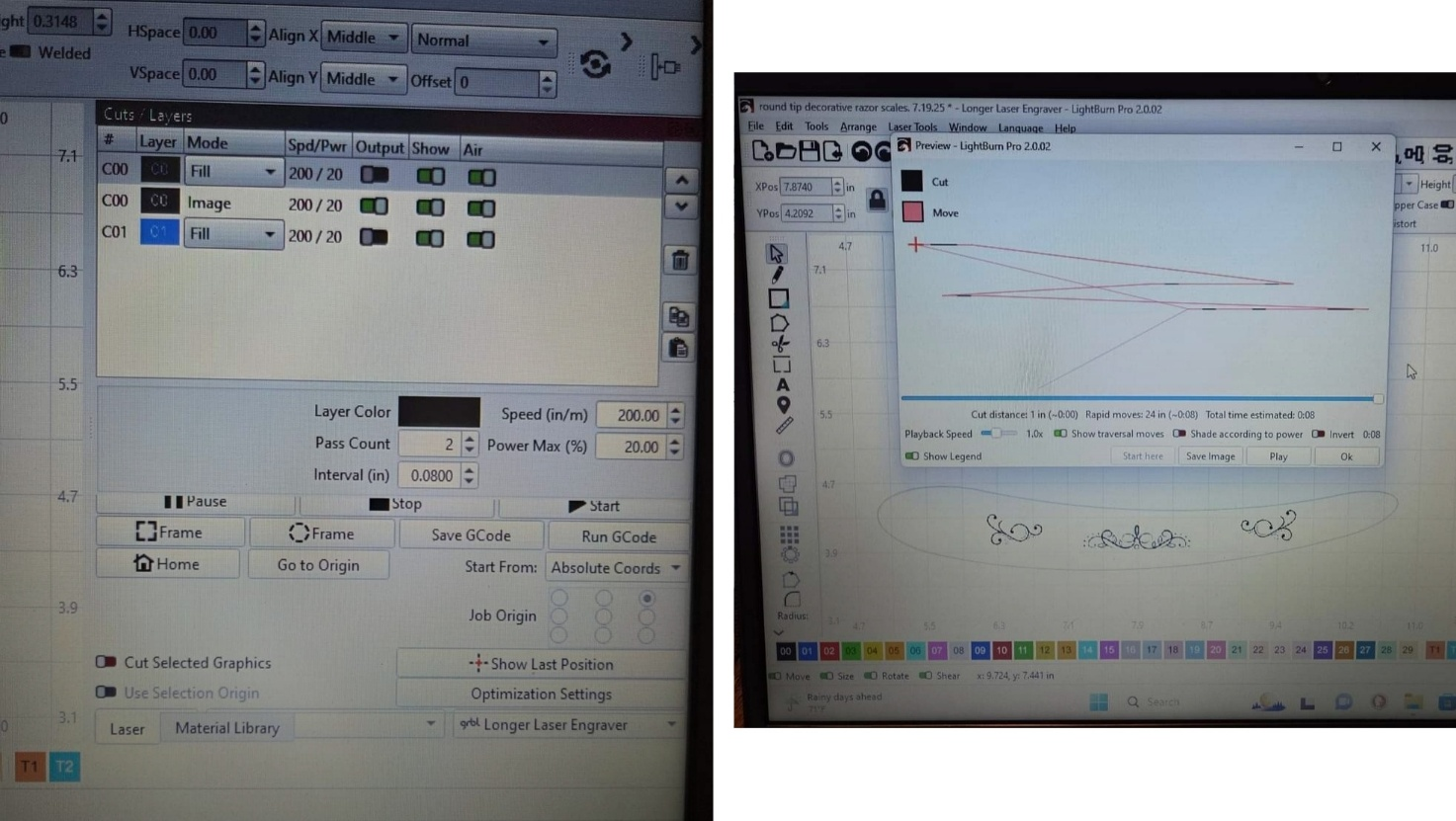
Why Do Some Users Experience Issues After Updating to LightBurn V2.0?
LightBurn V2.0 introduces new functions and updates, but software updates may sometimes cause compatibility issues on certain systems.
If you encounter problems with the interface display or job preview after upgrading to LightBurn V2.0, you can return to an earlier version that works properly while waiting for future updates.
How to Downgrade LightBurn to a Previous Version
Follow the steps below to restore LightBurn to version 1.7.08.
Step 1: Uninstall LightBurn V2.0
First, completely uninstall LightBurn V2.0 from your computer. After uninstalling, restart your computer to ensure that all related files are properly removed.
Step 2: Download a Previous LightBurn Version
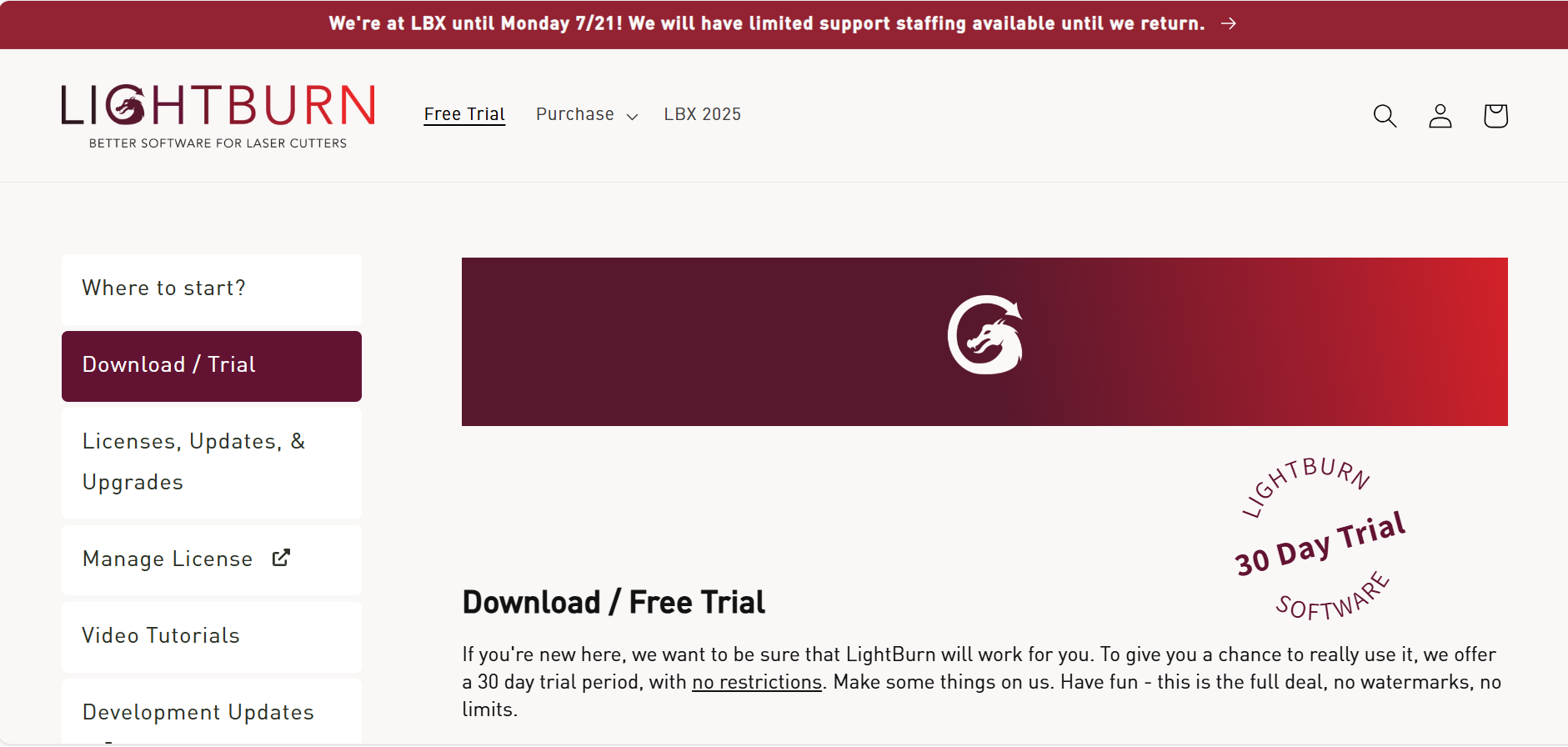
- Visit the LightBurn official download page.
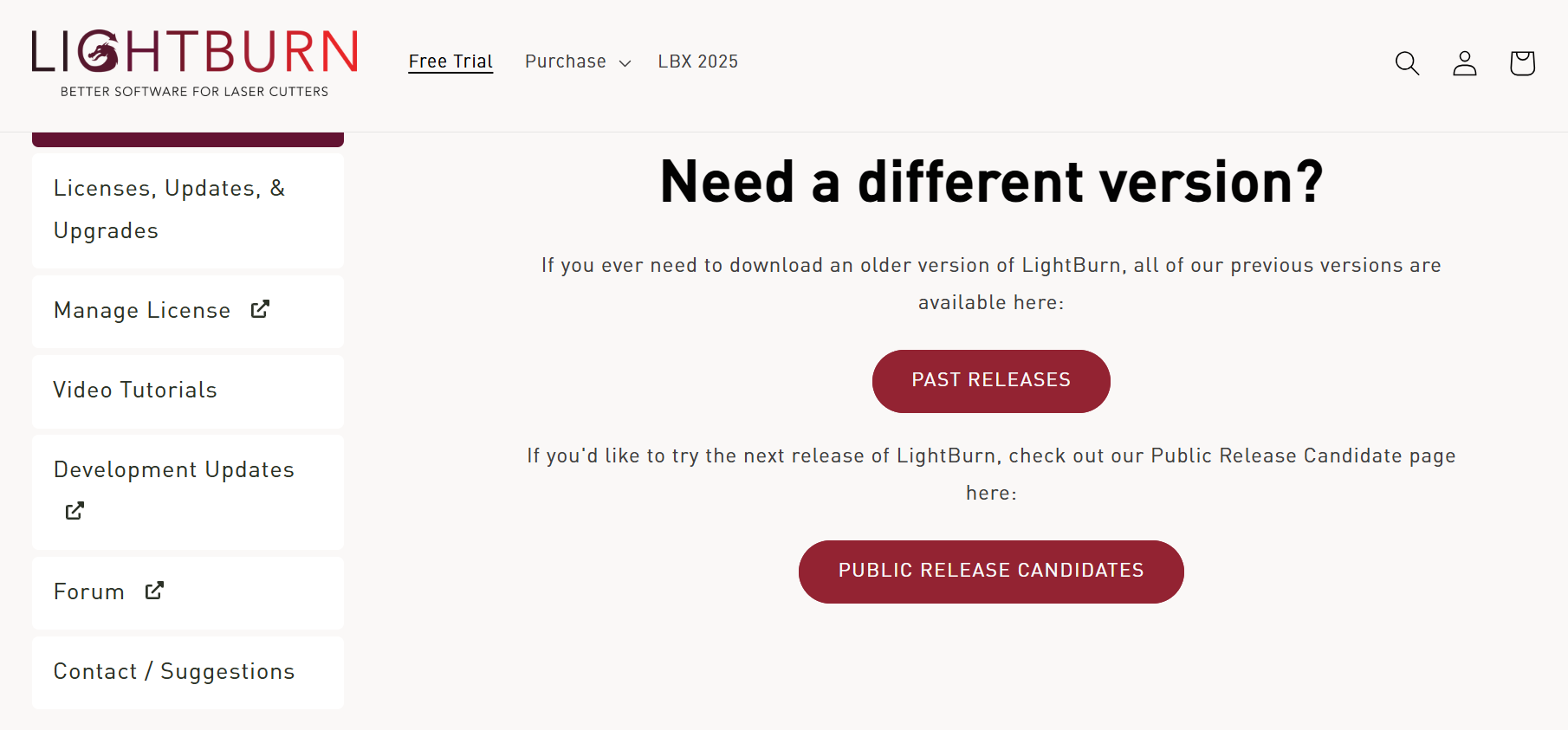
- On the download page, select "Past Releases" to view previous LightBurn versions.
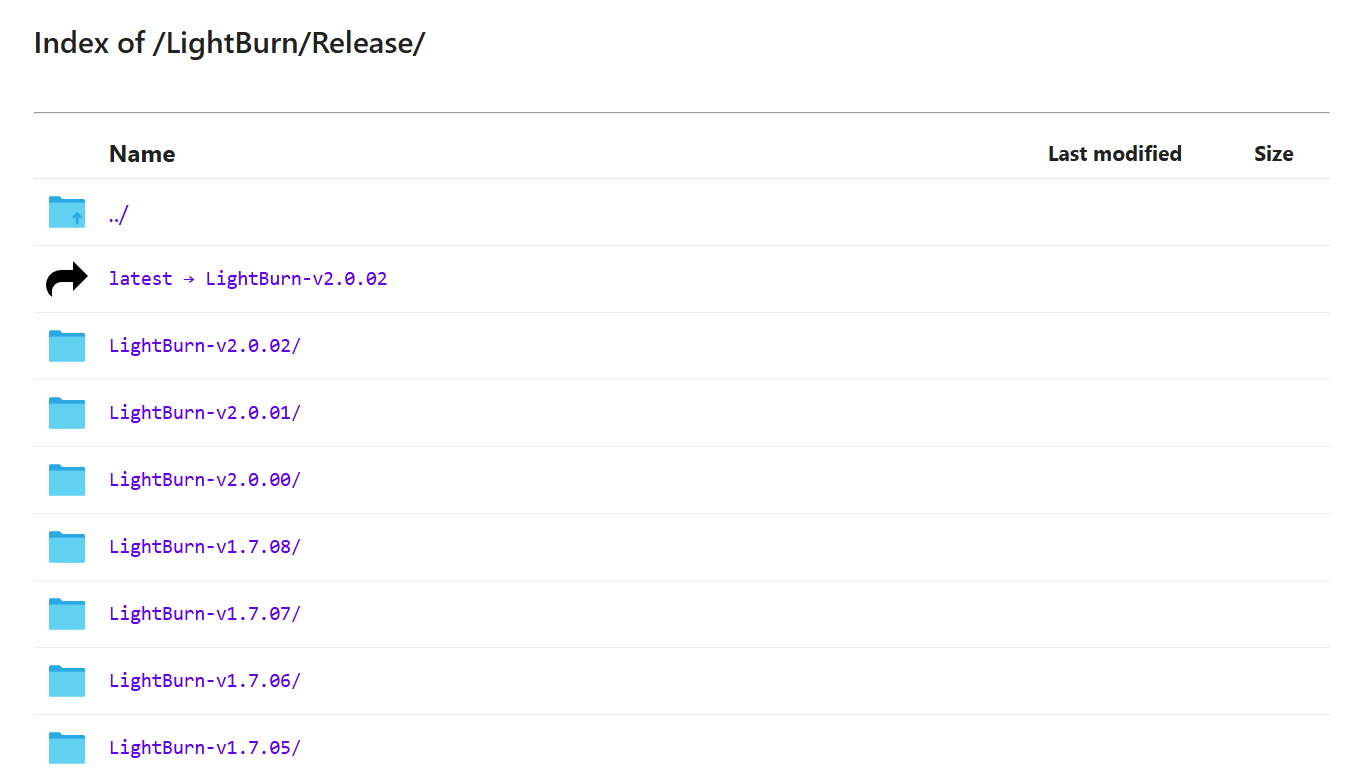
- Find and download LightBurn version 1.7.08 according to your operating system.
Step 3: Install LightBurn 1.7.08
- After the download is complete, install LightBurn 1.7.08 on your computer.
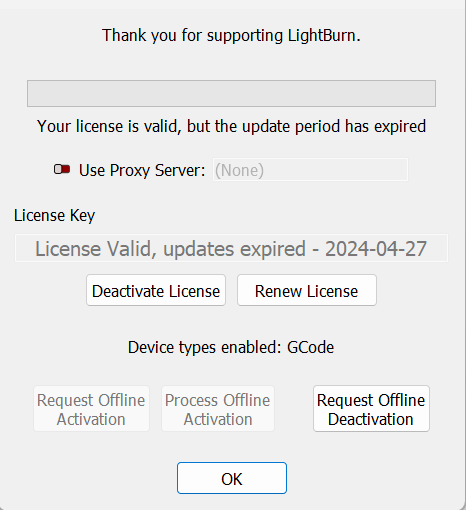
- During installation, enter your LightBurn activation license again if required.
- Once the installation is finished, LightBurn 1.7.08 will be ready to use.
Conclusion
Software updates can sometimes bring unexpected compatibility issues. If you experience display or preview problems after updating to LightBurn V2.0, restoring LightBurn to version 1.7.08 is a simple temporary solution.
By following the steps above, you can quickly return to a stable engraving workflow and continue creating with your Longer laser engraver.
Share:
LONGER How to: Ray5 Mini Laser Engraver Tips Using LightBurn
LONGER How To|How to Upgrade the Firmware on the Nano Duo