
Studio

Made on the LONGER Ray7S.
Create a vase
with just one finger.
Draw a curve. Glowforge Studio turns it into a vase for your LONGER Ray7S.
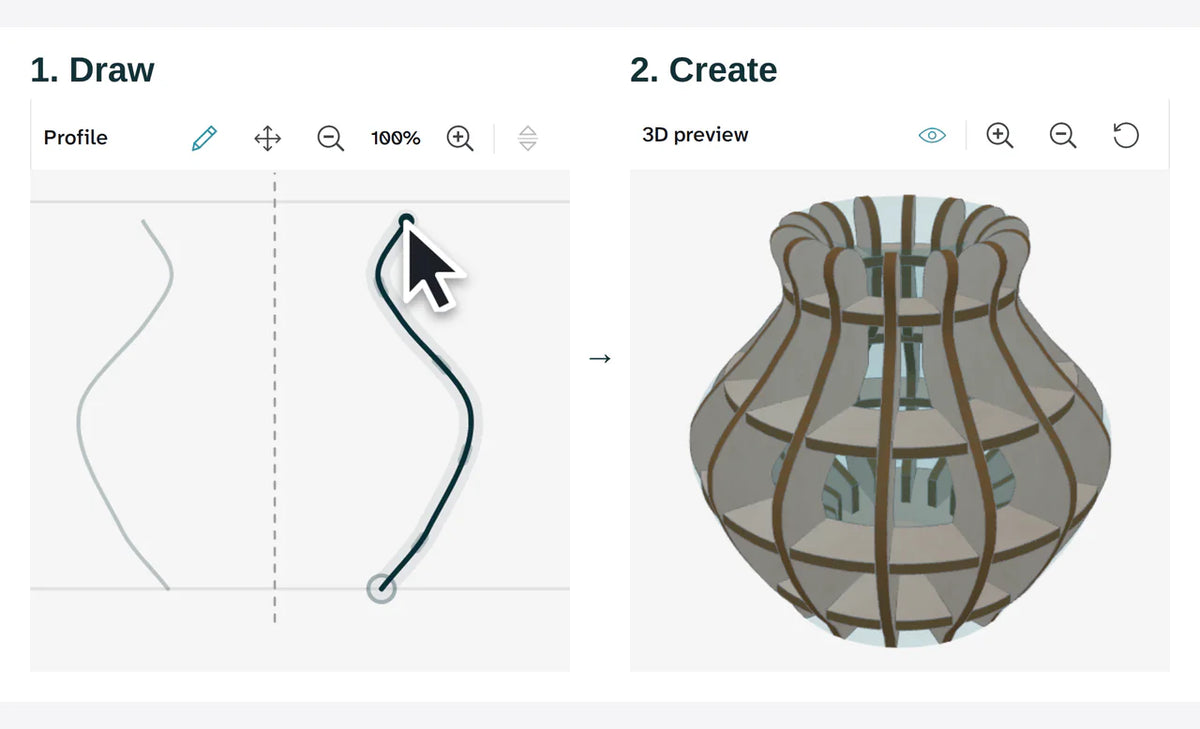

Your curve. Your vase.
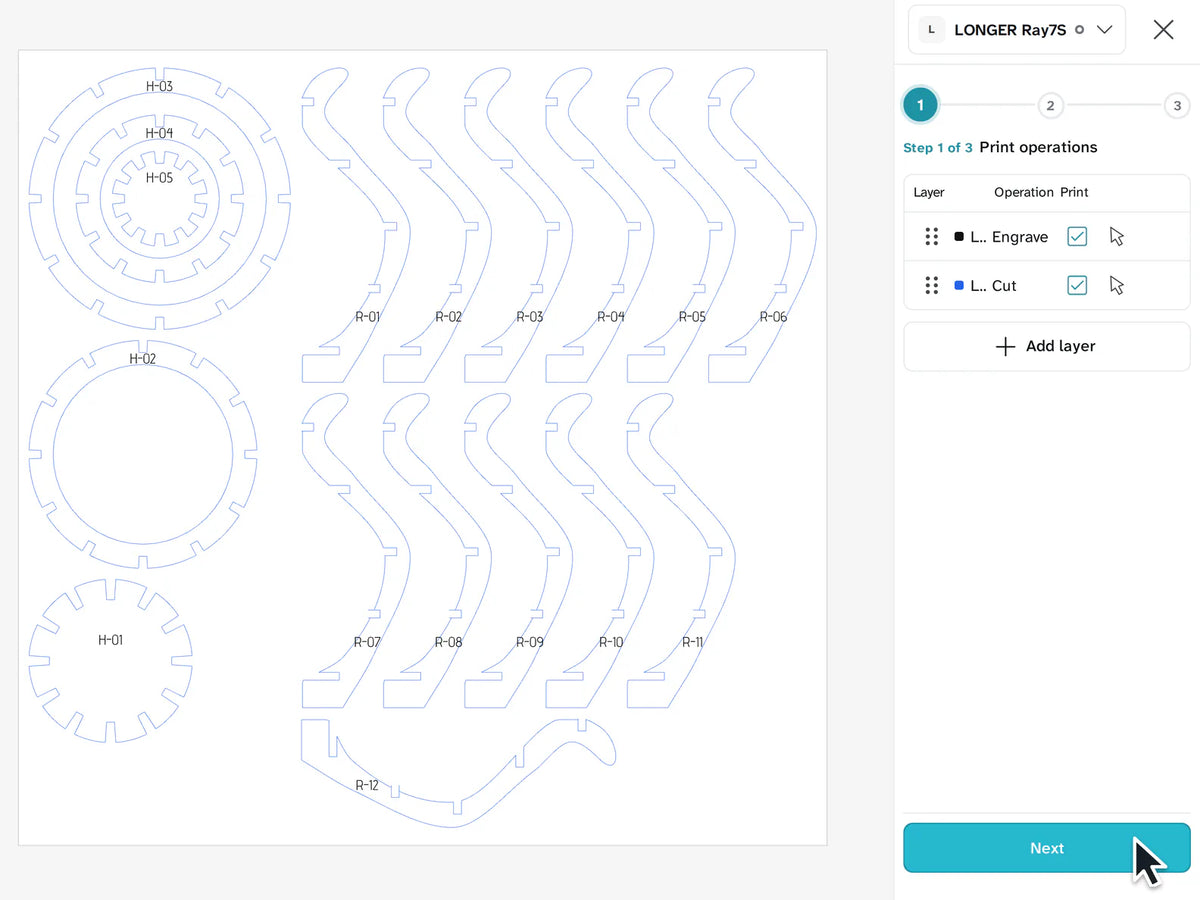
The real thing
3D Create in Glowforge Studio
11 projects.
All free in Glowforge Studio.

-
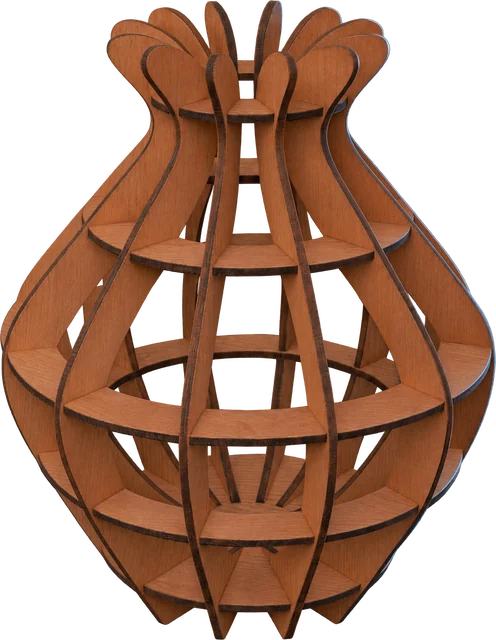 Create a vase with just one finger.Ray7S only
-
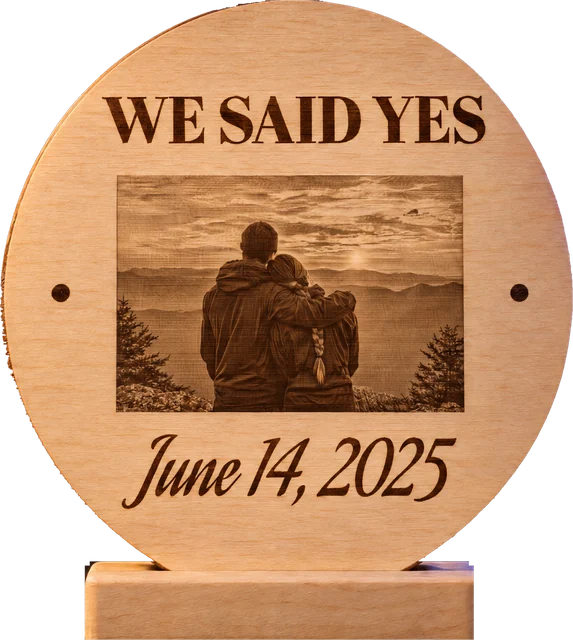 Engrave the memory.
-
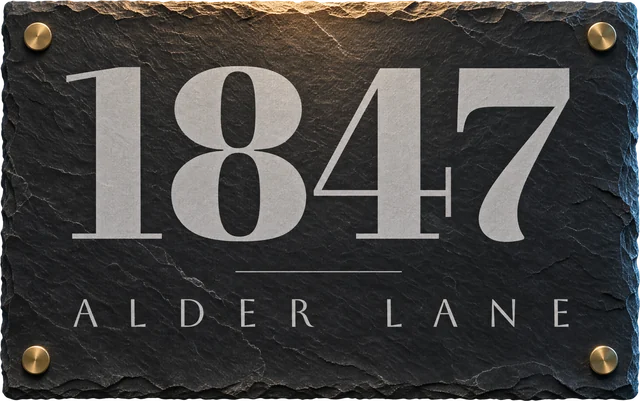 Own your address.Ray7S only
-
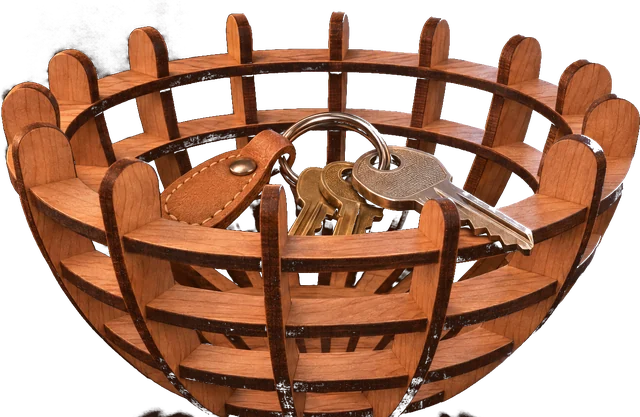 Create a bowl with just one finger.Ray7S only
-
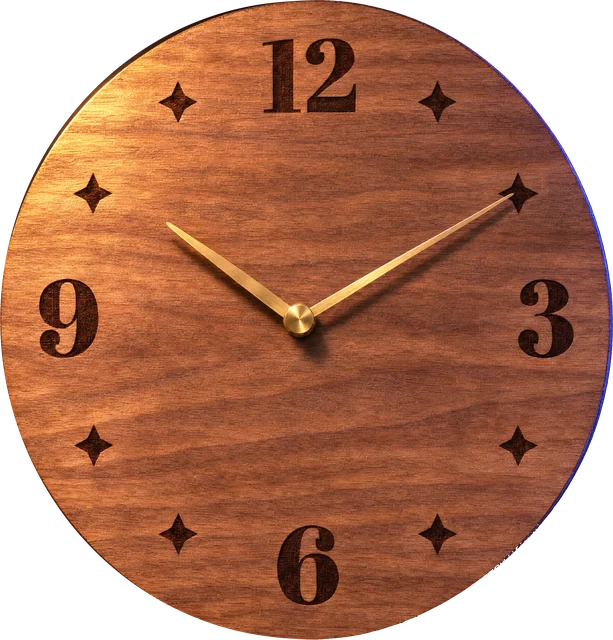 Make time.Ray7S only
-
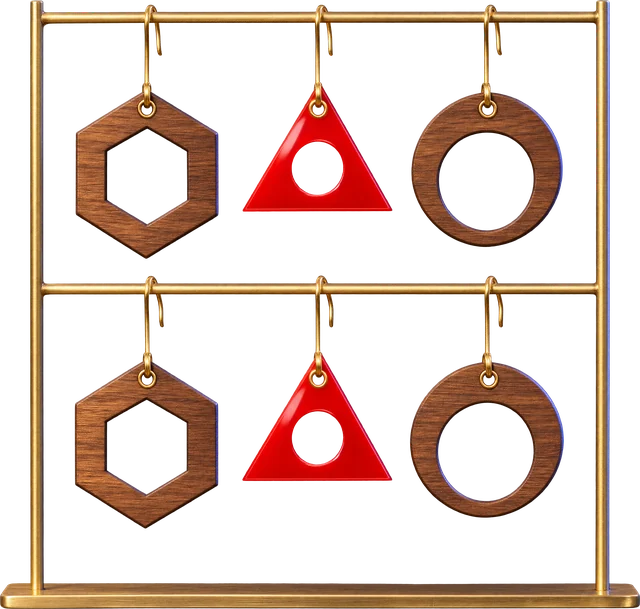 Wear your work.
-
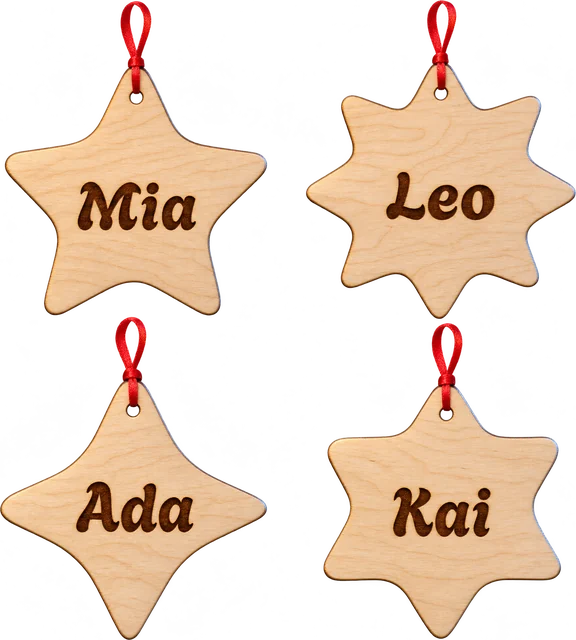 Name a star.
-
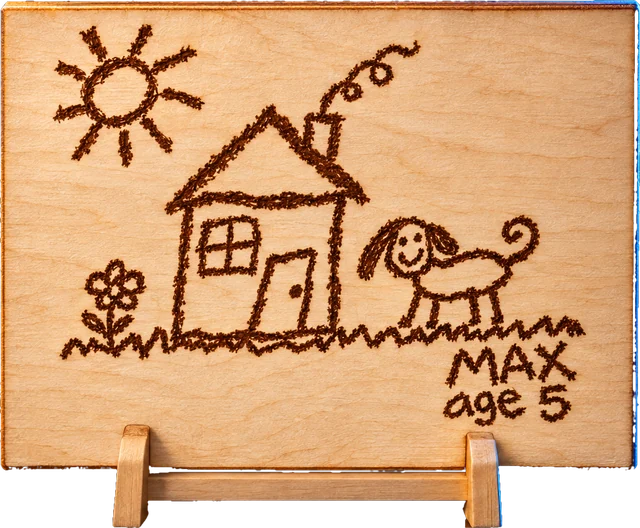 Off the fridge. Into wood.
-
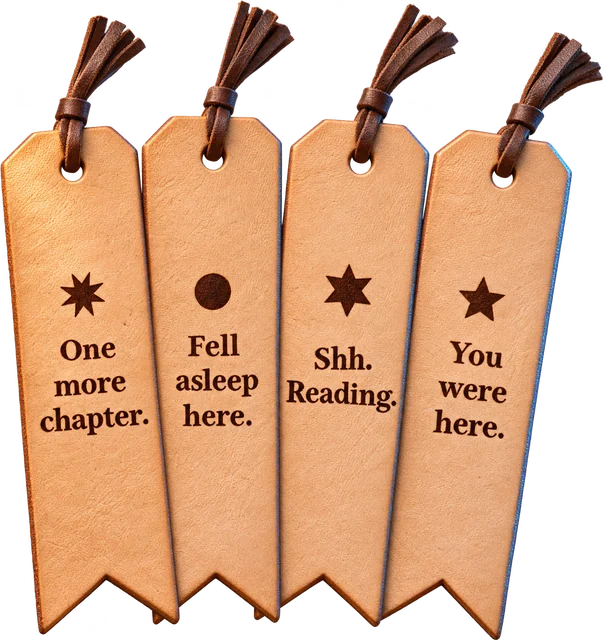 Save your place.
-
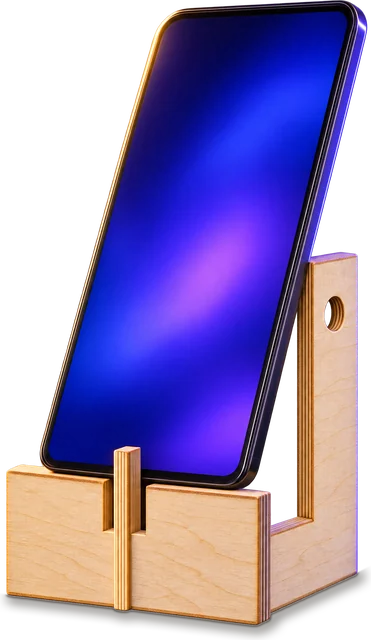 Stand and deliver.
-
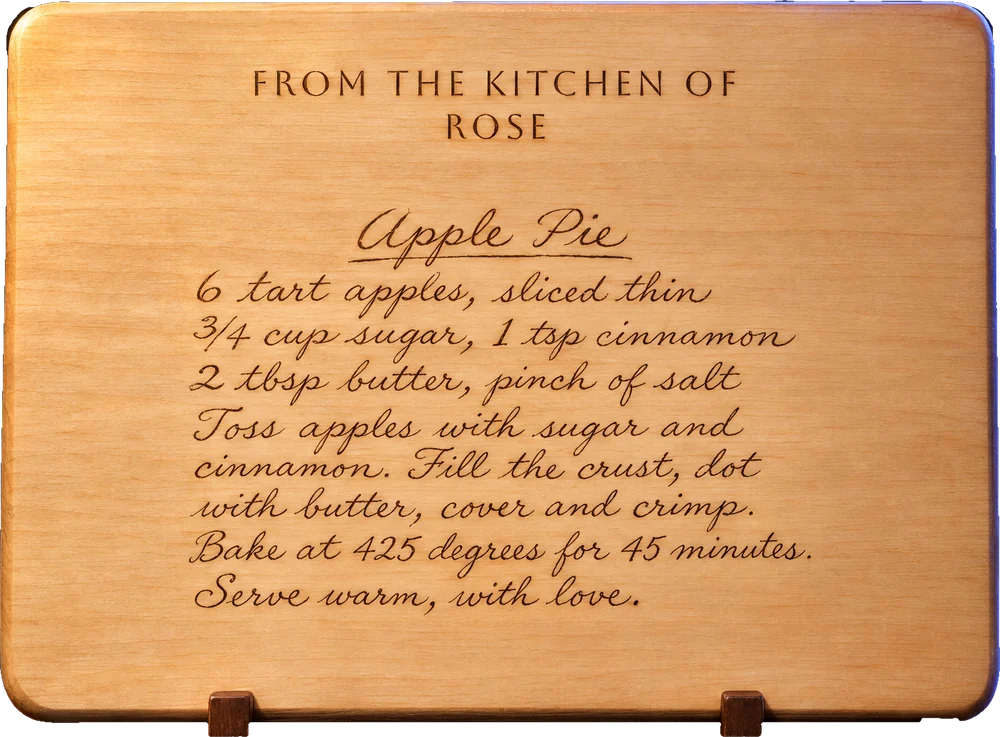 Her handwriting.
Forever.Ray7S only
Type your name.
See it engraved.


The real thing
Fonts, free in Glowforge Studio.
Three steps to your first cut.
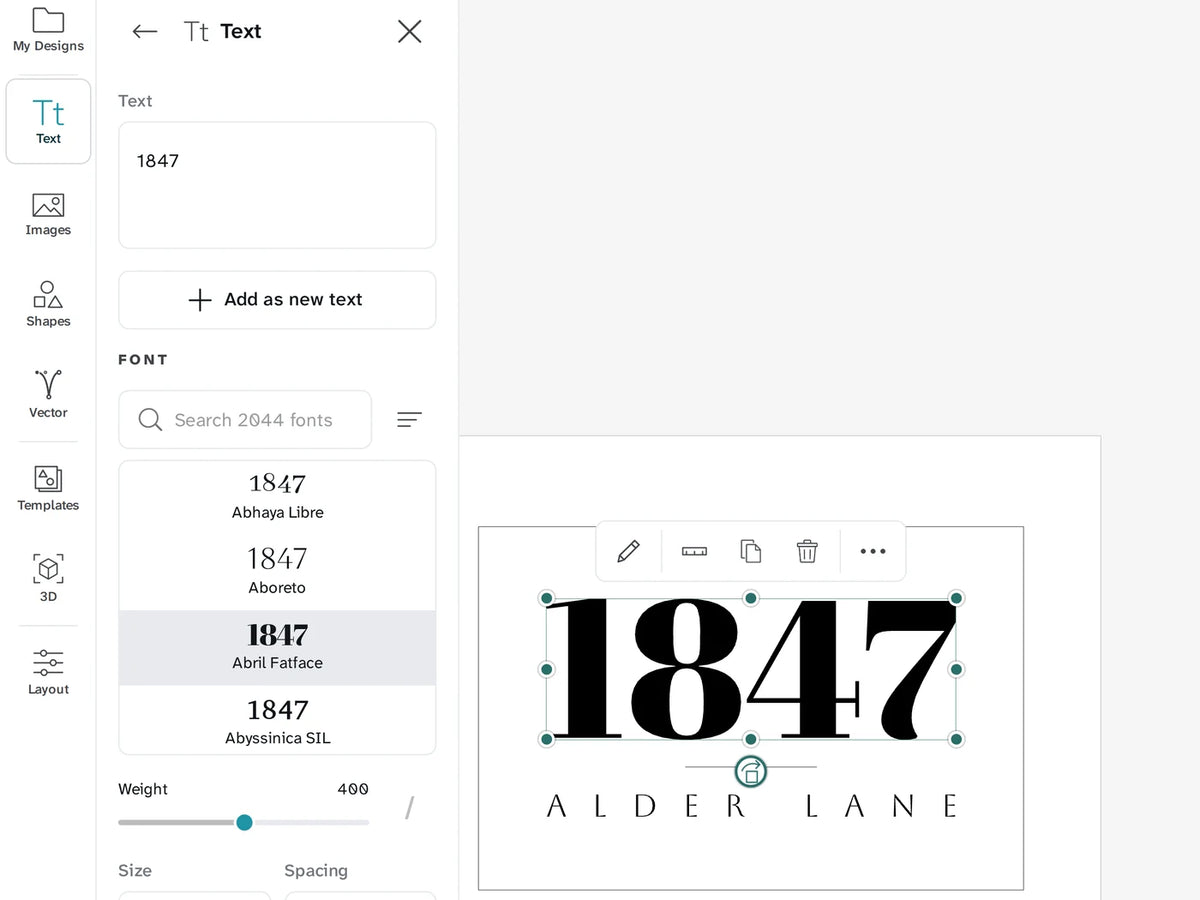
Open Glowforge Studio.
It runs in Chrome or Edge.
Nothing to install.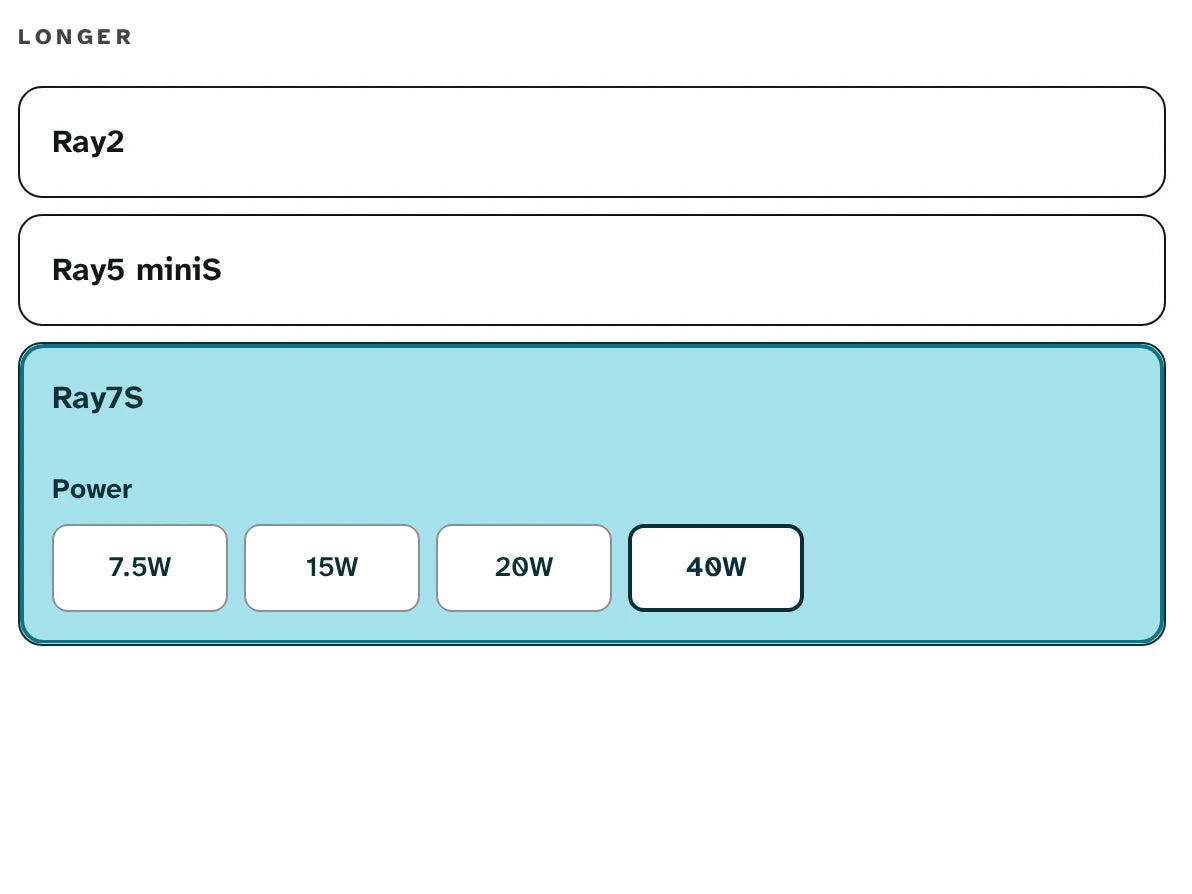
Choose your LONGER laser.
Ray7S, Ray2 or Ray5 miniS.
Plug in the USB cable.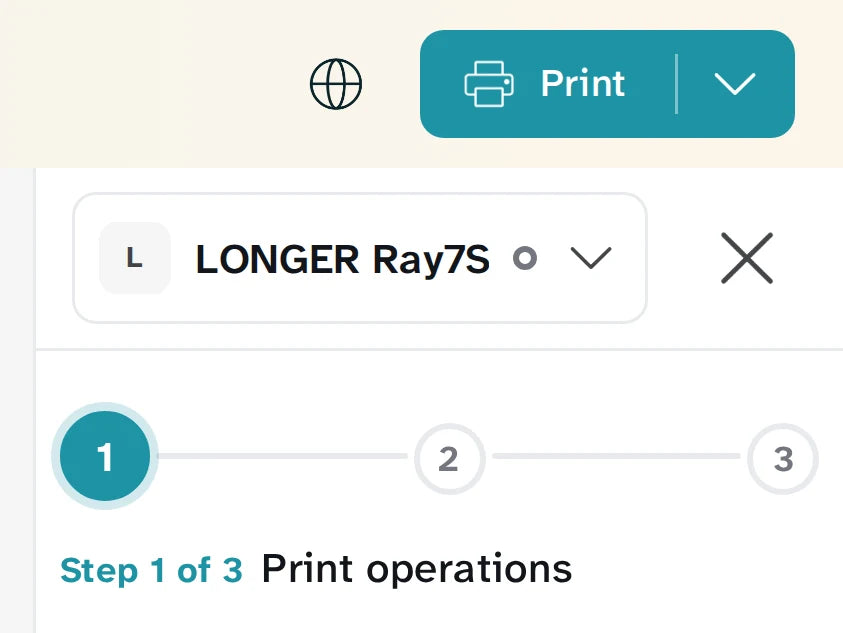
Click Print.
Watch it cut.
