
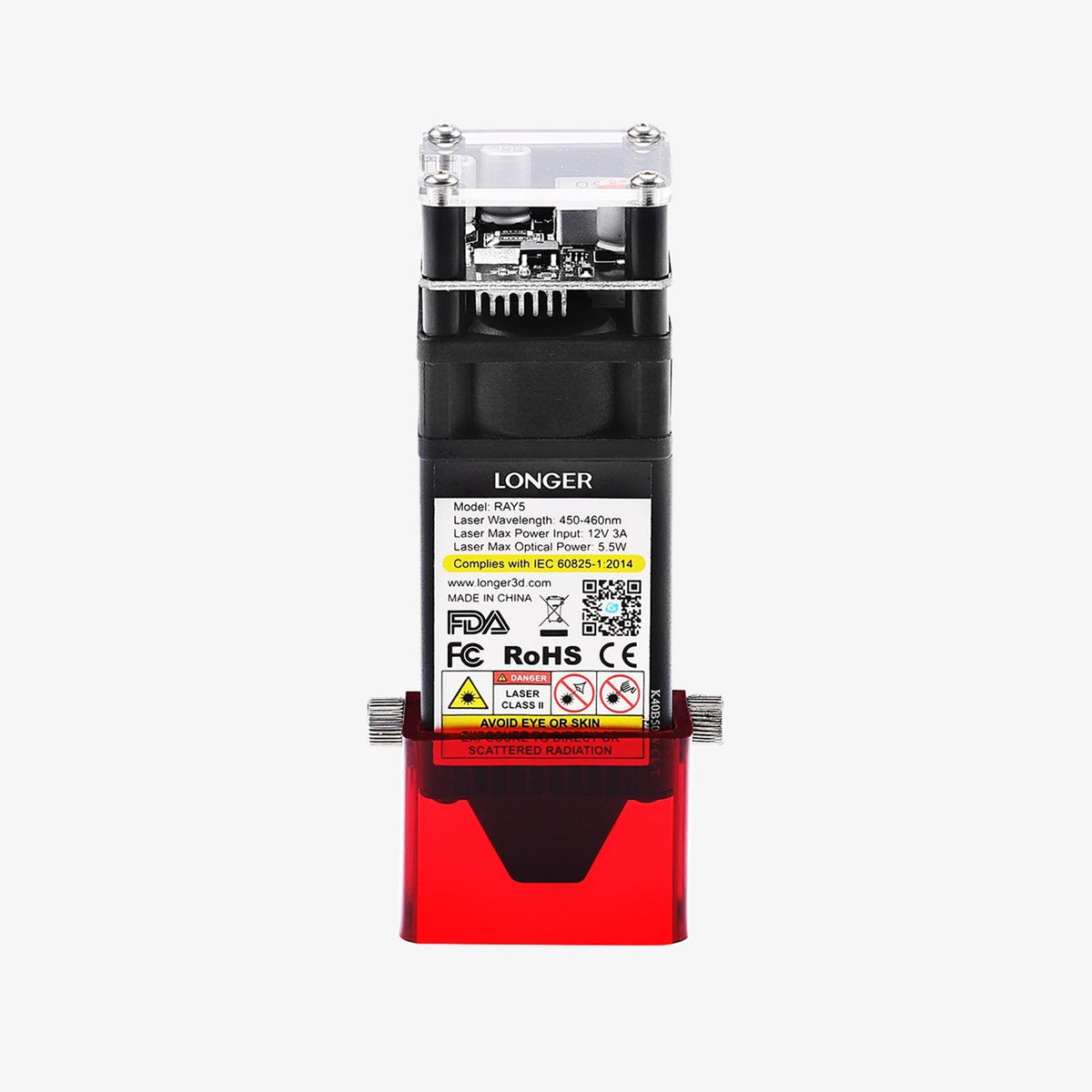



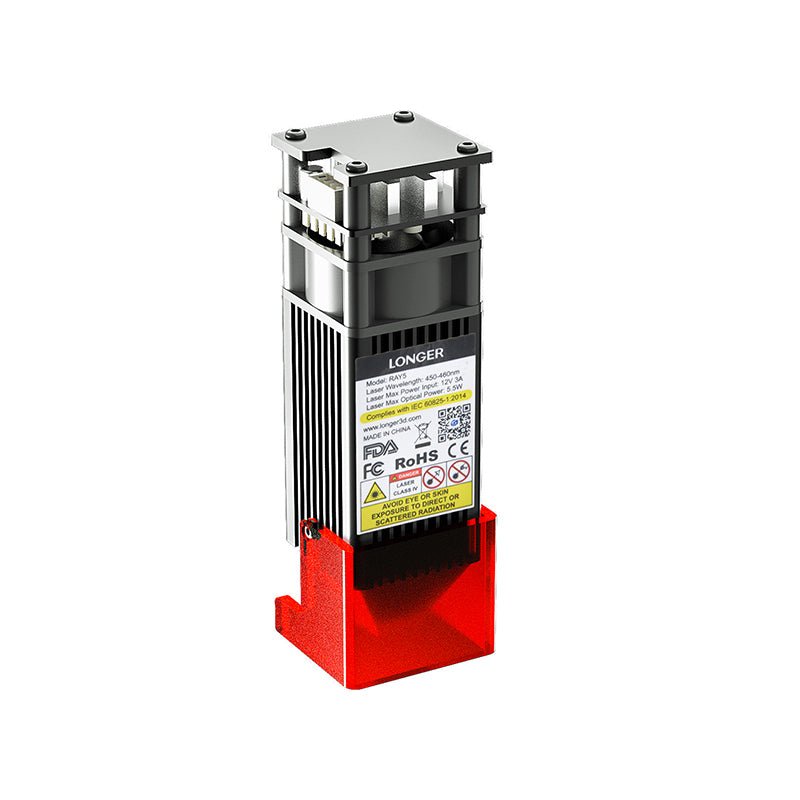
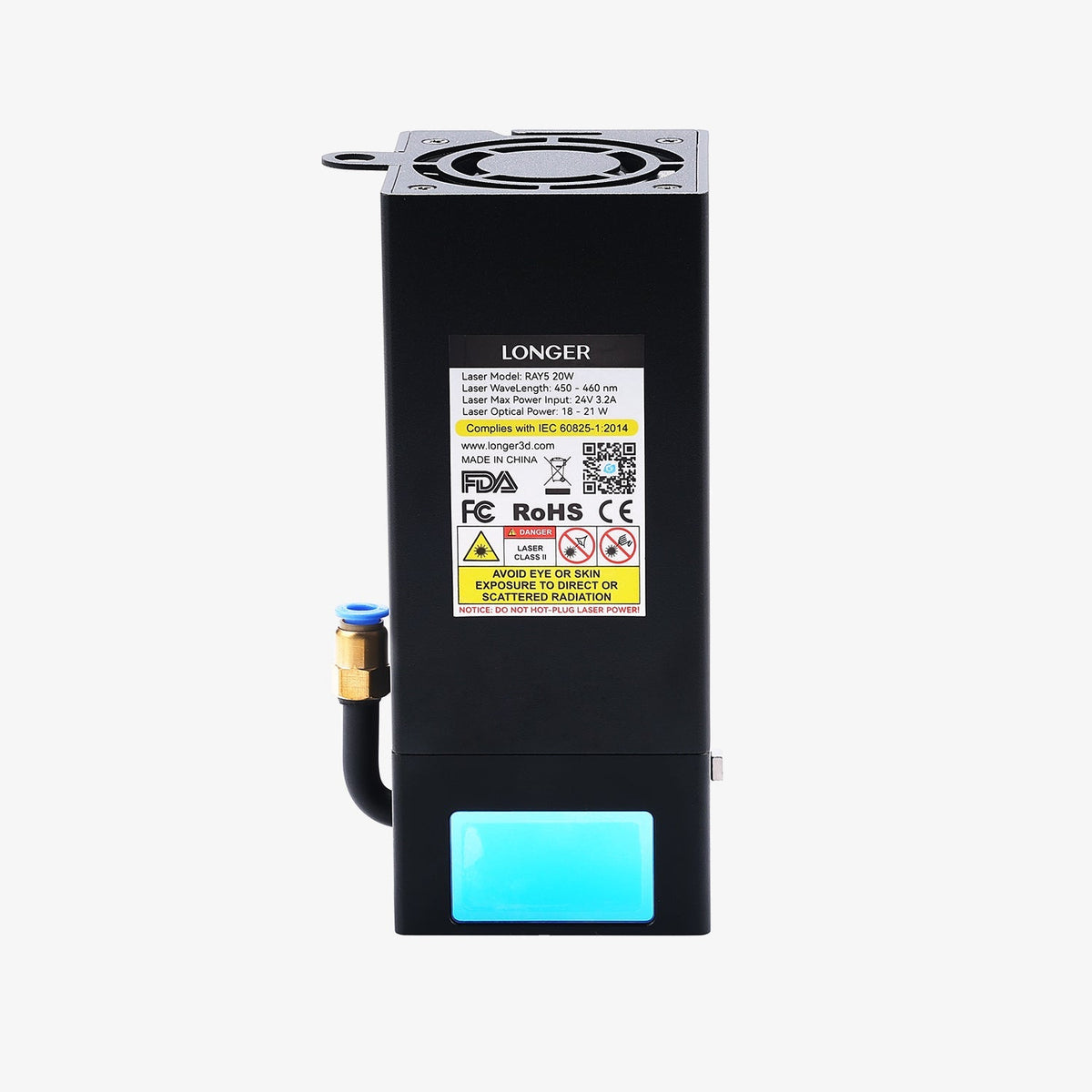
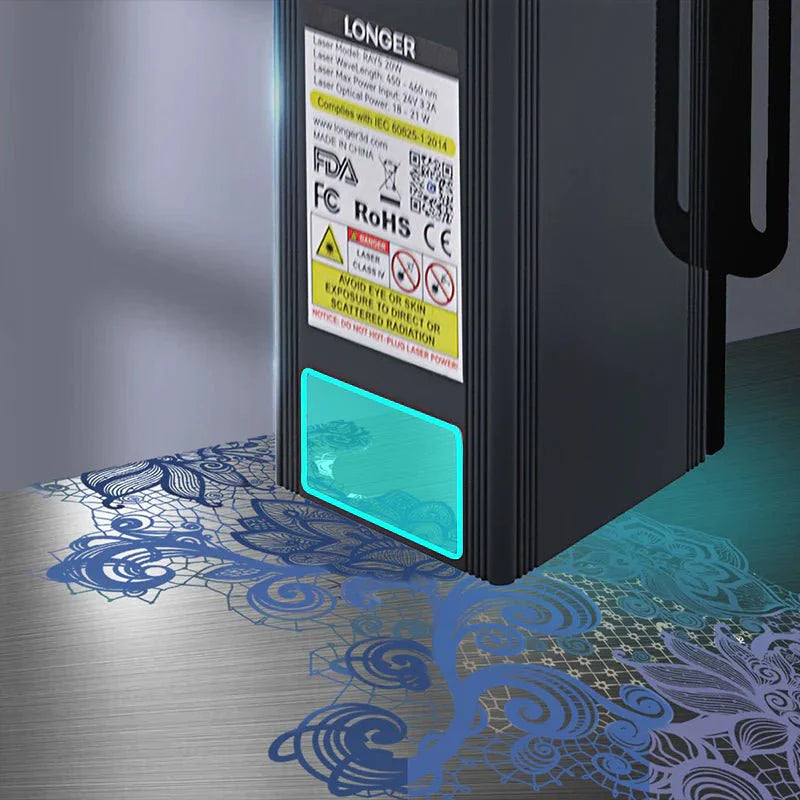
5W / 10W / 20W / 30W Laser Module for Longer Ray5
- Exceptional Versatility: Interchangeable laser modules (30W/20W/10W/5W/2W IR) allow you to work with a wide variety of materials.
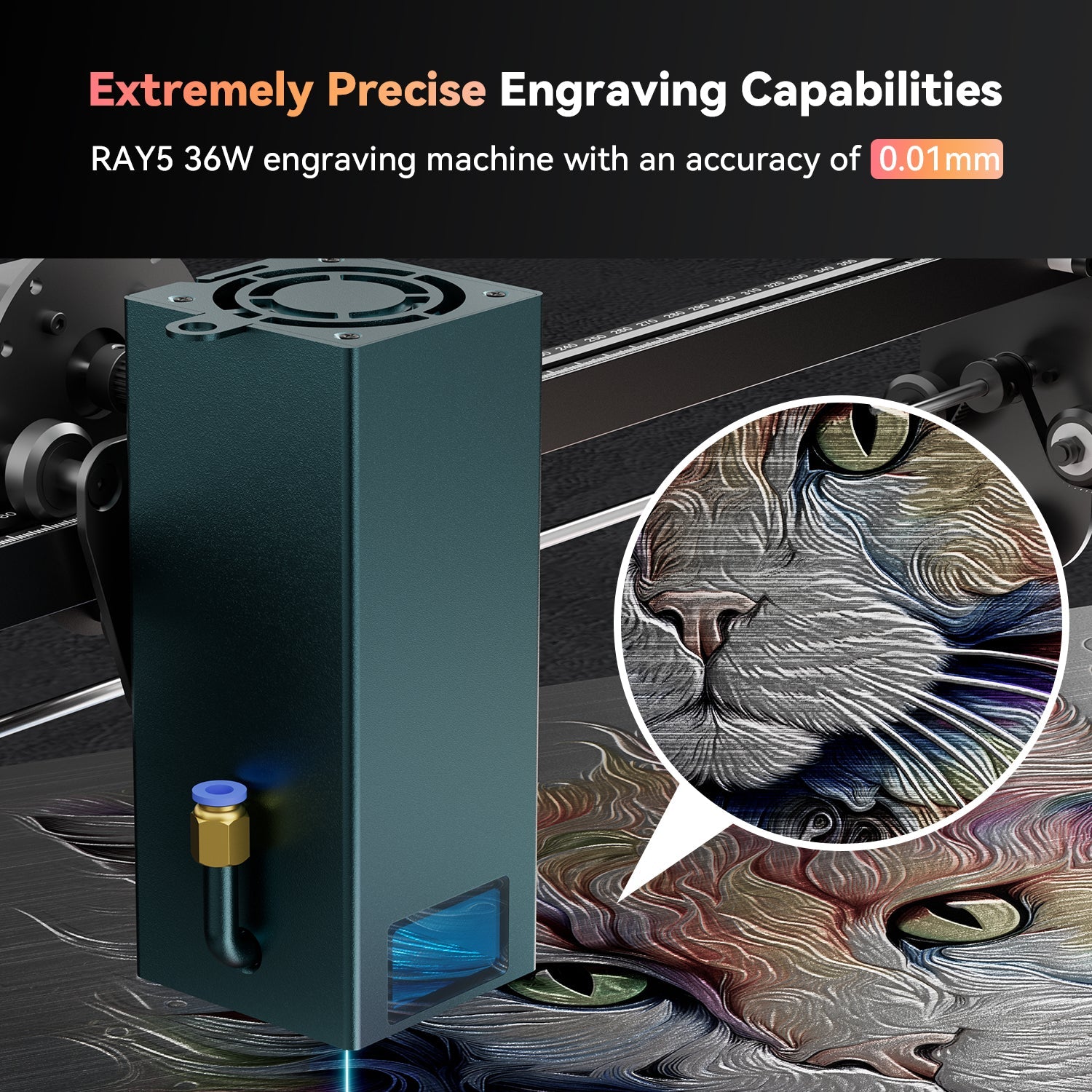
- Perfect for Beginners: With an easy-to-assemble design, this tool offers precision engraving up to 0.01 mm and speeds of up to 24,000 mm per minute, making it ideal for newcomers.

What's Included in the Basic Set
1 x Ray5 Laser Engraver
1 x Card Reader & TF Card
1 x Wooden Brush
1 x Protective Goggles
1 x Allen Wrench
1 x Cable Tie
3 x Plywood
1 x Laser Focus Column
1 x User Manual
Why choose Ray5 Series Laser Engraver

From Delicate Details to Powerful Cuts


Endless Creations with Unlimited Tools


Specifications
If you have any questions, you are always welcome to contact us. We'll get back to you as soon as possible, within 24 hours on weekdays.
-
Shipping Information
Use this text to answer questions in as much detail as possible for your customers.
-
Customer Support
Use this text to answer questions in as much detail as possible for your customers.
-
FAQ’s
Use this text to answer questions in as much detail as possible for your customers.
-
Contact Us
Use this text to answer questions in as much detail as possible for your customers.
You May Also Like

Longer Rotary Chuck for Laser Engraver

Laser Engraver Camera Kits

2W Ruby Pulsed Infrared Laser Module for Laser B1 / Ray5 Series

Honeycomb Working Table 17.32"17.32"/440*440mm²
Still learning how to use it
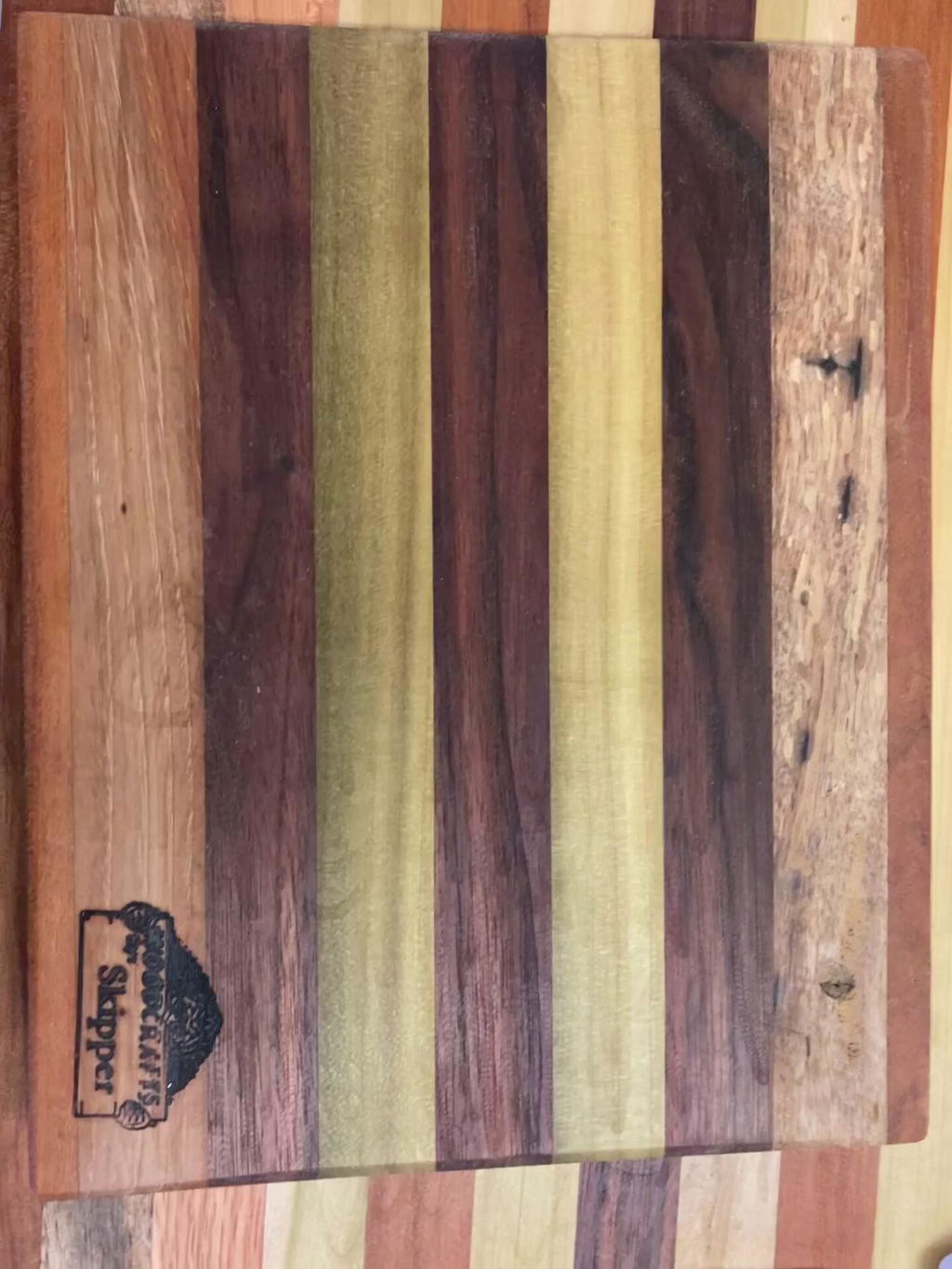
Alles bestens, von der Lieferung zur Montage und Benutzung
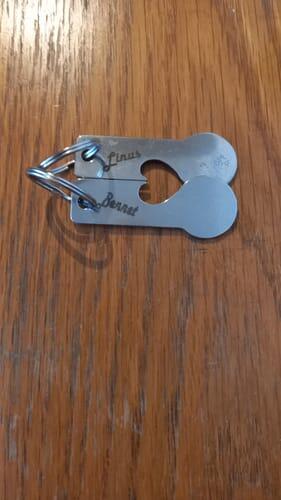
Mega fr 10watt macht er genau das was er soll. 6mm holz mit einer Geschwindigkeit von 200mm/min und 80% Power sind kein Problem mit einem durchgang. Ich finde ihn super und kann ihn nur empfehlen.
Very satisfied with the performance of your 10 watt laser
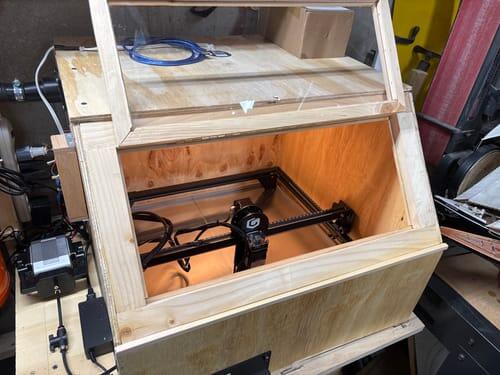
Szybka wysy?ka, produkt zgodny z opisem. Mi?y kontakt z firm?.
Polecam
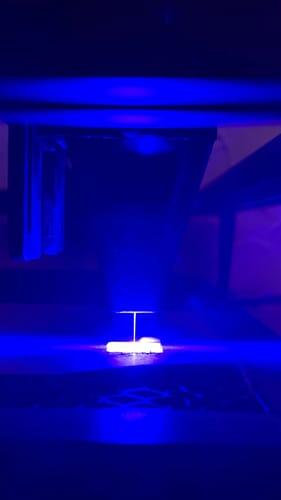
Changing from the 5 W to 10 W was easy to do the only problem I had was having to redo all my test samples to get good Engraving and cutting
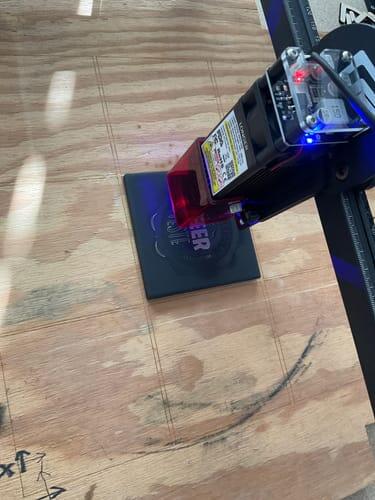
100% comaptible with my Ray5, plug ang play, no questions!
Real power, I was looking for a long time for a module to upgrade my Ray5, I was a little scared about the power, because there are many modules around China market that don't have the announced power, clones.
BUT after my tests, I love it!
I can cut 12mm plywood in 6 passes at 80%, yes, only 80% power.
If you want to see it in action take a look in my youtube channel and please leave your support, just one click on subscribe button, thank you very much!
Video - https://youtu.be/ZIEbxN2rRtw
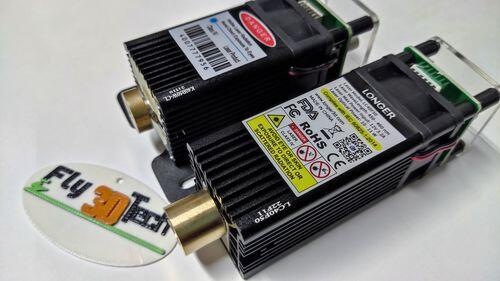
Arrived quickly and is in operation.
IT WORK GREAT
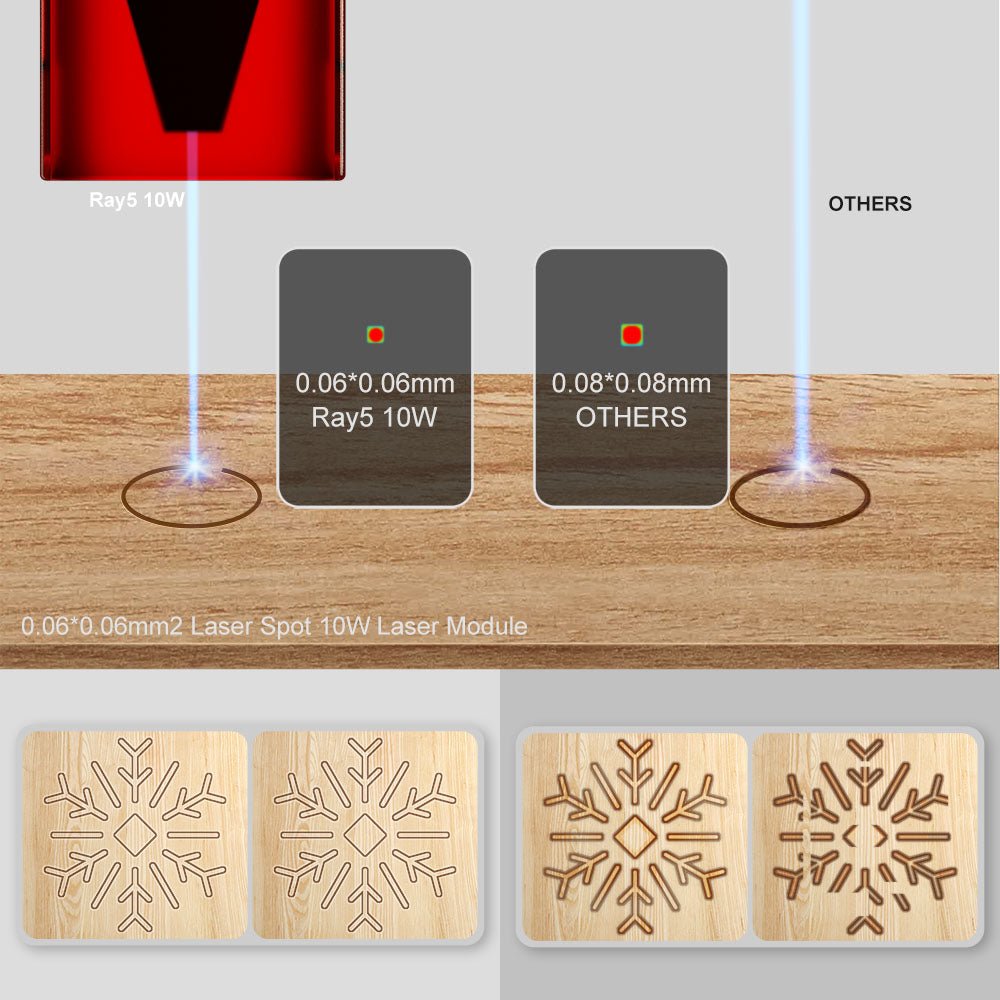
The detail with the .06 mm laser dot gives incredible detail no matter how small thr engraving.
Everything is great
I'm still at the beginning of this adventure; I've only assembled the Laser and done some experiments. So far, I'm loving it.
The laser is great. Does what I want it to do.
Toller Laser, habe leider die Fokussiers?ule verloren, weiss vielleicht jmd. die Abstandsh?he?
Works Awesome, Great upgrade.
I had to replace my laser head after an accidental fire. it is working great
Good job
I love my longer ray5 laser engraver. Although when I received it from Amazon the diode in the laser was bad so I bought one from your company even though I made the wrong purchase by ordering the 10w laser module instead of the 20w module. But once I get the new one from Amazon since they are sending me a whole new unit I know I'm going to absolutely love it!!!! And your company has been great in assisting me with my issues I've had so I greatly appreciate the excellent customer service!!!! Thank you so much!!!
Super schnelle Lieferung
das 10W Lasermodul lie? sich einfach installieren. Die Leistung ist sehr gut. Ich schneide / graviere jetzt mit doppelter Geschwindigkeit. Das ist natrlich ein super Zeitgewinn. Weiterhin habe ich noch ein Air-System installiert. Funktioniert auch sehr gut. In Verbindung mit einem einfachen Geh?use mit Abluft-System habe ich nun mit dem Longer Ray 5 ein Top Laser System mit dem ich au?erordentlich zufrieden bin. Die Lieferung aus China bis zu mir dauerte 6 !!! Tage Incl. Zoll. Unglaublich.
Wow! I'm speechless as towards the power of the Longer Ray5 10watt module. I've owned the Longer Ray5 5watt laser engraver for a long time now. I was so impressed with the Ray5 5watt that I thought I would purchase and give the 10watt module a try. I received the module in a timely fashion. Very impressed with how secure it was packaged. Very easy to switch out modules on my Longer Ray5 laser engraver. This is where the Wow!!! cones in. I powered on my Ray5 and made my first cut and you already know Wow!!! The strength of the Ray5 10watt module totally surpassed all my expectations. I believe is was more than double the power of my 5watt. Now I can engrave and cut at speeds I didn't know possible. Bottom line is Longer's strive to be a leader in today's laser industry has really paid off. I certainly goto Longer with all my laser engraving and 3d printing needs.
Longer stayed with me through e mail when I had a hard time tracking the package. The laser and air assist were packaged very well. It took a you tube video to helo with installing the air assist. The original lens of the laser had to be removed and the air assist nozzle was installed in its place. The 10 watt laser itself was installed with no problem at all. Since Im new to this hobby I have been working at making burn charts to see what is best power and speed for various projects.
Coming from 5w, it's plug and play, works as expected,definitely increase speed and power ??
I upgraded ray 5 watt to 10 and added air pump at the same time to limproved cutting and it is working great. So far it looks like the really fantastic cutting has still retained the very goo engraving.
Right now I am enjoying the upgrade from my LR 5.5W. I am still experiencing on different material, but I can say that I am thus far enjoying this upgrade. Cannot wait until I see what else it is going to surprise me in doing. It may help me want another upgrade in the near future.
parfait livraison rapide 10 jours et conforme a la description et trs bon laser coupe facilement 5 mm paisseur en 5 passe
Leistung genug
Very nice product. Originally I bought the Longer 5W laser set up and while that head was really nice I wanted to be able to cut thicker material. This 10W unit is does the job quite handily.
Super upgrade for the Ray5 5W. Very easy change over in less than 5 minutes. Added bonus, besides the increase in power, is that the kerf is a square 60 microns compared to the 80 microns on the 5W module. Highly recommended upgrade.
The new 10W module fits perfectly onto the Ray5 model. It upgrades the laser significantly.
You can cut much thicker stuff than before and the laser point is even smaller than the old one (0,06mm instead of the old 0,08mm).
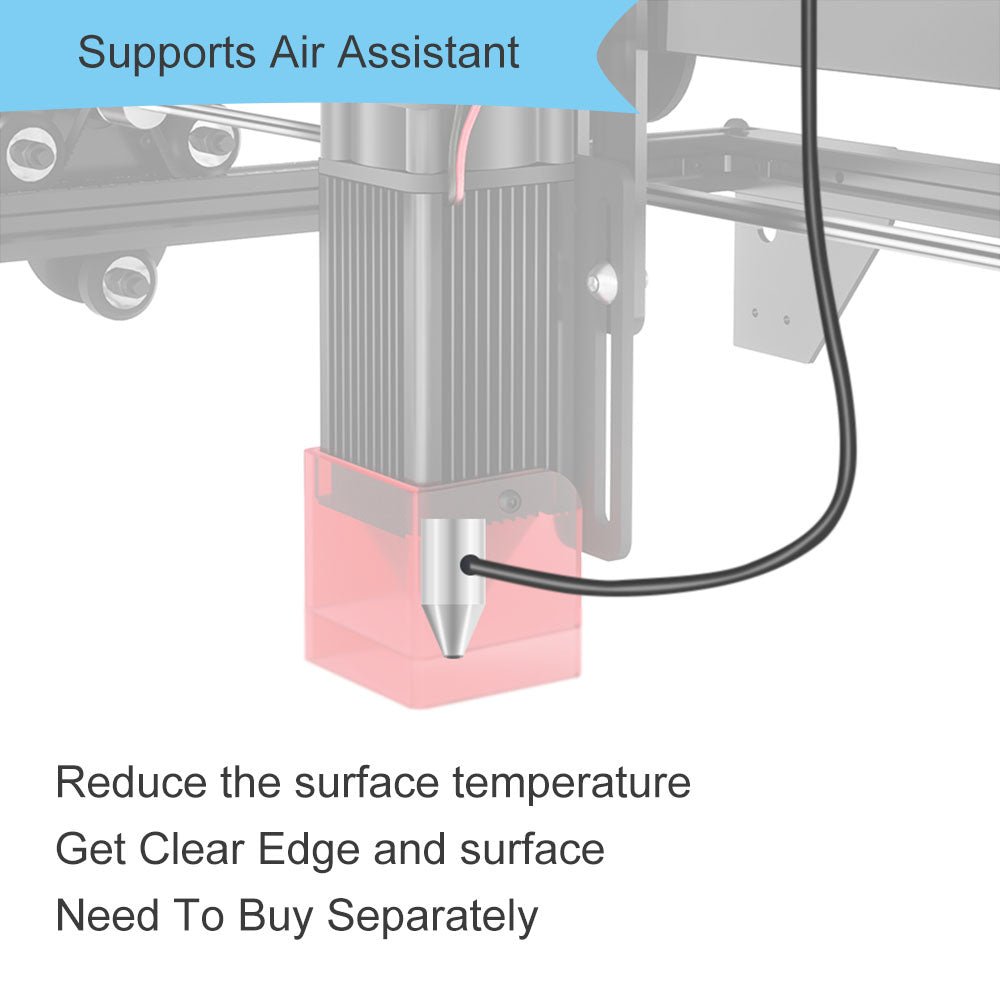
I would suggest to get the air assist option either without or with the compressor to have a nice and clean cut.
FAQ
-
The right Ray5 module depends on your engraving and cutting needs. The 5W and 10W modules are ideal for detailed engraving projects and everyday creative work, while the 20W module offers the best balance between engraving precision and cutting performance, making it the most versatile choice for most users. If you need faster processing speed and stronger cutting capability for thicker materials, the 40W module is the best option. Choose 5W/10W for fine engraving, 20W for all-around performance, and 40W for maximum efficiency and cutting power.
-
The Ray5 series supports engraving and cutting on a wide range of materials. The diode laser can cut wood, leather, MDF, paper, felt, and some dark opaque acrylic. It can also engrave wood, leather, bamboo, fabric, glass, ceramic, stone, stainless steel, and coated metals.
With the optional Ruby 1064nm IR Laser Module, Ray5 can engrave more metals, including gold, silver, brass, iron, aluminum, and stainless steel.
Actual results may vary depending on the material type, thickness, and processing settings. -
Please check whether the CH340 driver is installed correctly on your computer. After installation, open Device Manager and check if the machine appears under Ports (COM & LPT). Select the correct COM port in LightBurn and set the baud rate to 115200. Please also make sure no other software (such as LaserGRBL) is occupying the serial port. If the issue remains, please import the correct Ray5 .lbdev configuration file and try connecting again.
-
Yes! Ray5 is designed to be beginner-friendly with an easy setup and intuitive operation. You can quickly get started with LightBurn, LaserGRBL, or LaserBurn. We also provide detailed tutorials and user manuals to help you complete your creative projects with ease.
If you encounter any issues during installation or operation, our customer support team is always ready to assist you at support@longer.net. All you need is some practice and exploration to unlock more creative possibilities with Ray5.