How to Troubleshoot and Fix a Non-Working Air Pump on Your Laser Engraver
How to Get Colored Shades Engravings with Longer Ray5 & B1
Las grabadoras láser Longer, como las series Ray5 y B1, permiten crear grabados multicolores brillantes en metal con tan solo 10 W de potencia. Gracias a la herramienta de prueba de materiales de LightBurn, los usuarios pueden identificar fácilmente la configuración óptima para obtener colores vibrantes. Incluso con láseres de baja potencia, es posible crear hasta 90 colores distintos, lo que hace que el grabado en metal sea creativo y accesible. Aprenda a probar, ajustar y dominar el grabado a color con su máquina Longer.
Ray5 10W / 5W X-Axis or Y-Axis Not Moving — Troubleshooting
LONGER How To:LightBurn Path Optimization Settings
Path optimization is essential in laser engraving and cutting for improving speed, precision, and machine longevity. This guide explains how to use LightBurn’s powerful optimization tools—including group, layer, and priority-based settings—to streamline workflows, reduce idle travel, and enhance output quality. Whether you're managing a simple project or a complex design, mastering these settings ensures maximum performance from your laser system.
LONGER How to: How to Solve the issues caused by Lightburn V2.0
After upgrading to LightBurn V2.0, some users reported display glitches and preview issues affecting their workflow. This guide walks you through reverting to version 1.7.08 — a stable release fully compatible with Longer Ray5, B1, and Nano machines. Learn how to uninstall, reinstall, and reactivate the previous version of LightBurn to restore full functionality and continue engraving without disruption.
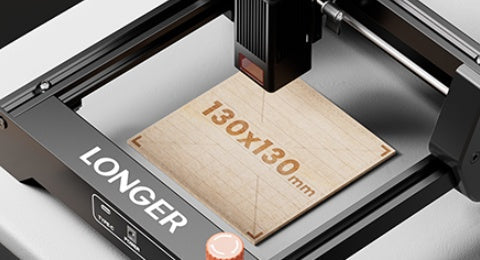
LONGER How to: Ray5 Mini Laser Engraver Tips Using LightBurn
The LONGER Ray5 Mini is a compact, high-precision laser engraver ideal for small-scale projects. This guide walks you through setup, focusing, and engraving using LightBurn software. From importing your design to the finished result, discover how to get professional-quality engravings with ease. The Ray5 Mini balances performance, safety, and user-friendliness—perfect for hobbyists, creators, and small studios alike.