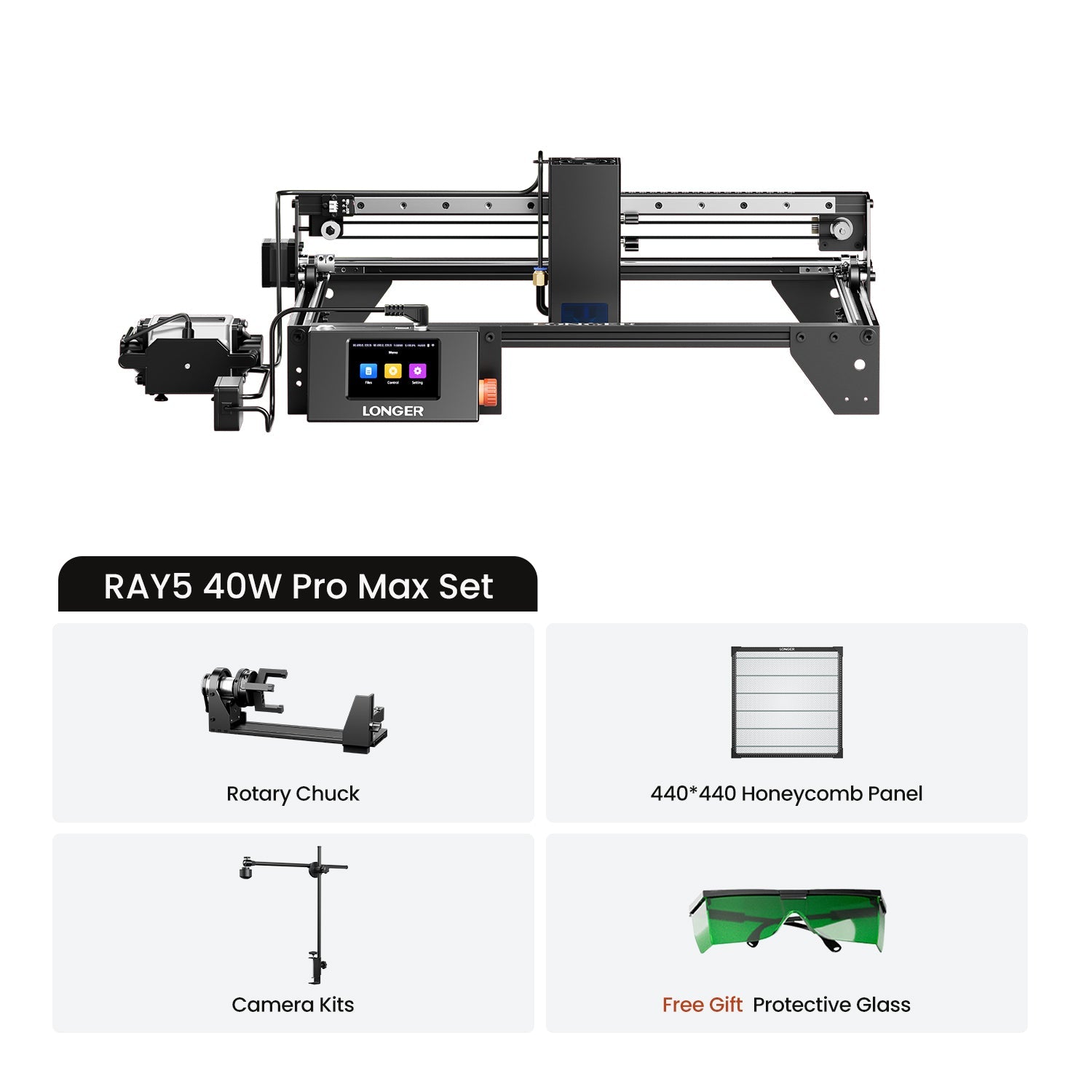



Longer Ray5 40W Laser Engraver
- Buy a laser engraving machine now and get free engraving materials. Ends Nov. 2, 2026.
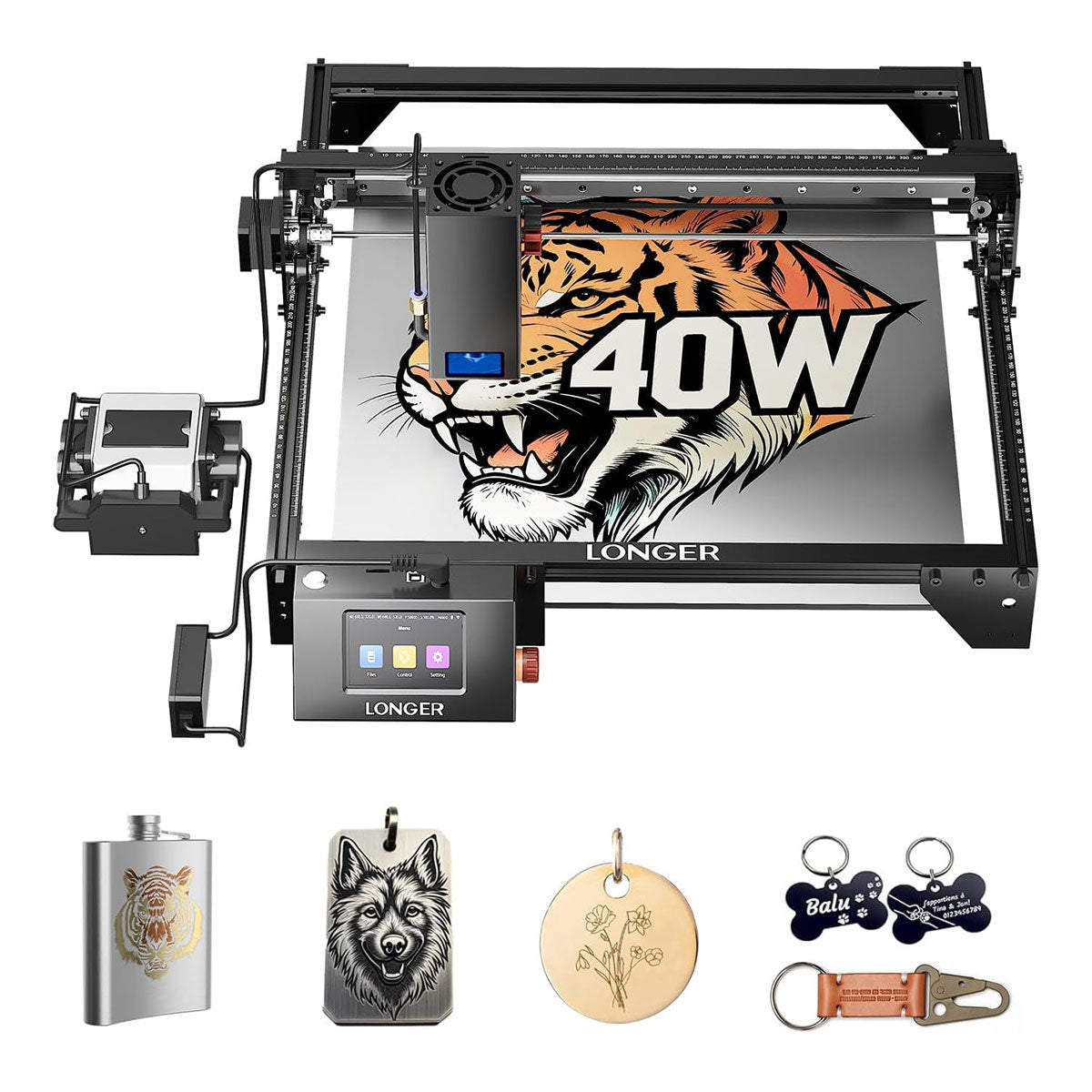
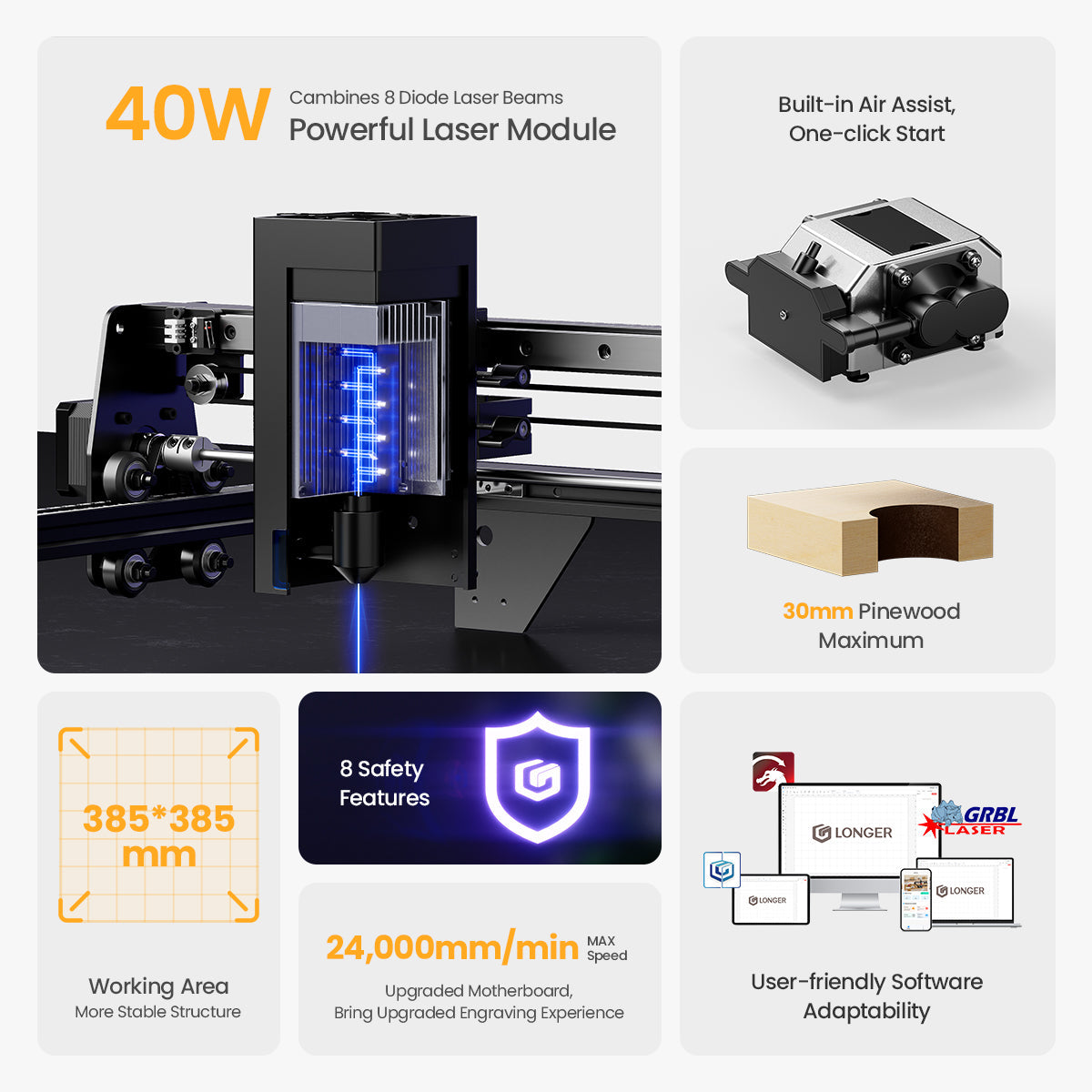
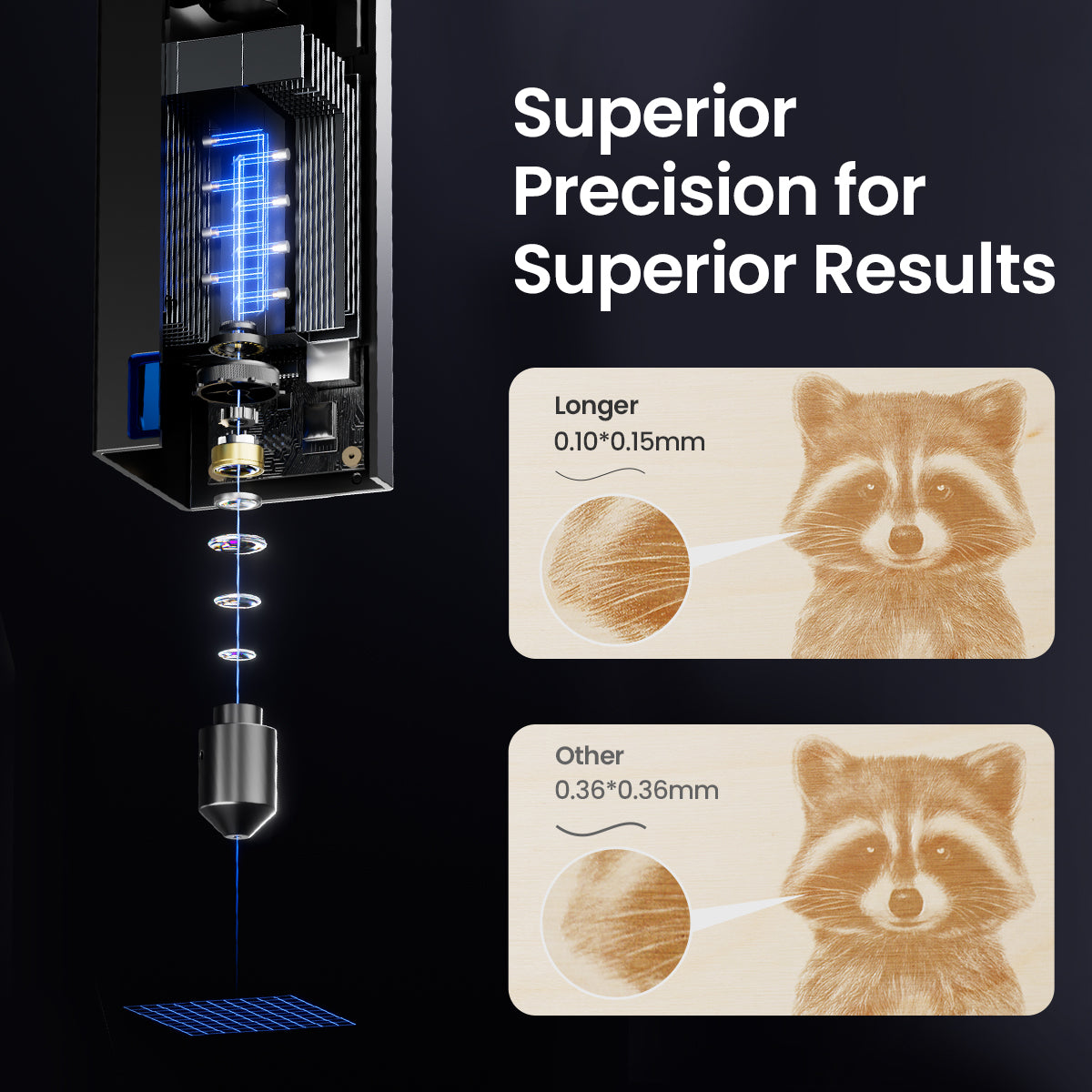
- 40W Ultra-Fine Laser: 8-beam compression, 0.10 × 0.15 mm spot, cuts 20 mm basswood or 0.15 mm stainless steel in one pass.
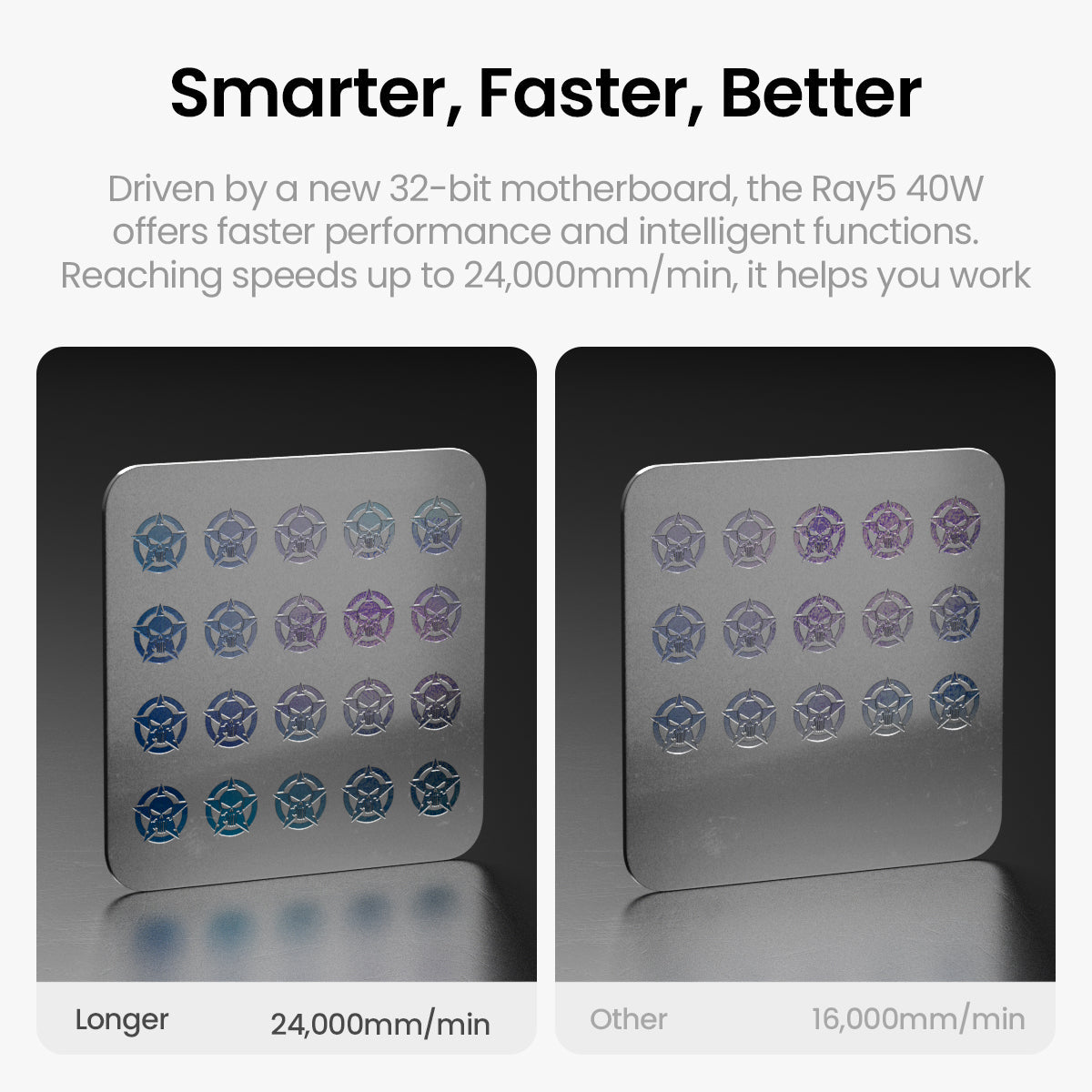
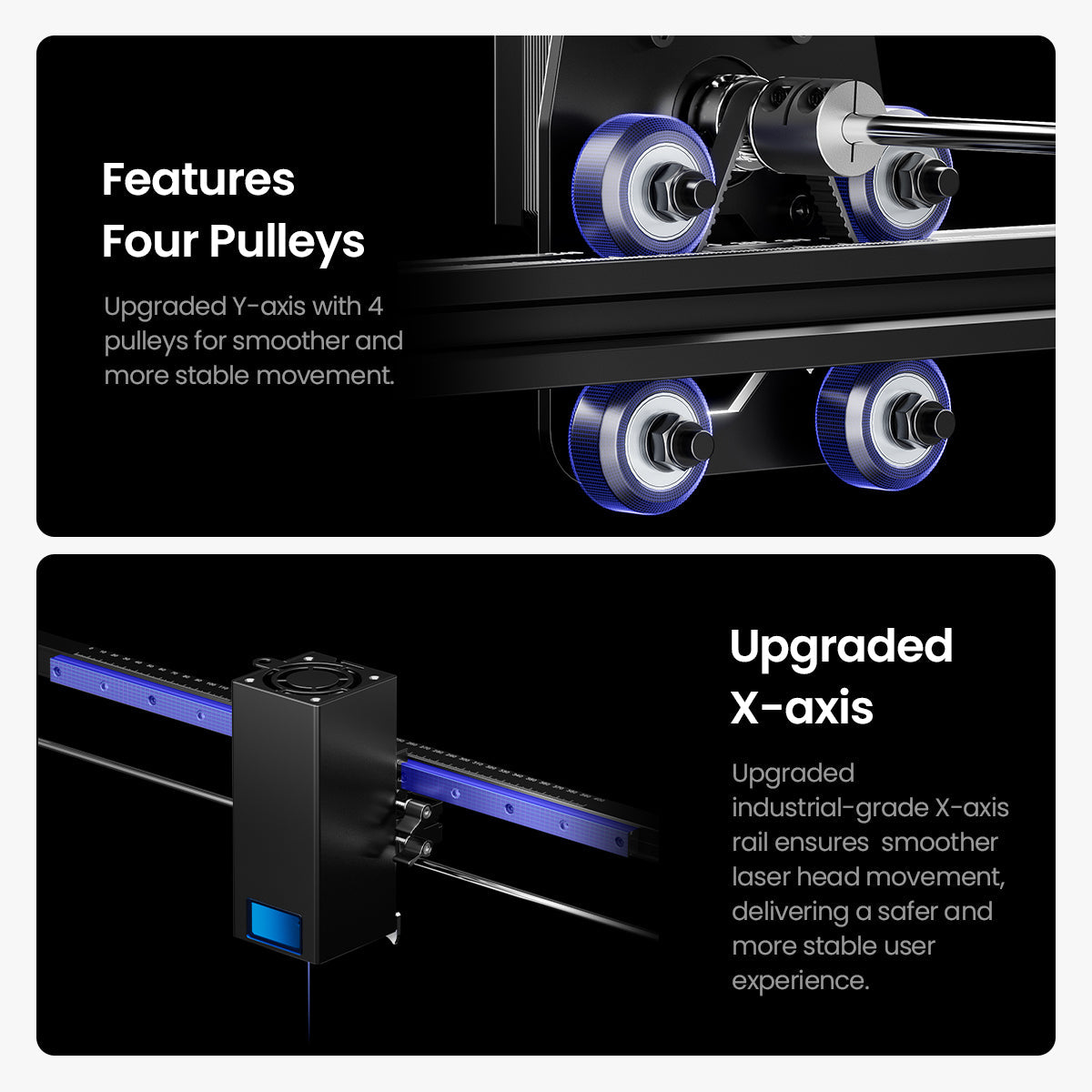
- High-Speed & Stable Motion: 15 mm(0.59inch) industrial rail + 4-roller Y-axis for smoother accuracy, up to 24,000 mm/min engraving speed.
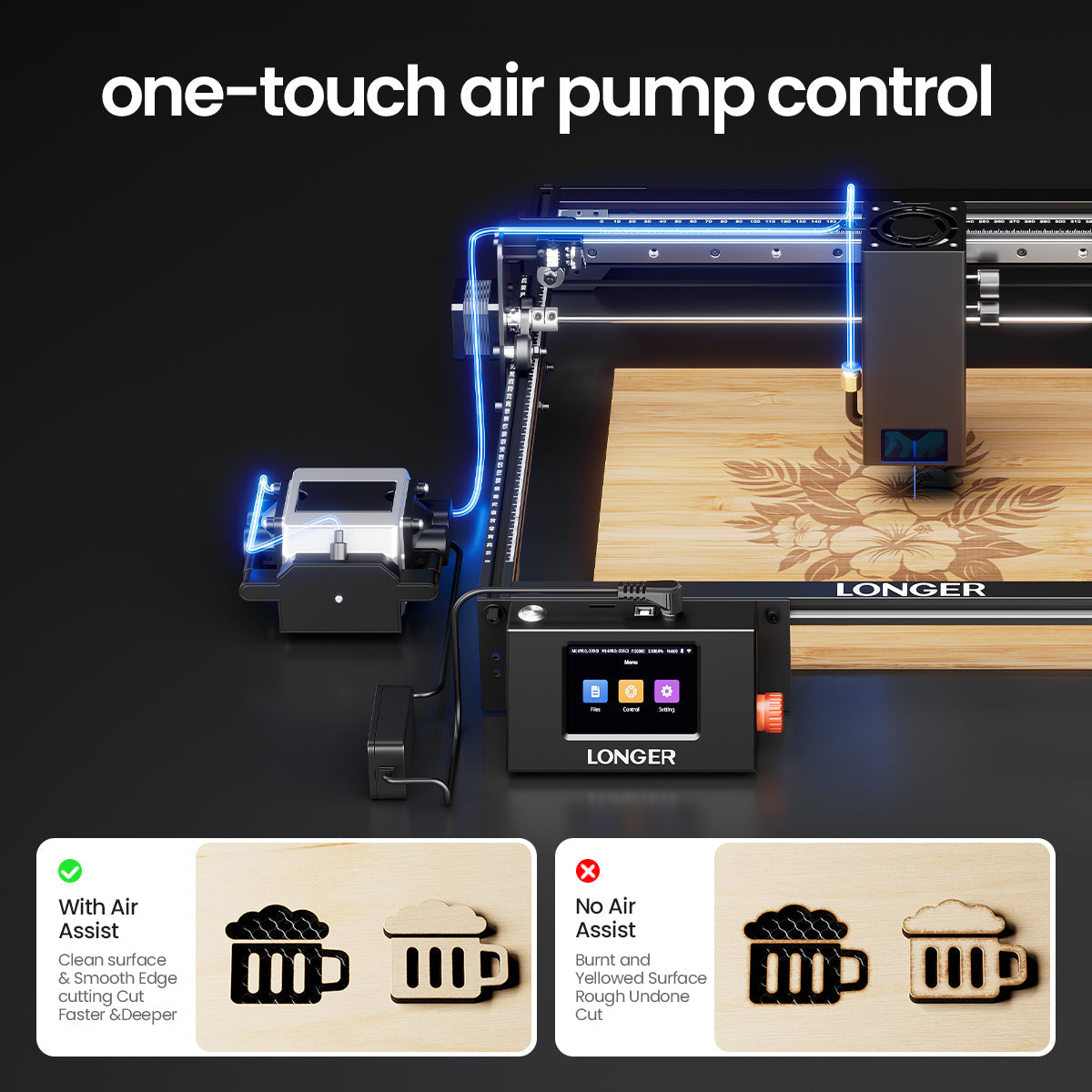
- Smart & Easy Control: 3.5" touchscreen, auto air-assist, and dovetail-mounted laser head for quick adjustments.
- Seamless Connectivity: Upgraded Wi-Fi antenna, plus USB, TF card, and App control.
- Safe & Reliable Operation: Emergency stop, flame & motion sensors, limit switches, and eye protection.
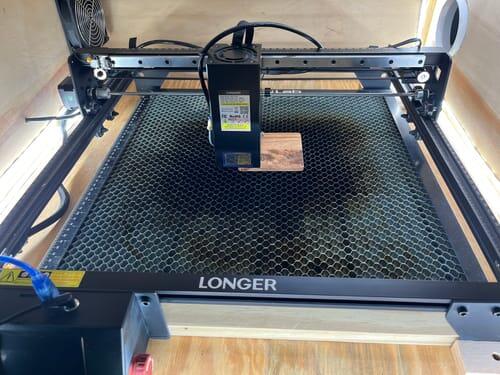
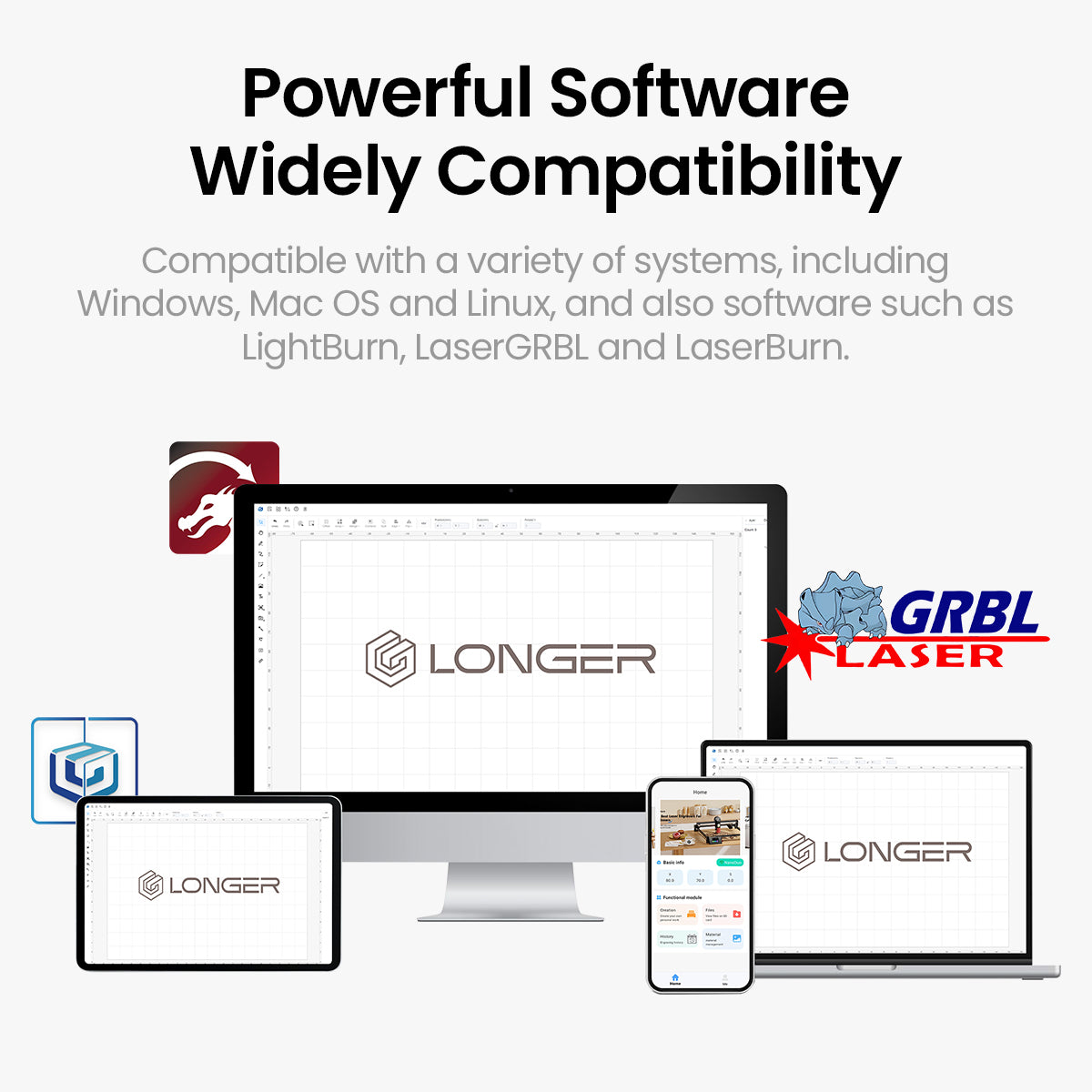
- Lightweight & Versatile: Just 5.73 kg with 385 × 385 mm(15.16*15.16inch) workspace, tool-free head adjustment, supports LaserGRBL, LightBurn, and LaserBurn.
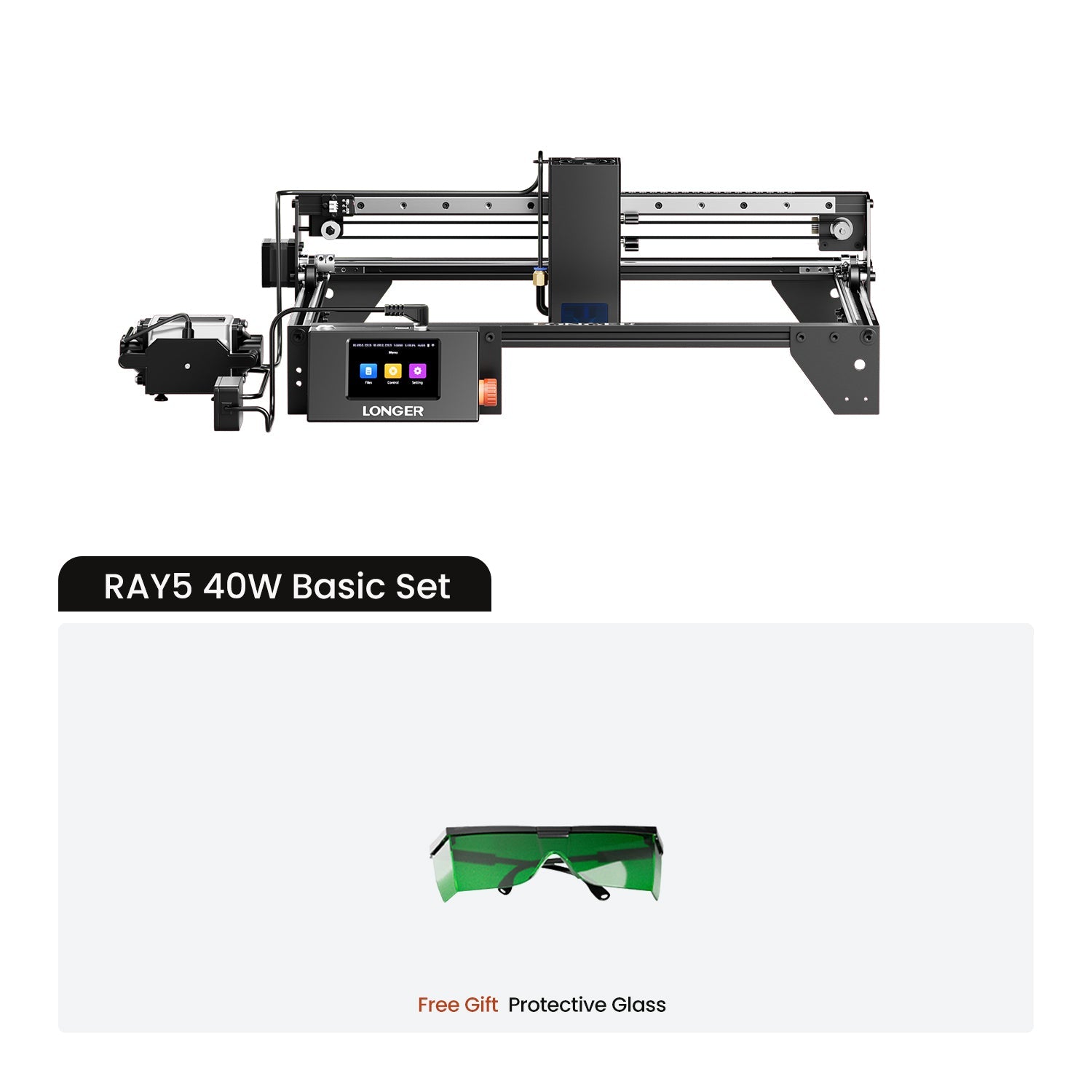
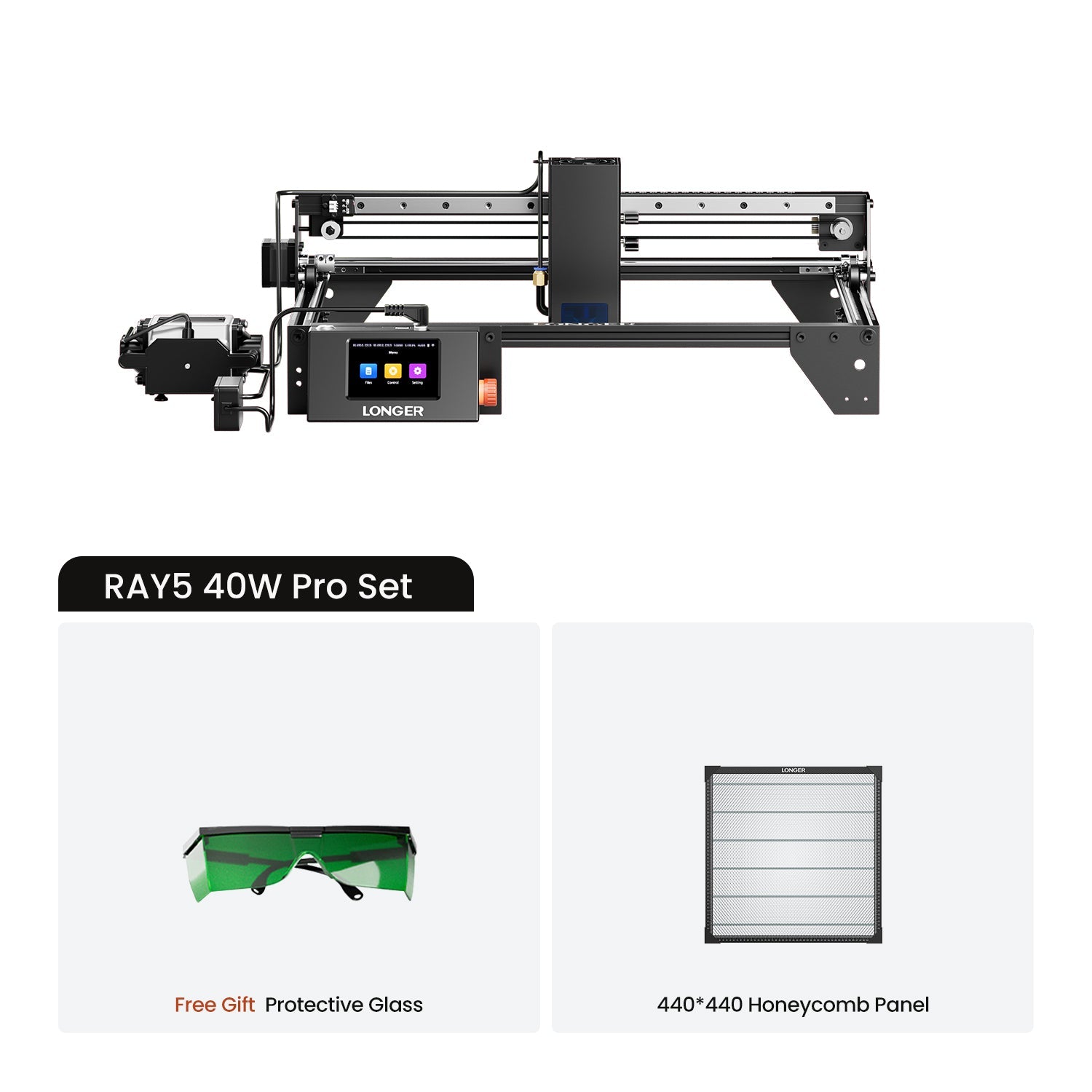
What's Included in the Basic Set
1 x Ray5 Laser Engraver
1 x Card Reader & TF Card
1 x Wooden Brush
1 x Protective Goggles
1 x Allen Wrench
1 x Cable Tie
3 x Plywood
1 x Laser Focus Column
1 x User Manual
Ray5 LARGER 40W
El Ray5 que ya conoces, reinventado para más.
Características que hacen que el Ray5 40W destaque
Más fuerte, también más grueso
¡La serie Ray5 que ya conoces, ahora más potente que nunca!
Asistencia neumática integrada para una precisión perfecta.
Estructura mejorada para
Funcionamiento impecable
Área de trabajo de 385x385 mm
Con una generosa área de trabajo de 385 × 385 mm (15,16 × 15,16 pulgadas), tendrá más espacio para dar vida a ideas más grandes y audaces.
Características: Cuatro poleas
Eje Y mejorado con 4 poleas para un movimiento más suave y estable.
Eje X mejorado
El riel del eje X de calidad industrial mejorado garantiza un movimiento más suave del cabezal láser, lo que proporciona una experiencia de usuario más segura y estable.
8 características de seguridad. Protección integrada en cada detalle.
Software potente con amplia compatibilidad.
Accesorios diversos para satisfacer todas sus necesidades.
Especificaciones
En el cuadro
Si tiene alguna pregunta, siempre puede contactarnos. Le responderemos lo antes posible, dentro de las 24 horas de los días hábiles.
-
Información de envío
Utilice este texto para responder a las preguntas con el mayor detalle posible para sus clientes.
-
Atención al cliente
Utilice este texto para responder a las preguntas con el mayor detalle posible para sus clientes.
-
Preguntas frecuentes
Utilice este texto para responder a las preguntas con el mayor detalle posible para sus clientes.
-
Contáctenos
Utilice este texto para responder a las preguntas con el mayor detalle posible para sus clientes.
FAQ
-
The right Ray5 module depends on your engraving and cutting needs. The 5W and 10W modules are ideal for detailed engraving projects and everyday creative work, while the 20W module offers the best balance between engraving precision and cutting performance, making it the most versatile choice for most users. If you need faster processing speed and stronger cutting capability for thicker materials, the 40W module is the best option. Choose 5W/10W for fine engraving, 20W for all-around performance, and 40W for maximum efficiency and cutting power.
-
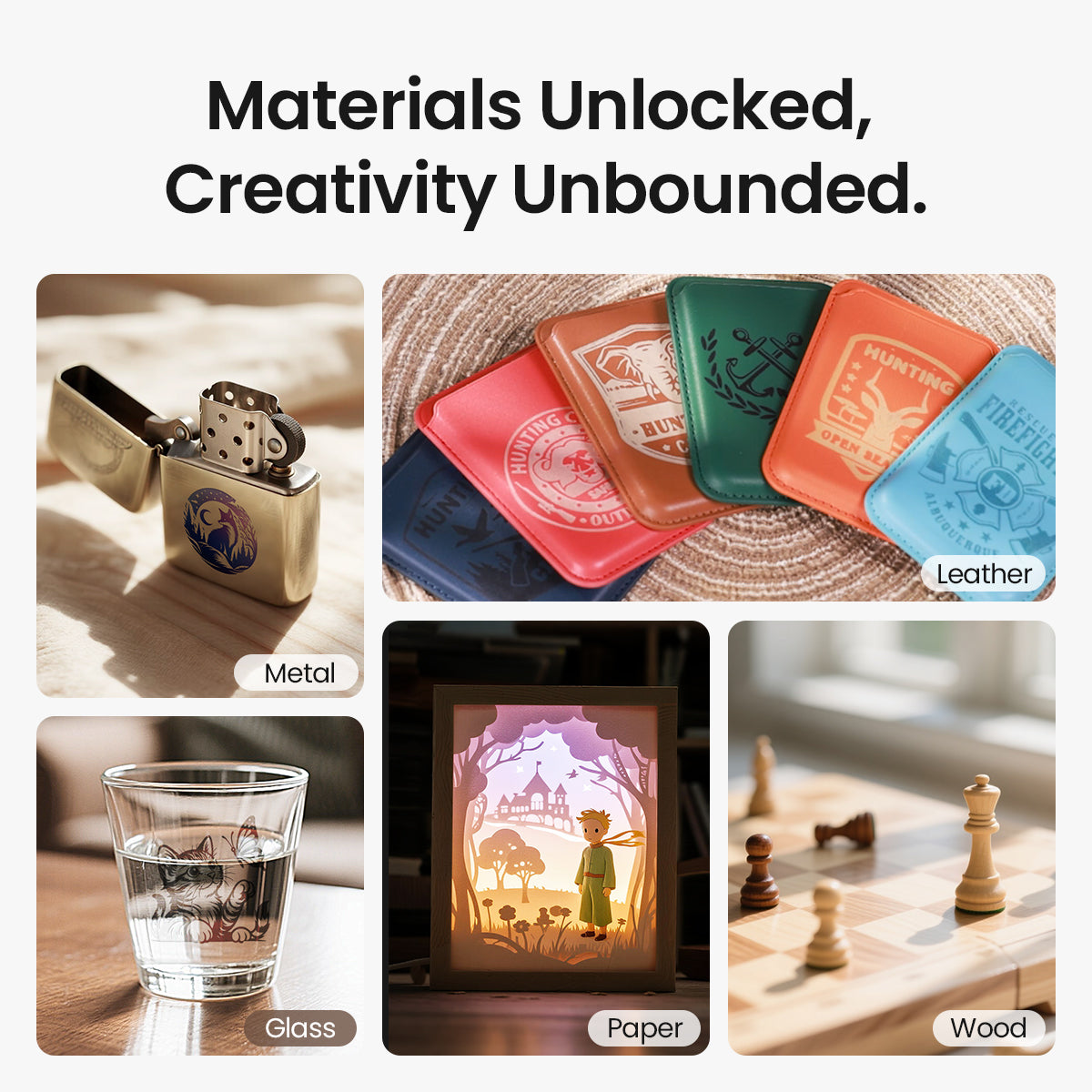
The Ray5 series supports engraving and cutting on a wide range of materials. The diode laser can cut wood, leather, MDF, paper, felt, and some dark opaque acrylic. It can also engrave wood, leather, bamboo, fabric, glass, ceramic, stone, stainless steel, and coated metals.
With the optional Ruby 1064nm IR Laser Module, Ray5 can engrave more metals, including gold, silver, brass, iron, aluminum, and stainless steel.
Actual results may vary depending on the material type, thickness, and processing settings. -
Please check whether the CH340 driver is installed correctly on your computer. After installation, open Device Manager and check if the machine appears under Ports (COM & LPT). Select the correct COM port in LightBurn and set the baud rate to 115200. Please also make sure no other software (such as LaserGRBL) is occupying the serial port. If the issue remains, please import the correct Ray5 .lbdev configuration file and try connecting again.
-
Yes! Ray5 is designed to be beginner-friendly with an easy setup and intuitive operation. You can quickly get started with LightBurn, LaserGRBL, or LaserBurn. We also provide detailed tutorials and user manuals to help you complete your creative projects with ease.
If you encounter any issues during installation or operation, our customer support team is always ready to assist you at support@longer.net. All you need is some practice and exploration to unlock more creative possibilities with Ray5.