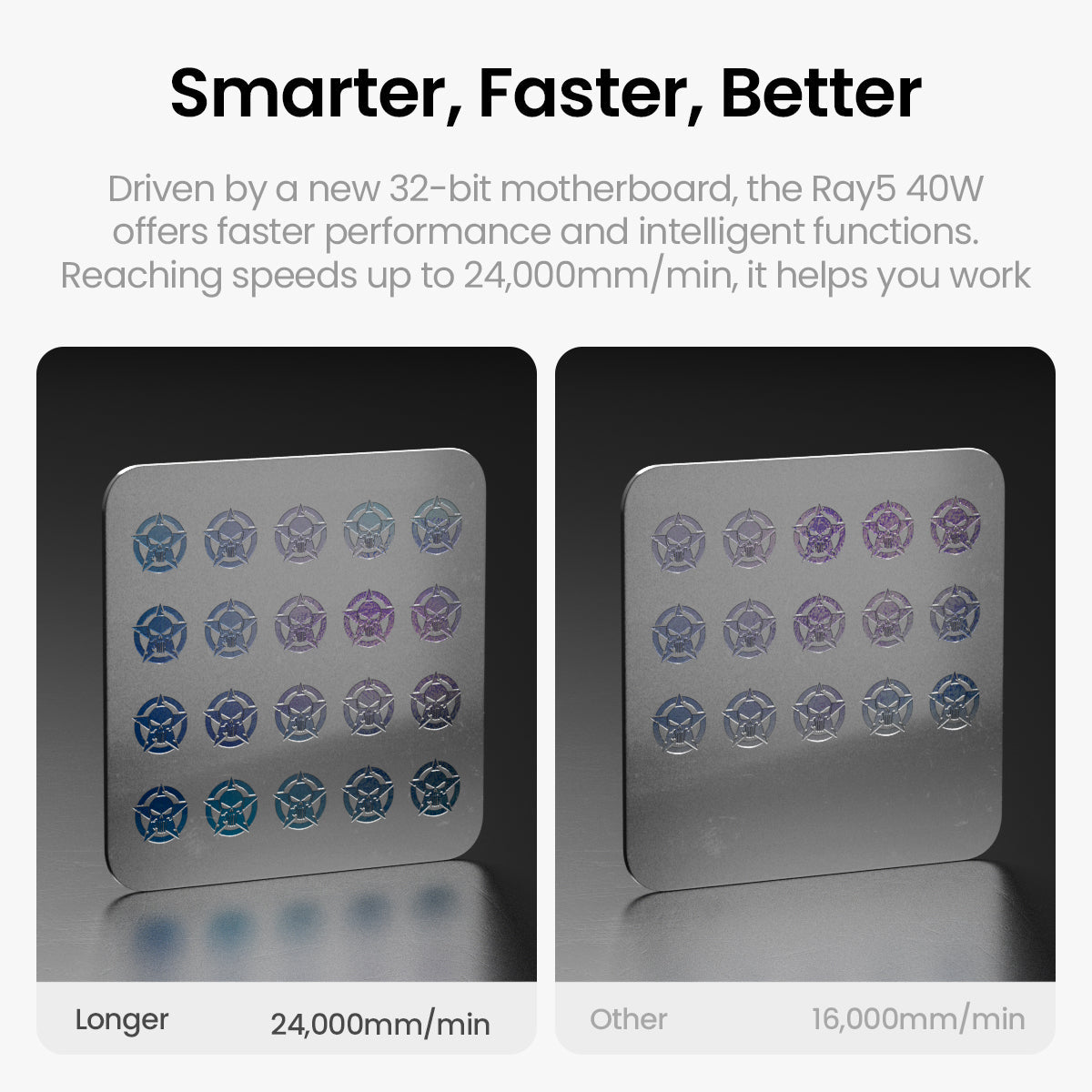
Smarter, Faster, Better
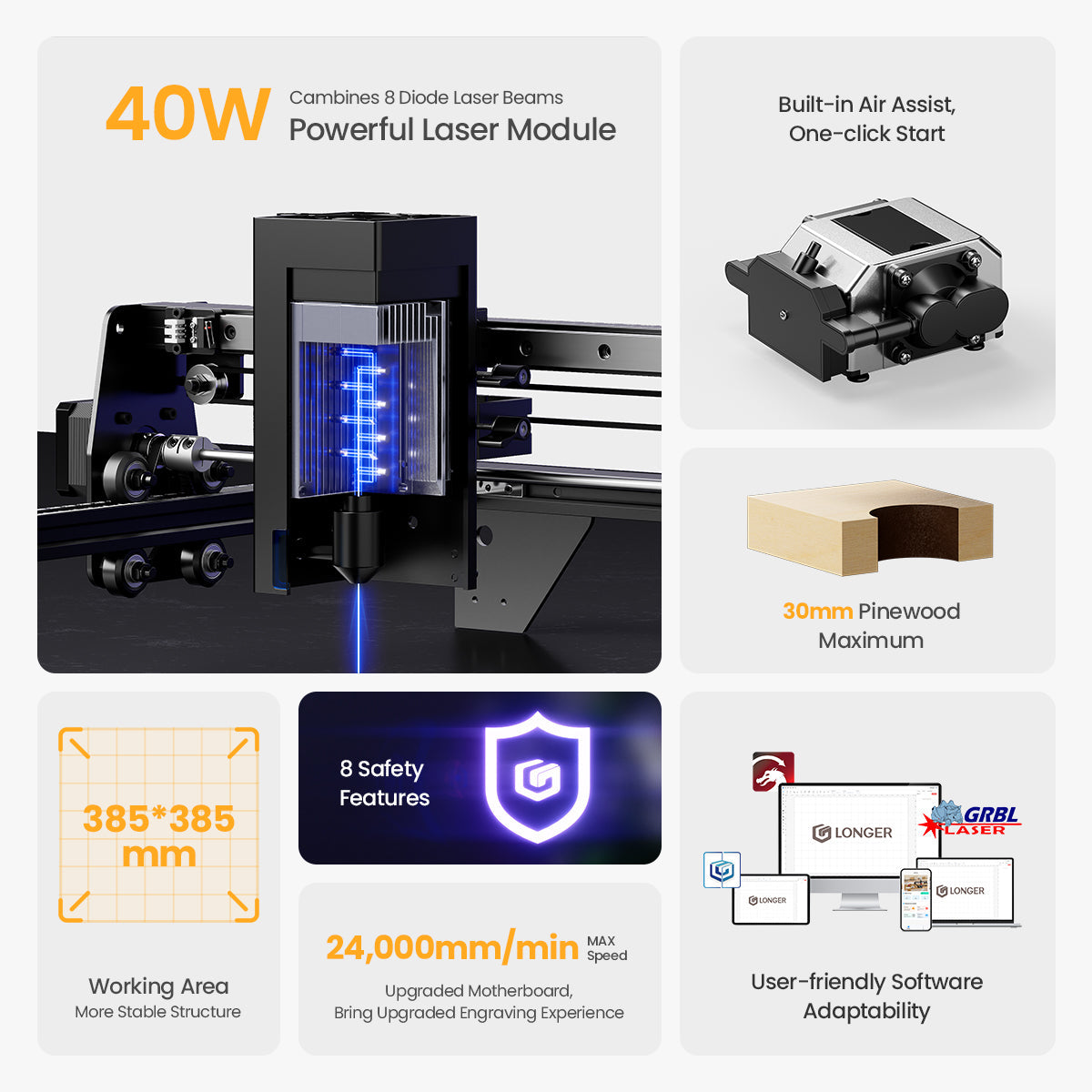
Driven by a new 32-bit motherboard, the Ray5 40W offers faster performance and intelligent functions.
Reaching speeds up to 24,000mm/min, it helps you work smarter, faster, and more efficiently.
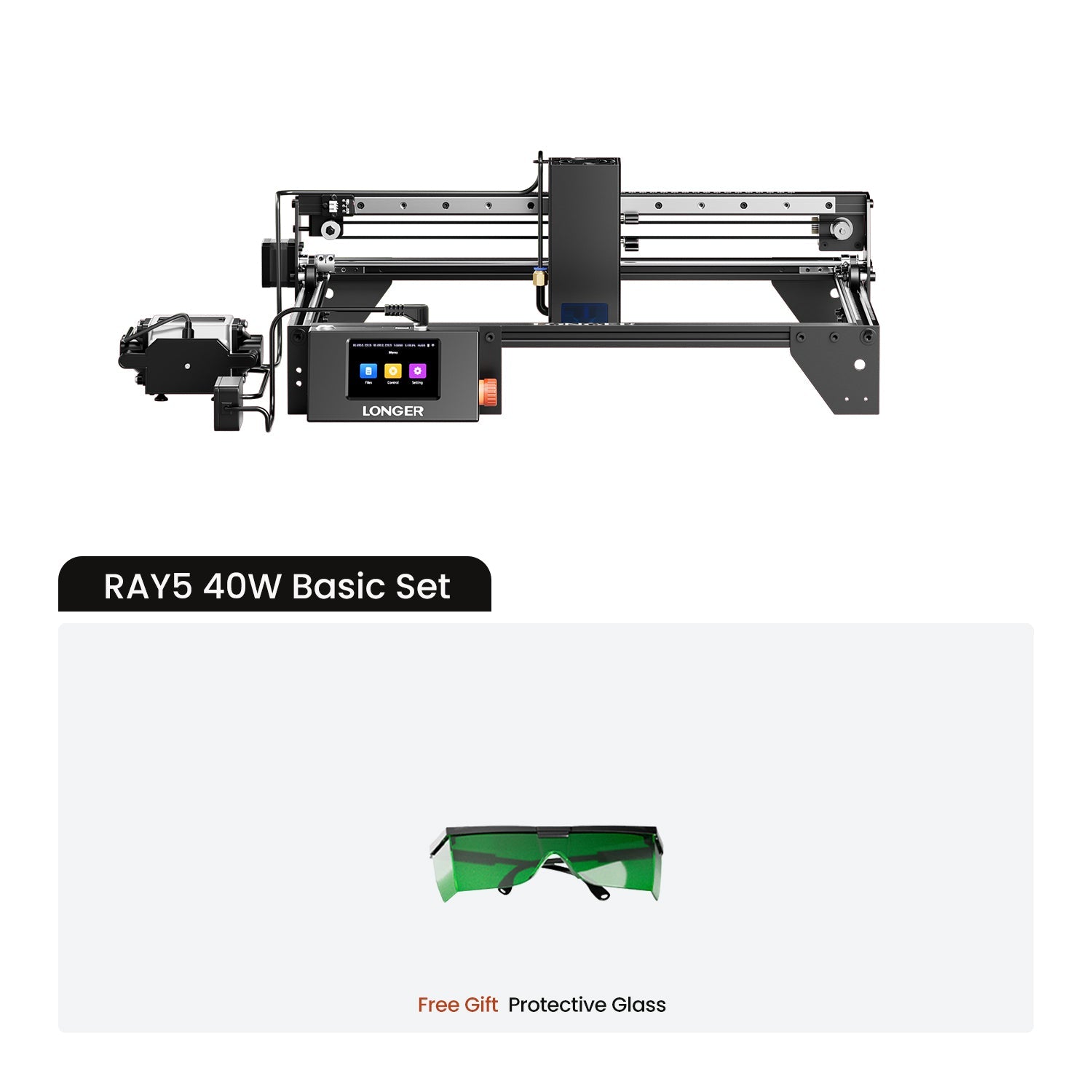



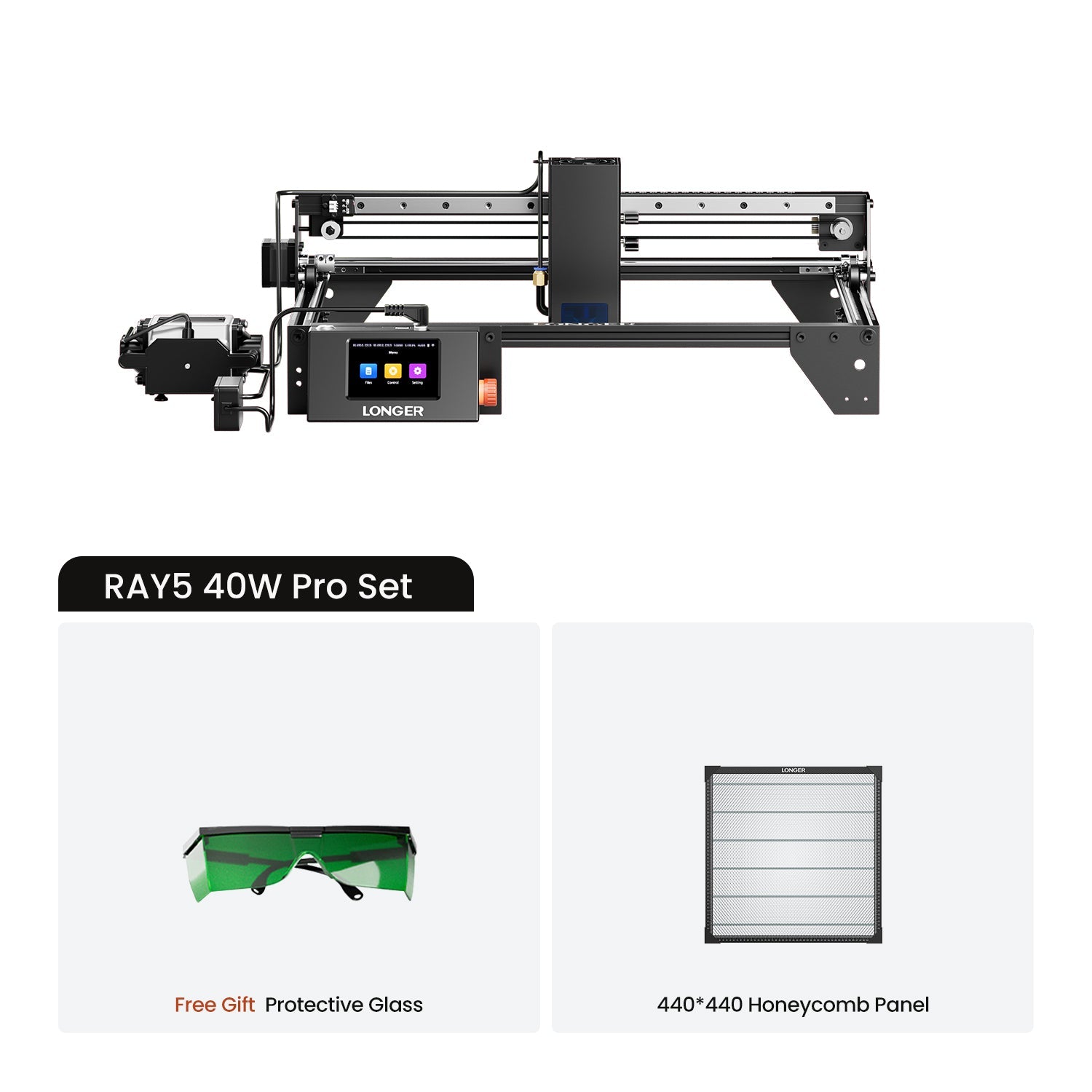
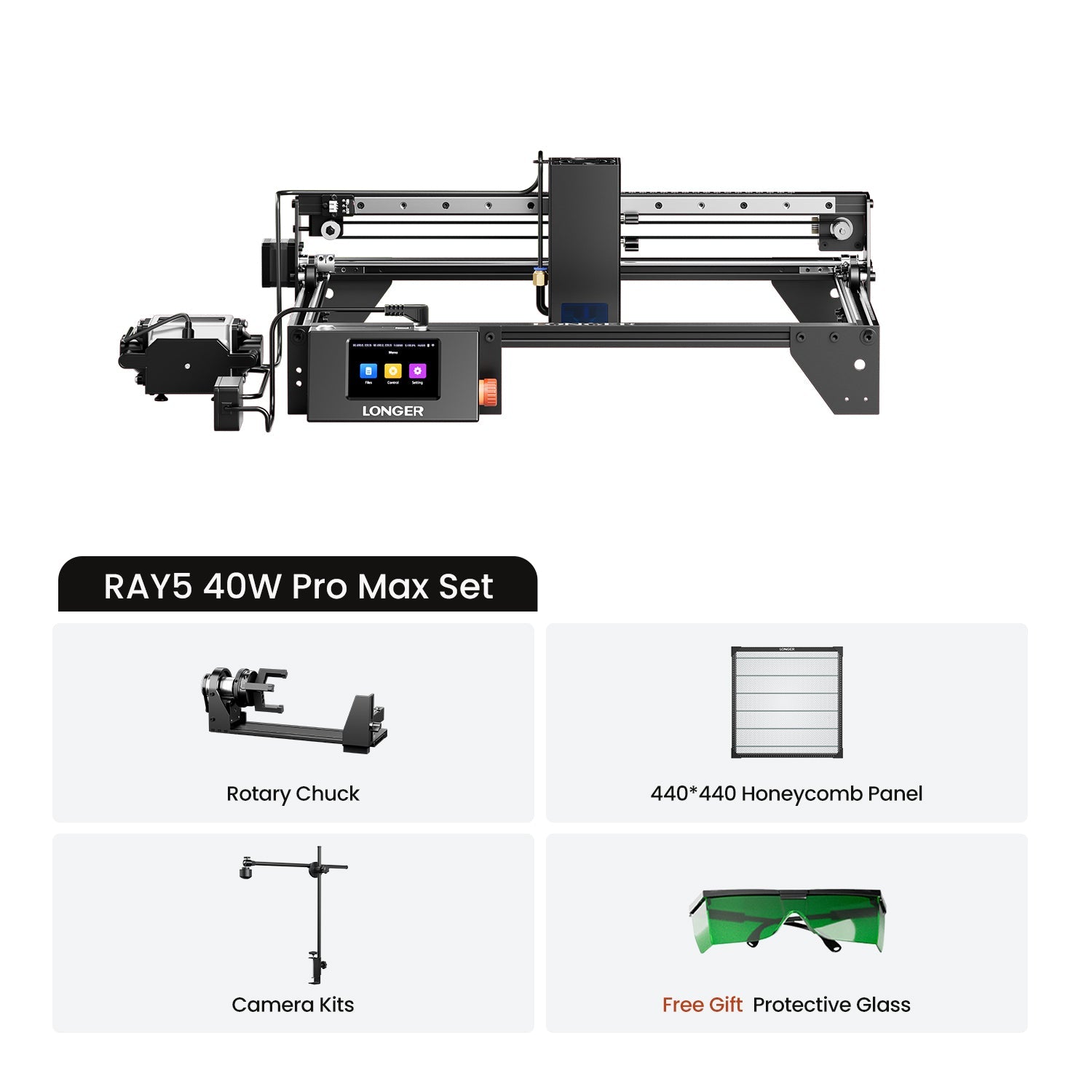

1 x Ray5 Laser Engraver
1 x Card Reader & TF Card
1 x Wooden Brush
1 x Protective Goggles
1 x Allen Wrench
1 x Cable Tie
3 x Plywood
1 x Laser Focus Column
1 x User Manual
LONGER Ray5 40W
The Ray5 You Know - Reinvented for More


Struttura migliorata per
Funzionamento impeccabile

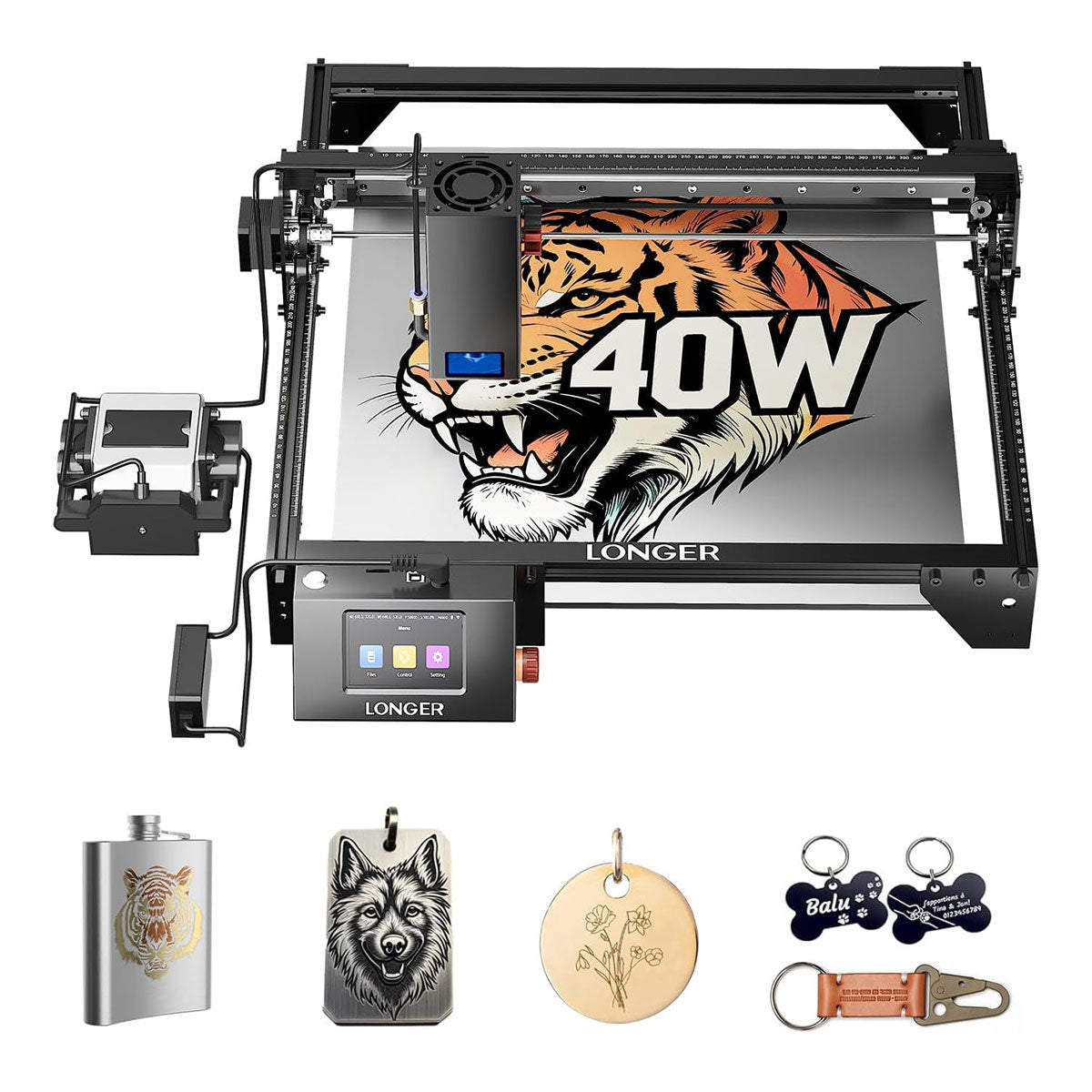
385x385mm Working Area
With a generous 385×385mm(15.16*15.16inch) working area, you have more space to bring bigger and bolder ideas to life.

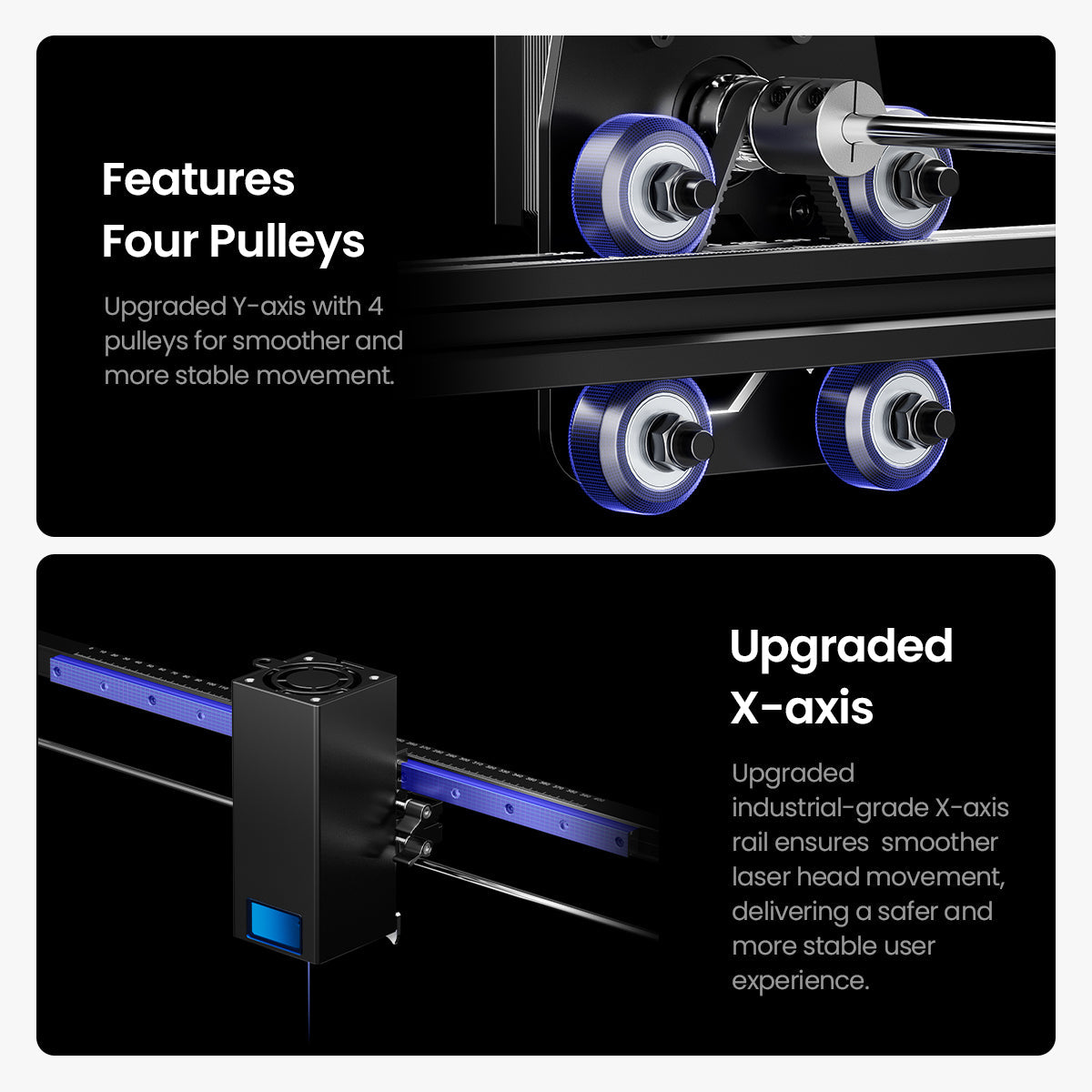
Features Four Pulleys
Asse Y migliorato con 4 pulegge per un movimento più fluido e stabile.

Upgraded X-axis
Upgraded industrial-grade X-axis rail ensures smoother laser head movement, delivering a safer and more stable user experience.


If you have any questions, you are always welcome to contact us. We'll get back to you as soon as possible, within 24 hours on weekdays.
Shipping Information
Usa questo testo per rispondere alle domande nel modo più dettagliato possibile per i tuoi clienti.
Customer Support
Use this text to answer questions in as much detail as possible for your customers.
FAQ’s
Use this text to answer questions in as much detail as possible for your customers.
Contact Us
Usa questo testo per rispondere alle domande nel modo più dettagliato possibile per i tuoi clienti.
This is an upgrade from my longer ray 20 watt. Loving the fact it's faster and much more detailed designs.
This is my third Longer diode laser, each one with more power and features. The latest is the 40w. Wow, cant say enough great things about this machine. Powerful, accurate and reliable. Everything you would want in a diode laser.
Great laser for the price! On the first day of using it, I was able to cut a 0.5mm thick, 304 stainless steel business card in half with no noticeable warping. Engraving is now much faster than my Ray5 20w. With a top speed of 24,000 mm/min. The new x axis is much more solid. The only downside is adjusting the drive belts on the Y axis. If you are off by even just a small amount you won't get clean circles. As a side note it would be cool if there was a surfacing router attachment to level out uneven materials. But that may just be wishful thinking. Thank you Longer for another amazing machine!!!
Very satisfied with my purchase!
All the accessories were packed neatly. I didn??t have to buy any extra screws or tools.
The focus adjustment is a bit tight at first, but once set, it stays stable during engraving.
I??ve been using it for a few days now, and I??m impressed! The engraving is clean and precise on both wood and leather.
Once I got things dialed in with the help of Longer tech support I'm pleased with the results. Enough so that I purchased a 40 Watt system. Thanks
It engraves fast, but make sure to balance power and speed. Too high power in one pass can burn the wood.
I??ve tested wood, bamboo, leather, and cardboard ?? all came out consistent with good detail.
The included guide and sample files are perfect for beginners. I started engraving on the first day.
It??s quieter than I expected, but the fan does make some noise. I??d recommend good ventilation.
When I engraved on acrylic for the first time, the smooth, clean edges surprised me ?? super sharp results.
I love the sleek design. The light strip gives it a high-tech look, and it fits nicely on my workbench.
There??s a bit of a learning curve with the software, but once you dial in the settings, the results are fantastic.
The 40W power is a big step up from my old 20W machine ?? it cuts through thicker materials easily.
The right Ray5 module depends on your engraving and cutting needs. The 5W and 10W modules are ideal for detailed engraving projects and everyday creative work, while the 20W module offers the best balance between engraving precision and cutting performance, making it the most versatile choice for most users. If you need faster processing speed and stronger cutting capability for thicker materials, the 40W module is the best option. Choose 5W/10W for fine engraving, 20W for all-around performance, and 40W for maximum efficiency and cutting power.
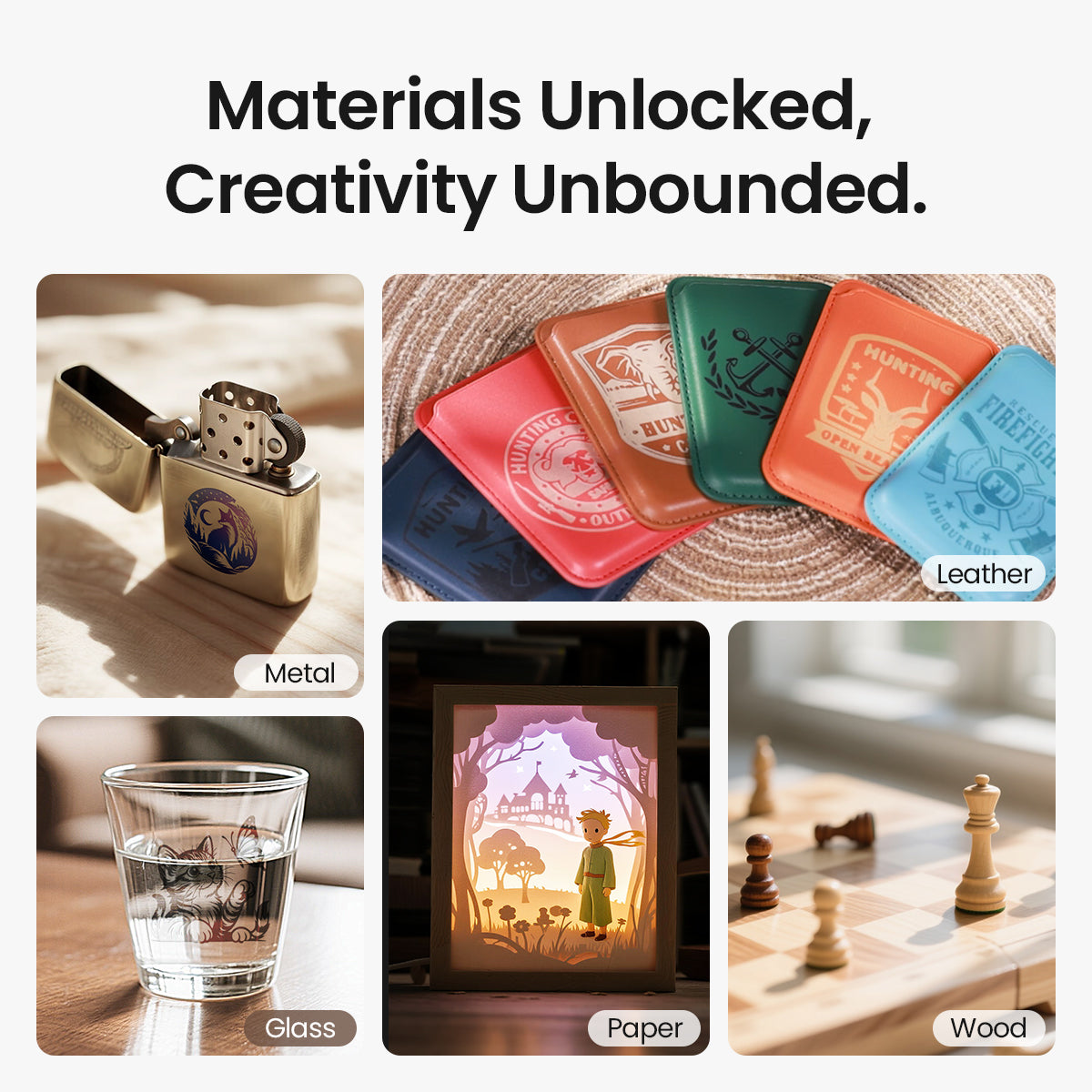
The Ray5 series supports engraving and cutting on a wide range of materials. The diode laser can cut wood, leather, MDF, paper, felt, and some dark opaque acrylic. It can also engrave wood, leather, bamboo, fabric, glass, ceramic, stone, stainless steel, and coated metals.
With the optional Ruby 1064nm IR Laser Module, Ray5 can engrave more metals, including gold, silver, brass, iron, aluminum, and stainless steel.
Actual results may vary depending on the material type, thickness, and processing settings.
Please check whether the CH340 driver is installed correctly on your computer. After installation, open Device Manager and check if the machine appears under Ports (COM & LPT). Select the correct COM port in LightBurn and set the baud rate to 115200. Please also make sure no other software (such as LaserGRBL) is occupying the serial port. If the issue remains, please import the correct Ray5 .lbdev configuration file and try connecting again.
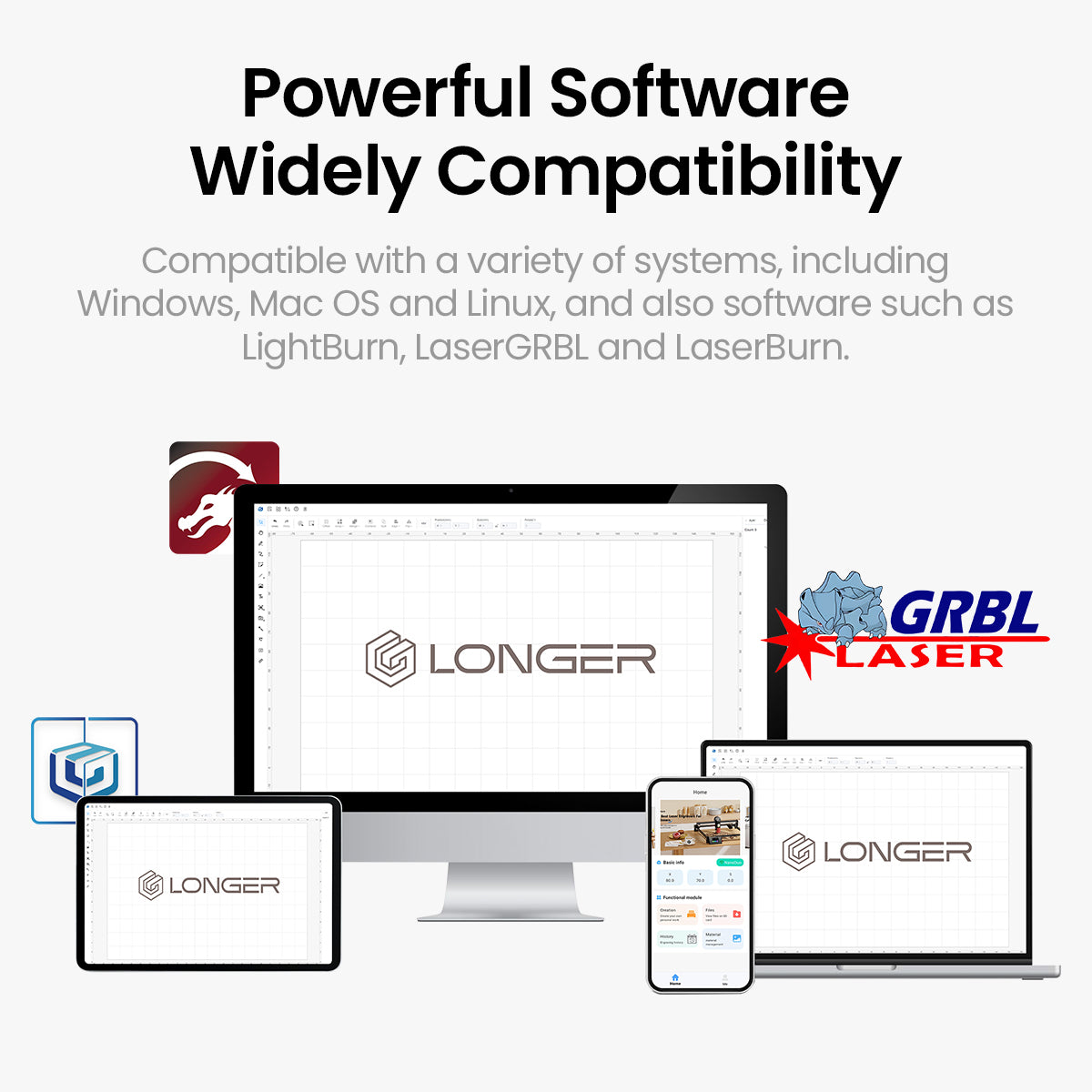
Yes! Ray5 is designed to be beginner-friendly with an easy setup and intuitive operation. You can quickly get started with LightBurn, LaserGRBL, or LaserBurn. We also provide detailed tutorials and user manuals to help you complete your creative projects with ease.
If you encounter any issues during installation or operation, our customer support team is always ready to assist you at support@longer.net. All you need is some practice and exploration to unlock more creative possibilities with Ray5.