
The red dot focusing module on the LONGER Nano Duo laser engraver helps users quickly find the correct focal position for more accurate engraving results. During use, strong pulling or accidental impacts may cause the red dot module to shift, making the two red dots no longer overlap.
When the red dots become misaligned, the focusing function may be affected. This guide explains how to recalibrate the red dot focusing module and restore accurate focus positioning.
Step 1: Confirm the Correct Focal Distance
Before adjusting the red dot module, first make sure the laser head is at the correct focal height. Follow these steps:
- Use a ruler or the wooden stick included with the machine.
- Place the wooden stick vertically on the engraving material surface.
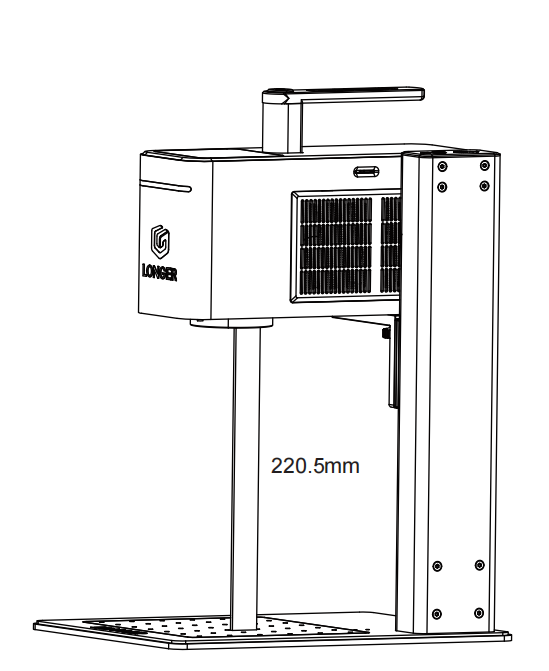
- Adjust the laser head height until the bottom of the field lens is 220.5 mm above the material surface.
The correct focal distance can also be confirmed when the bottom of the field lens lightly touches the included wooden stick.
Step 2: Turn On the Red Dot Focusing Module
Enable the red dot focus function through the machine screen or LaserBurn software.
Using the Machine Screen:
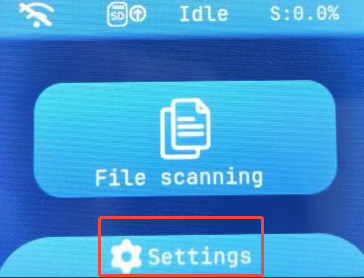
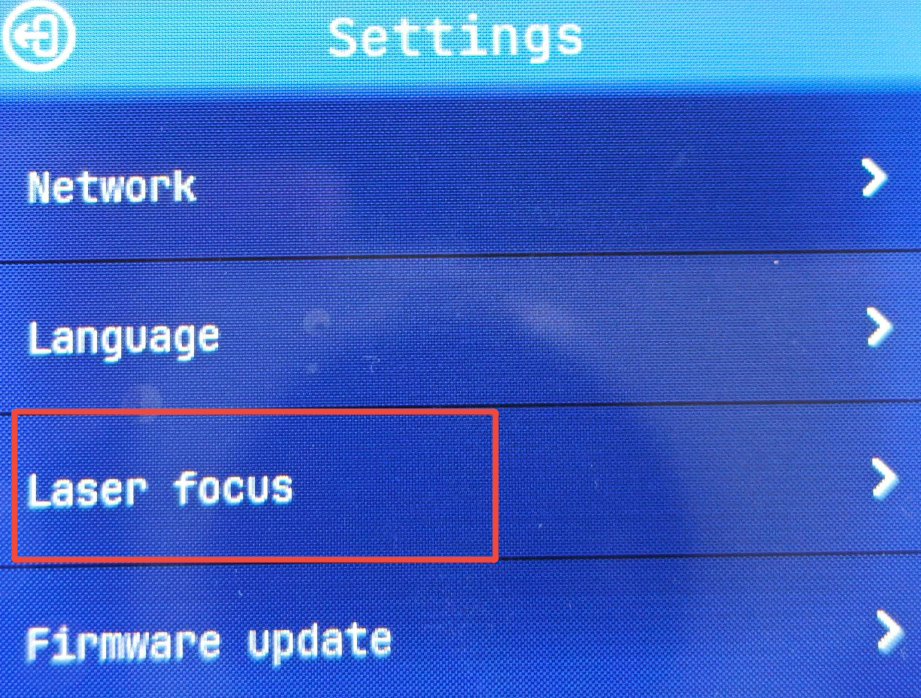
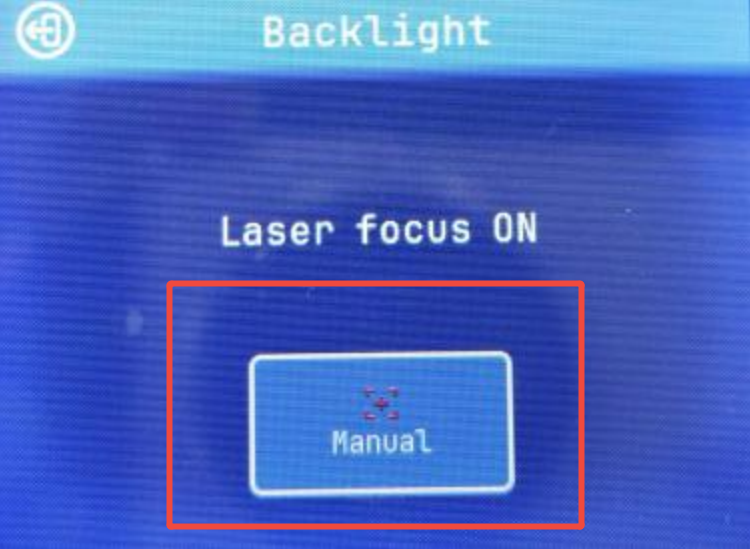
Go to: Settings → Laser Focus → Manual. Enable the red dot focus function.
Using LaserBurn:
Open LaserBurn and go to: Device → Engraving → Laser Focusing. Enable the red dot display.
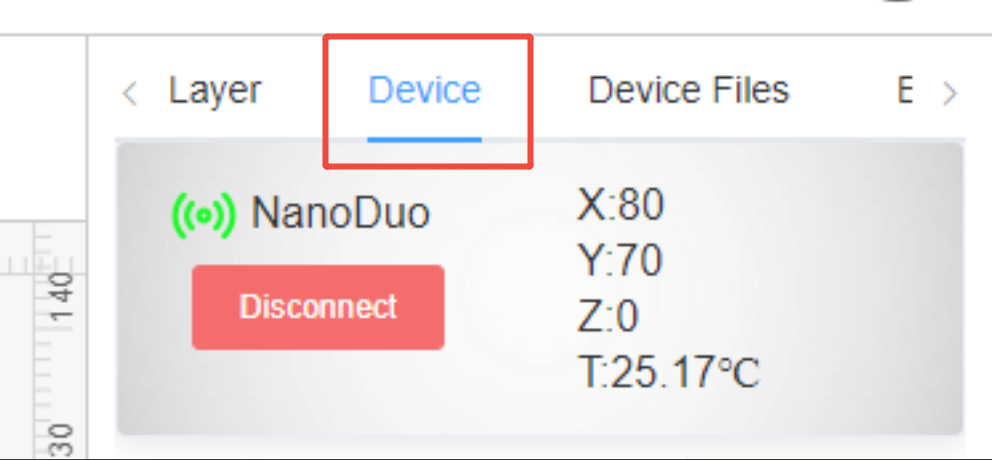
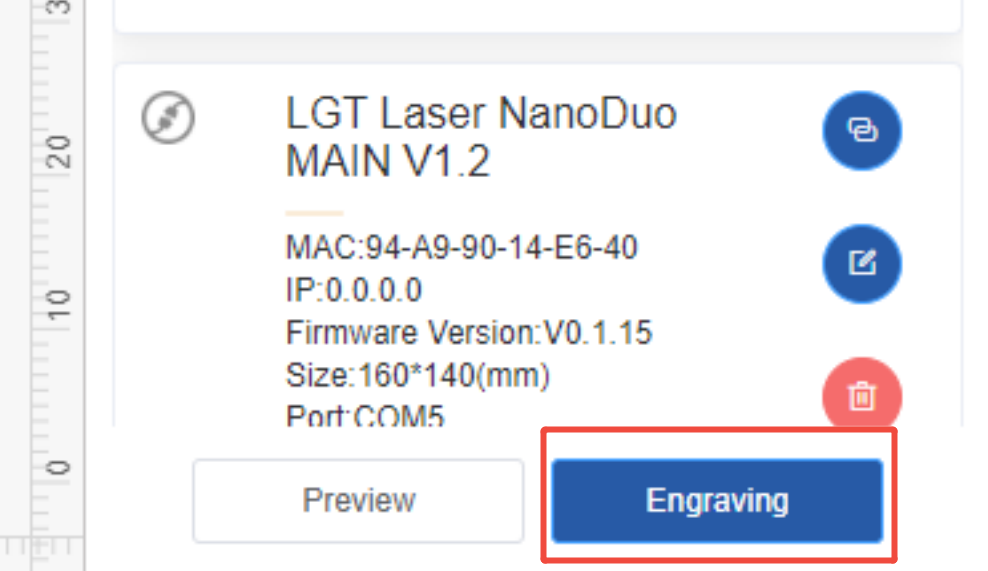
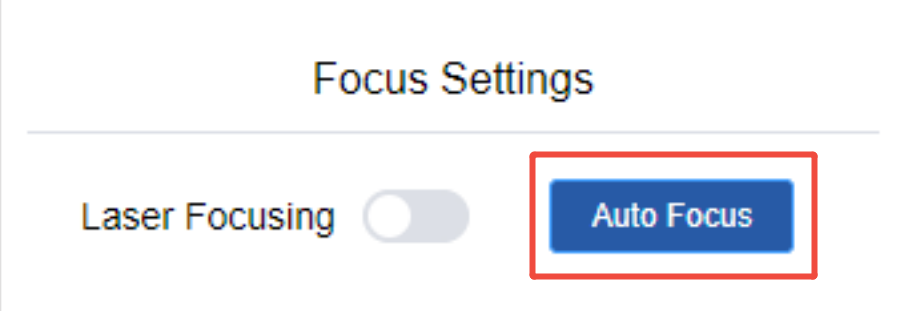
Step 3: Align the Red Dots
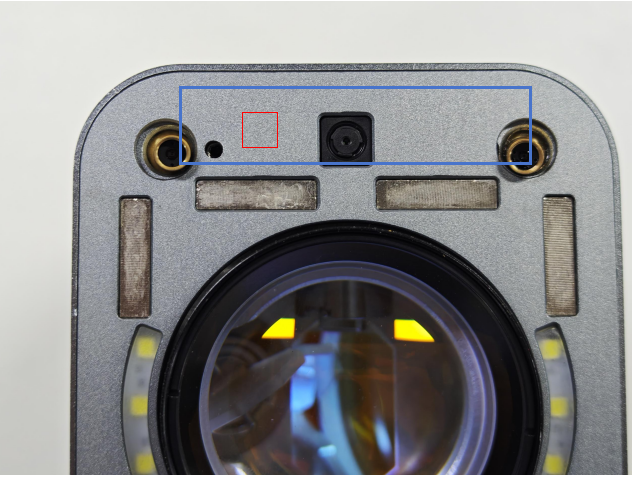
After enabling the red dot module, check whether the two red dots overlap. If the dots are separated, adjust the movable red laser. Follow these steps:
- Locate the red dot focusing module.
- Identify the movable red laser on the left side.
- Use a hex wrench to loosen the screw near the movable laser.
- Gently adjust the laser position until the two red dots overlap.
- Tighten the screw to secure the module.
After adjustment, the two red dots should align at the correct focal position.
Conclusion
Adjusting the red dot focusing module on the LONGER Nano Duo helps restore accurate focus positioning and maintain consistent engraving quality. If the red dots become misaligned after movement or impact, recalibrating the module can help ensure the laser is focused correctly.
Regularly checking the focus position before engraving can help reduce focusing errors and improve overall engraving performance.
Share:
LONGER How To: Make a Custom Rubber Stamp with the Ray5 10W Laser Engraver
Shaking Effects Solving for Longer Ray5 5W