
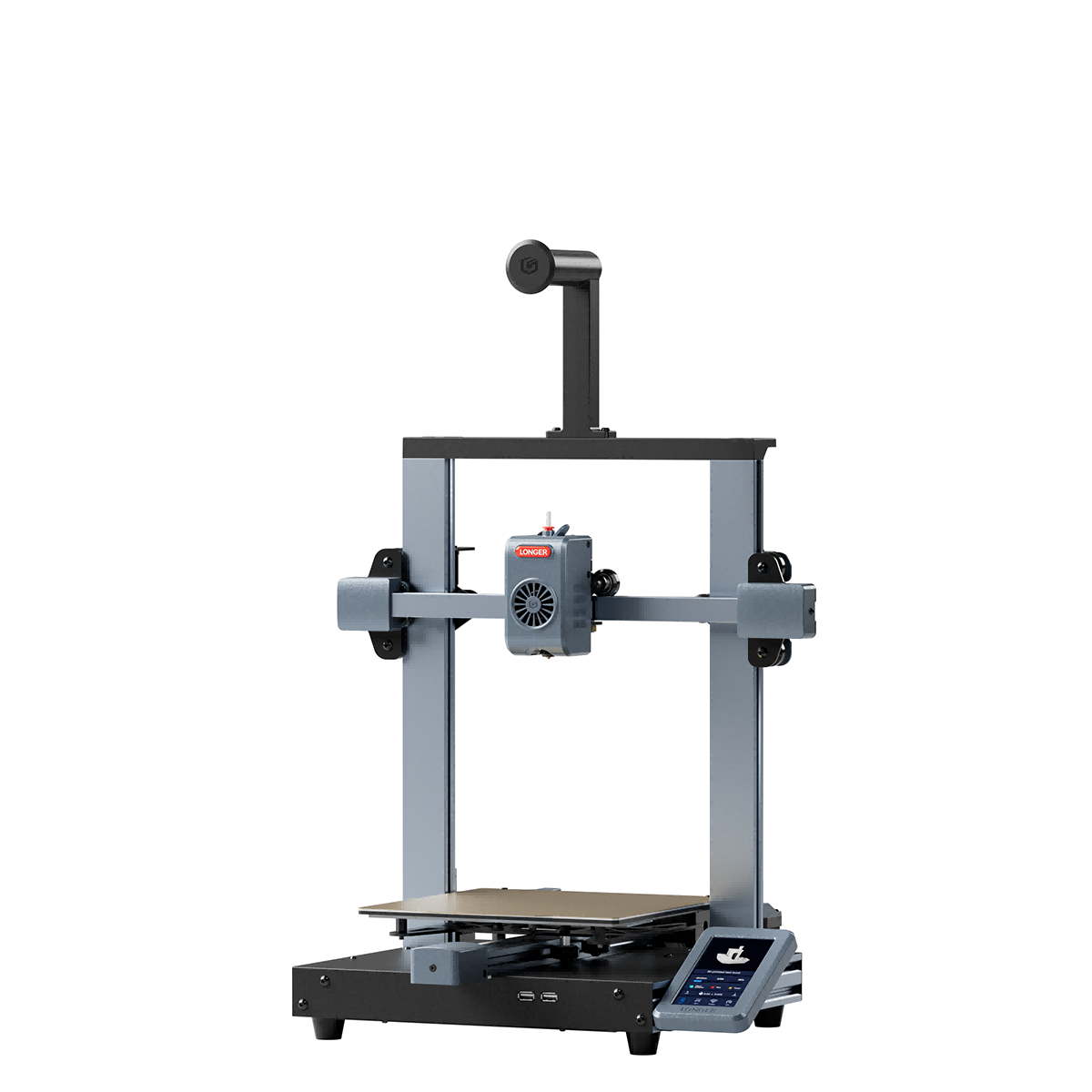

Key Parts Newly Upgraded
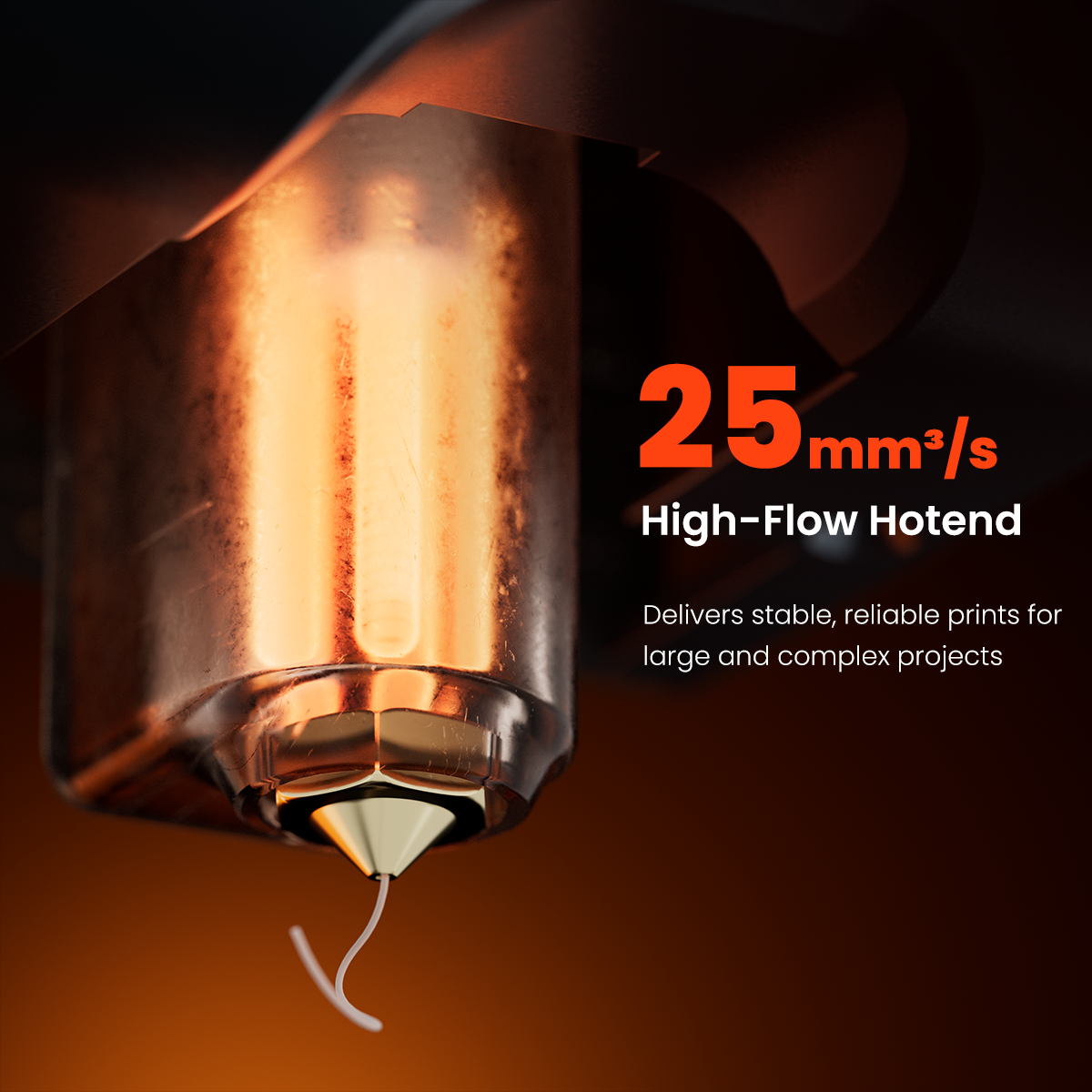
升级了热端和喉管,以实现更好的加热和更顺畅的耗材流动,并搭配高风量风扇,以实现高效冷却和更长的使用寿命。
·升级版索拉特
· Upgraded High-airflow Fan
· Upgraded Hotend
If you have any questions, you are always welcome to contact us. We'll get back to you as soon as possible, within 24 hours on weekdays.
Shipping Information
Use this text to answer questions in as much detail as possible for your customers.
Customer Support
Use this text to answer questions in as much detail as possible for your customers.
FAQ’s
Use this text to answer questions in as much detail as possible for your customers.
Contact Us
使用此文本尽可能详细地为您的客户回答问题。


Key Parts Newly Upgraded
升级了热端和喉管,以实现更好的加热和更顺畅的耗材流动,并搭配高风量风扇,以实现高效冷却和更长的使用寿命。
·升级版索拉特
· Upgraded High-airflow Fan
· Upgraded Hotend
More Stable
More Efficient
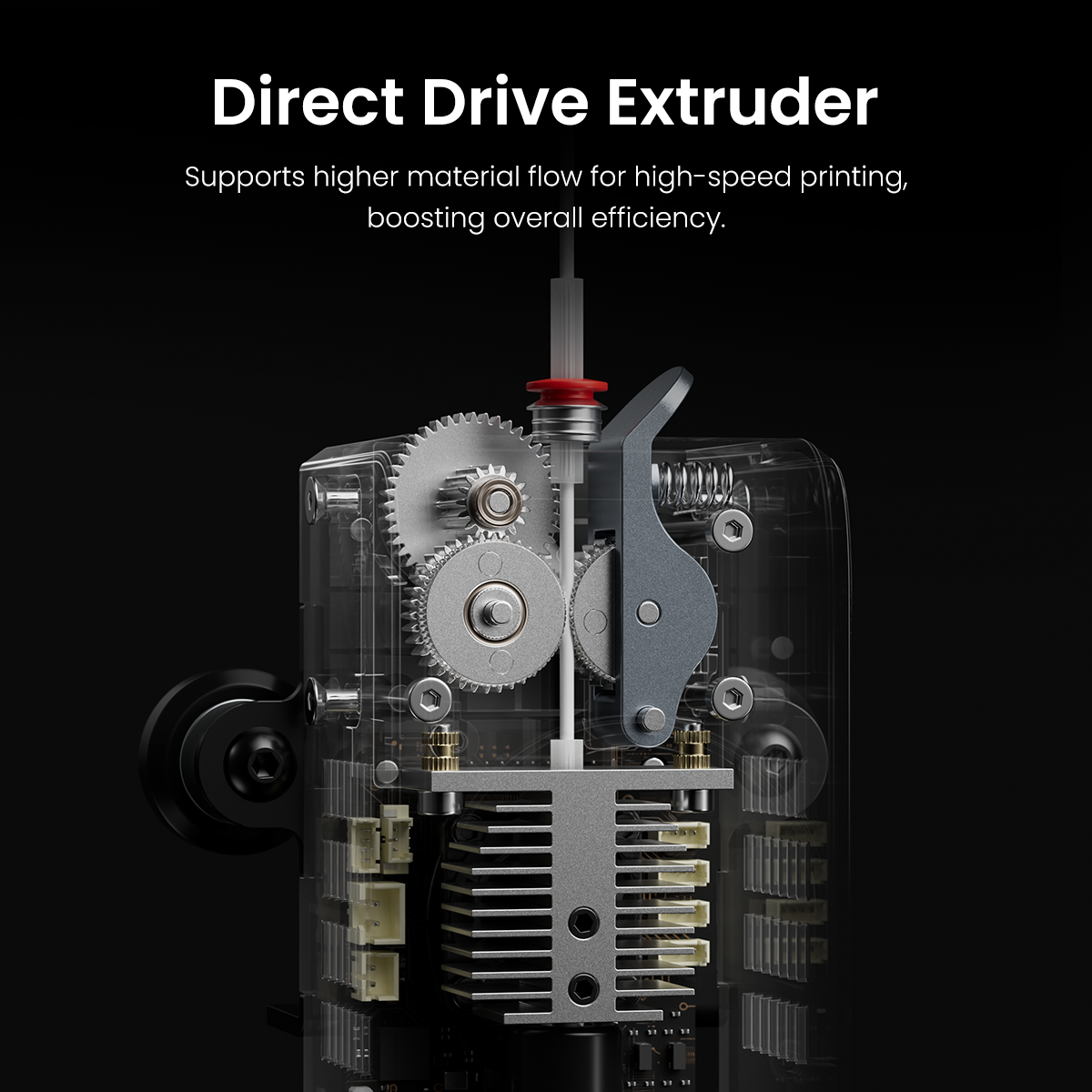
升级后的高流量直驱挤出机可提供更稳定的性能
挤出成型,实现完美打印。现已兼容柔性耗材,开启无限创意可能。


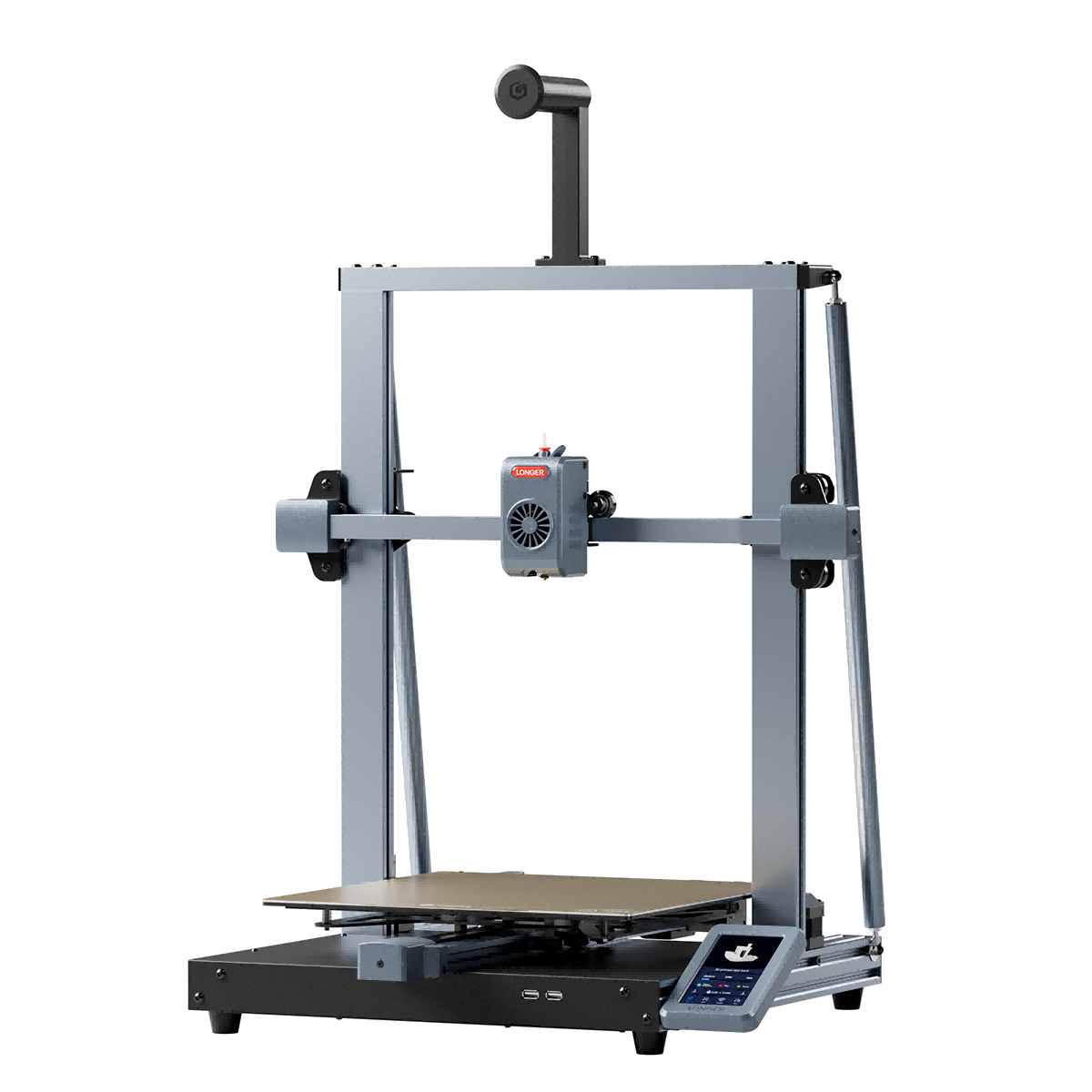
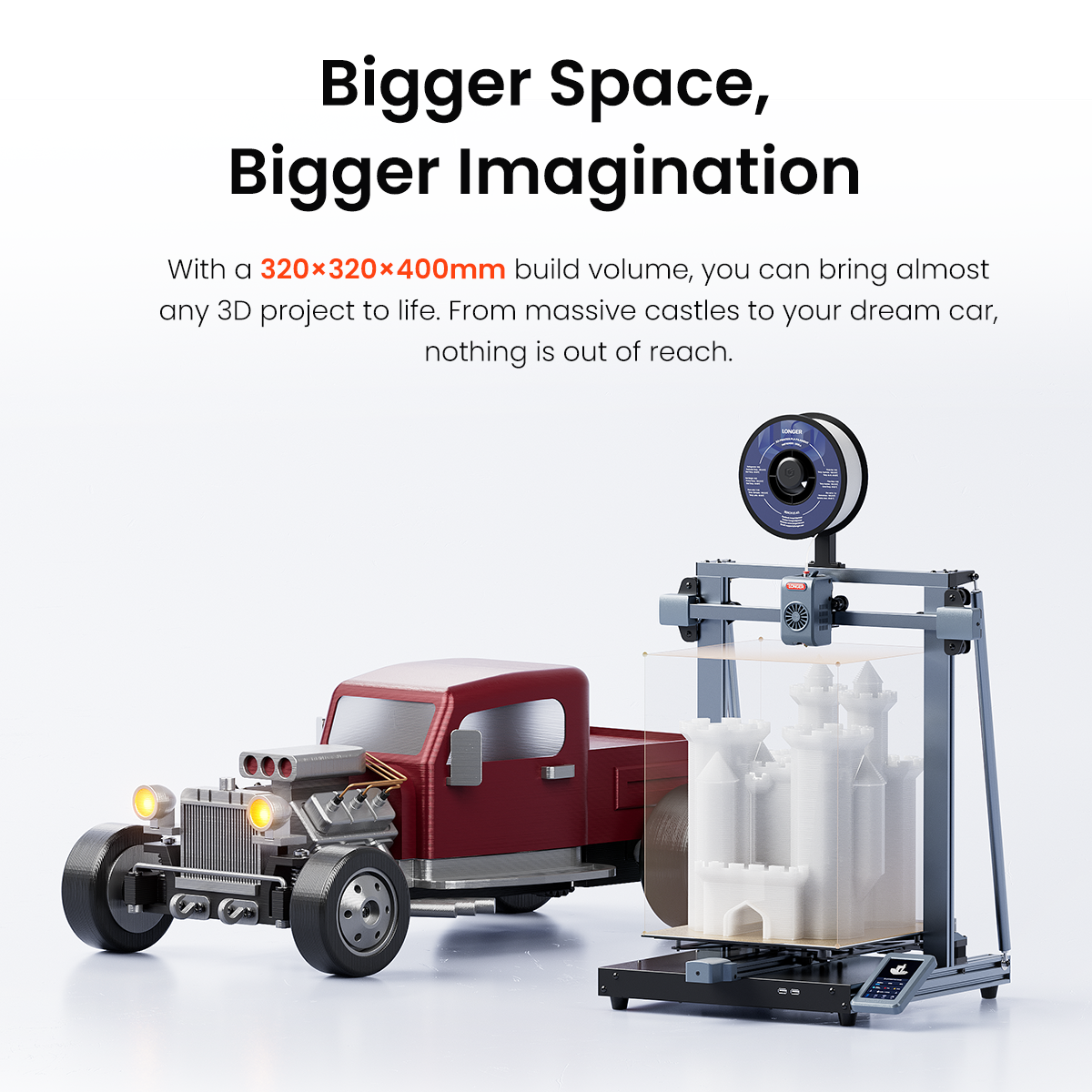
The main difference is the build volume. The LK10 offers 225 × 225 × 265 mm, while the LK10 Plus provides a larger 320 × 320 × 400 mm build area for bigger projects.
Both printers support 1.75 mm filament, including PLA, PETG, ABS, ASA, TPU, and more.
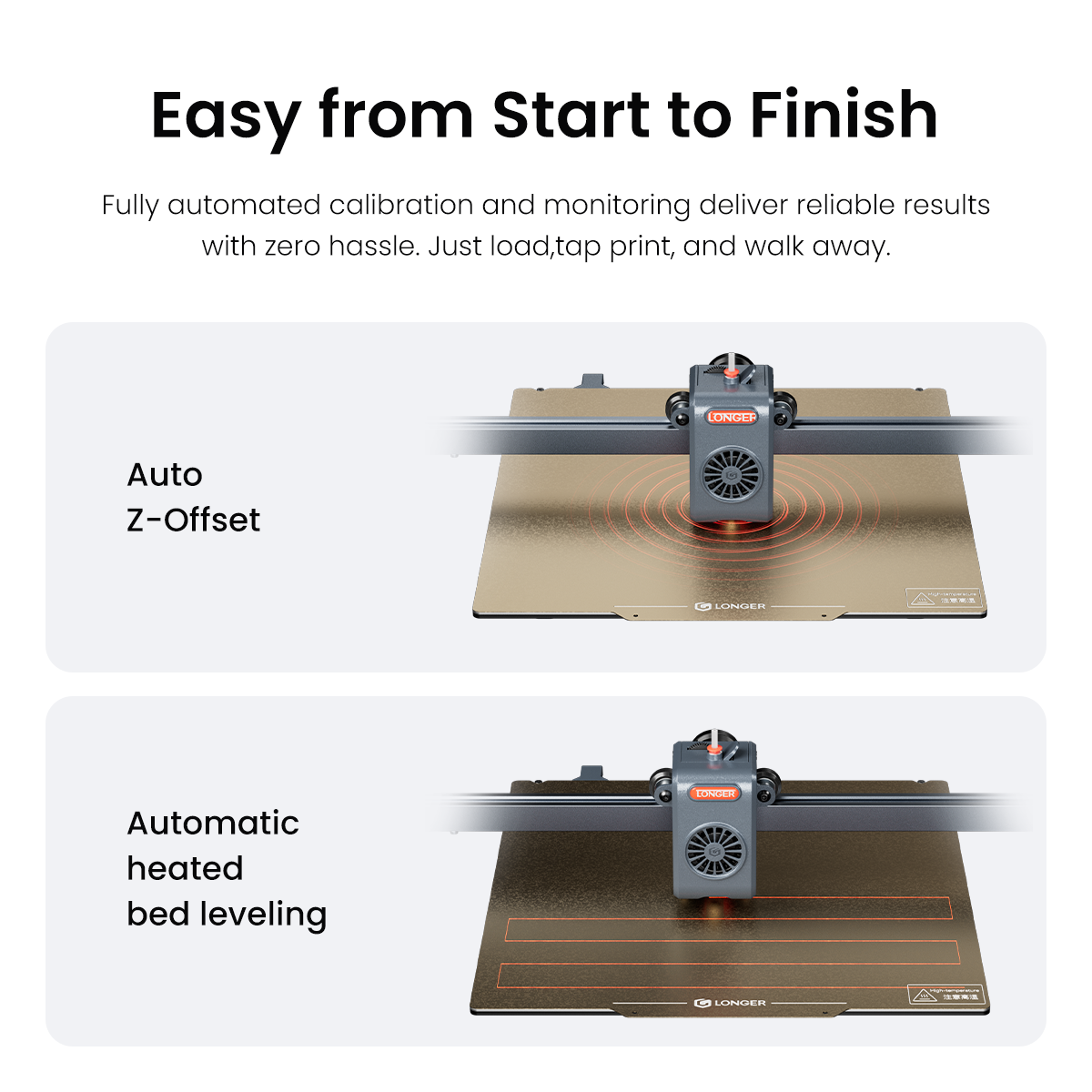
Yes. Both models use an eddy current sensor for automatic bed leveling and automatic Z-offset detection, helping simplify setup and improve first-layer consistency.
A print may stop because of a filament detection error, damaged print file, loose cable connection, temperature abnormality, or firmware-related issue. Check the filament sensor, power and cable connections, temperature readings, and try printing the file again after re-slicing it.
First check whether the nozzle is clogged and make sure the filament is loaded correctly. Also inspect the extruder gear, Bowden tube, nozzle temperature, and filament for any blockage or damage. If extrusion is still weak or inconsistent, clean or replace the nozzle and try again. If the issue persists, please contact our support team at support@longer.net for further assistance.