






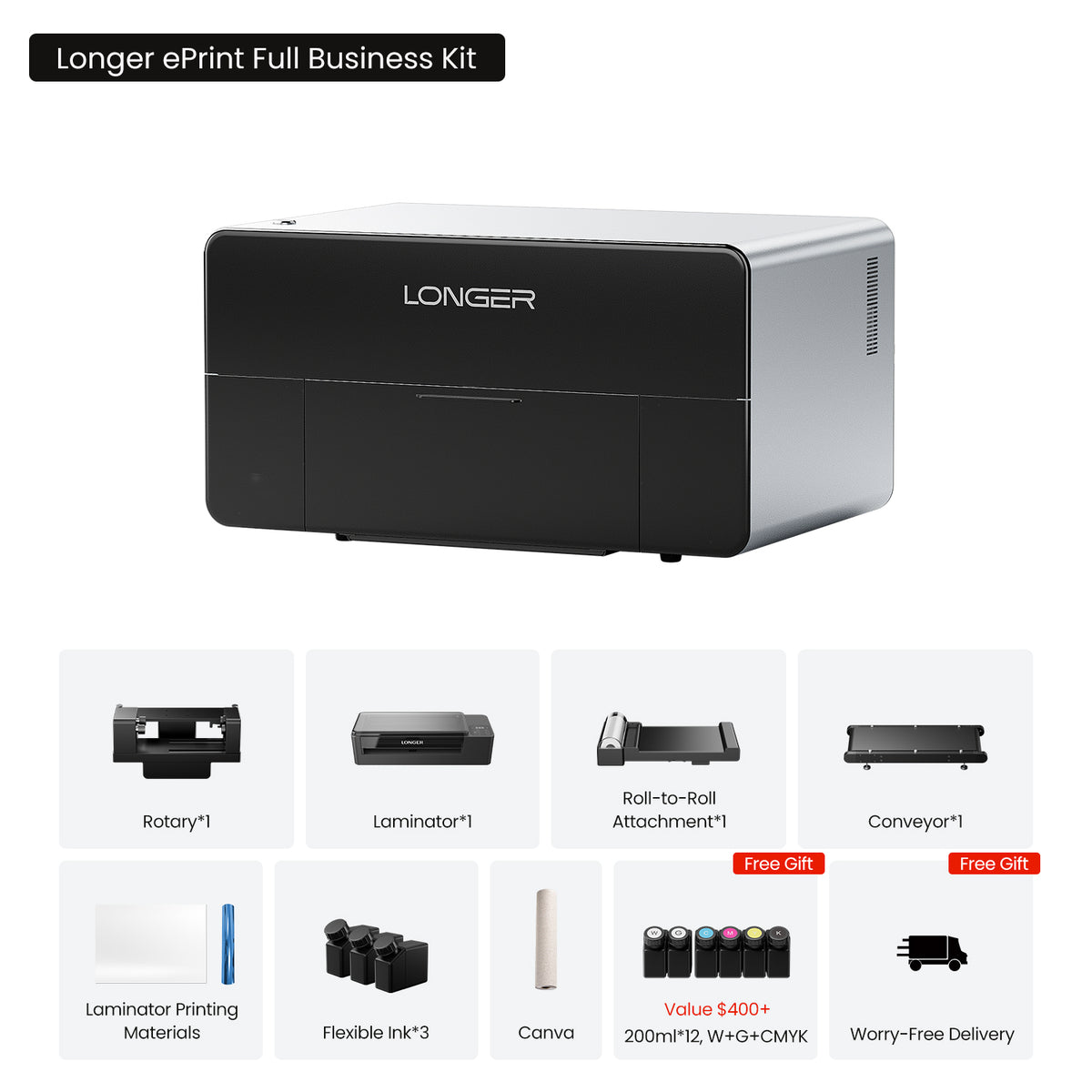
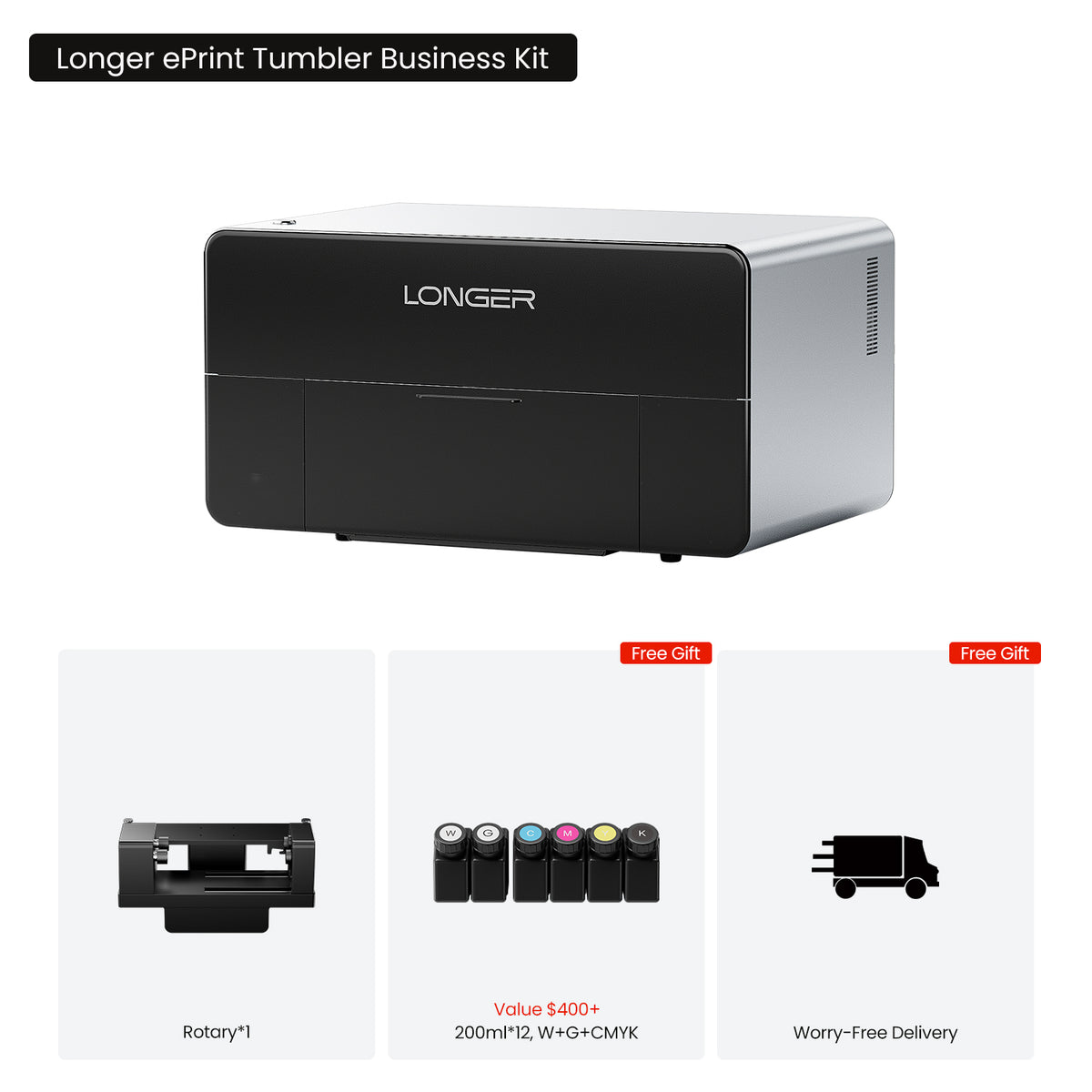
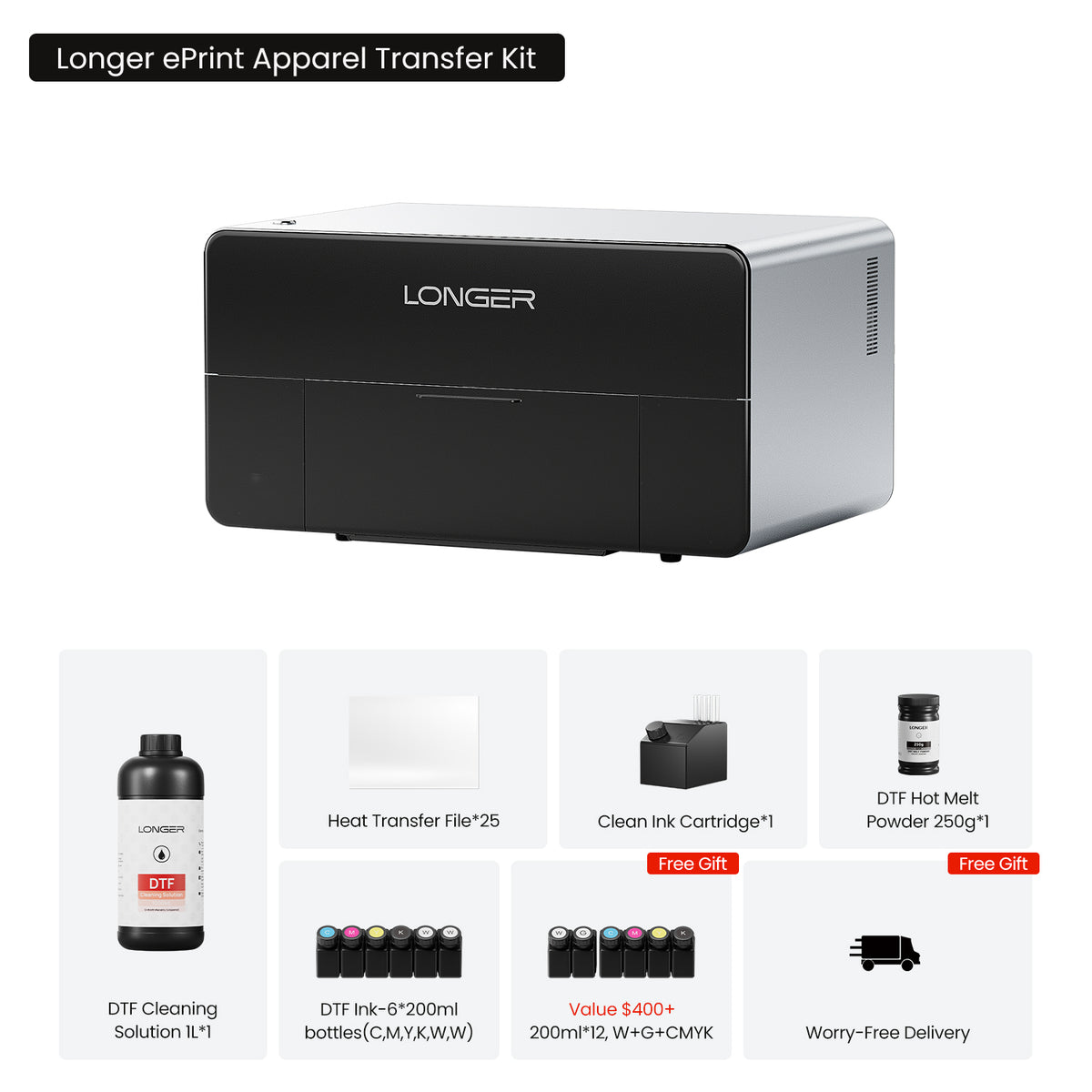
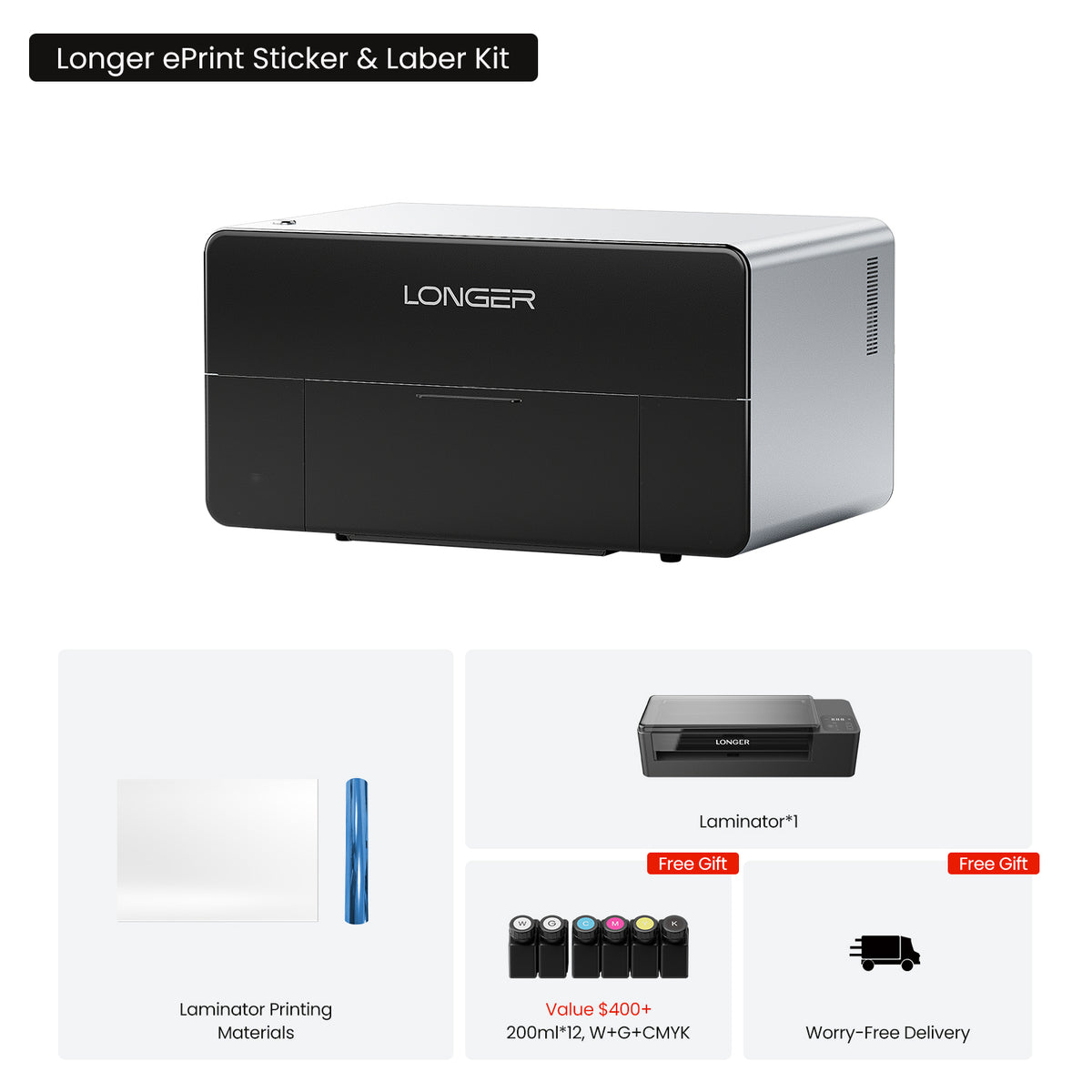
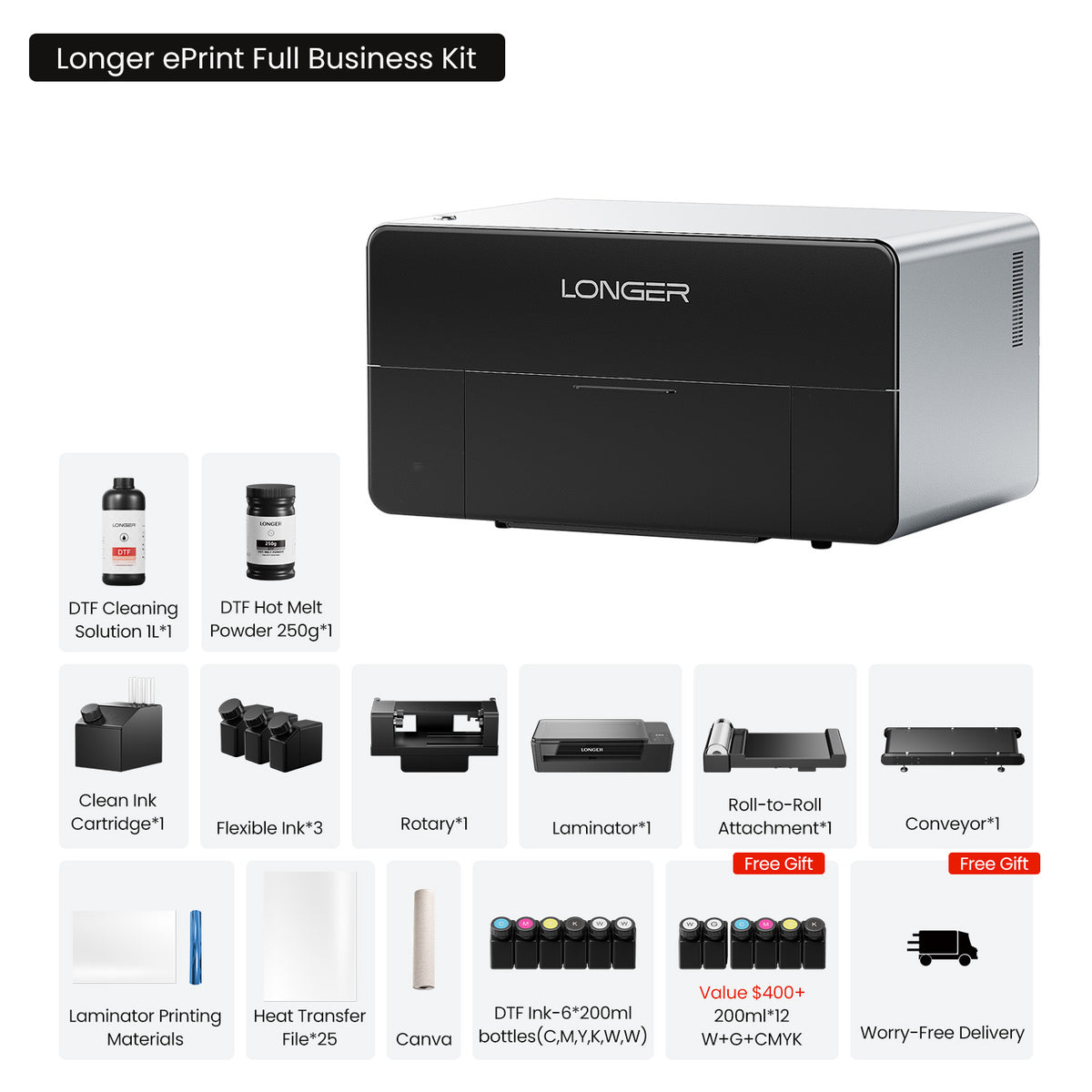
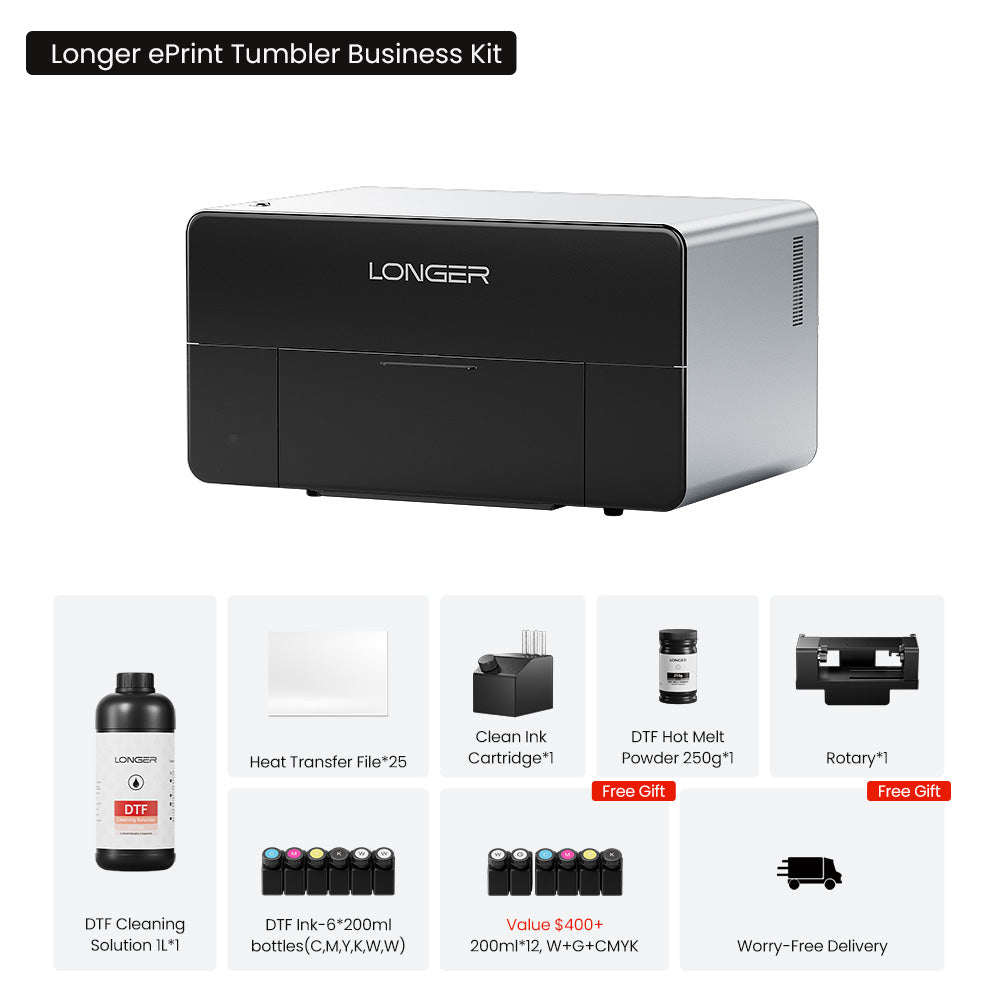
更长的 ePrint 双头 UV 打印机
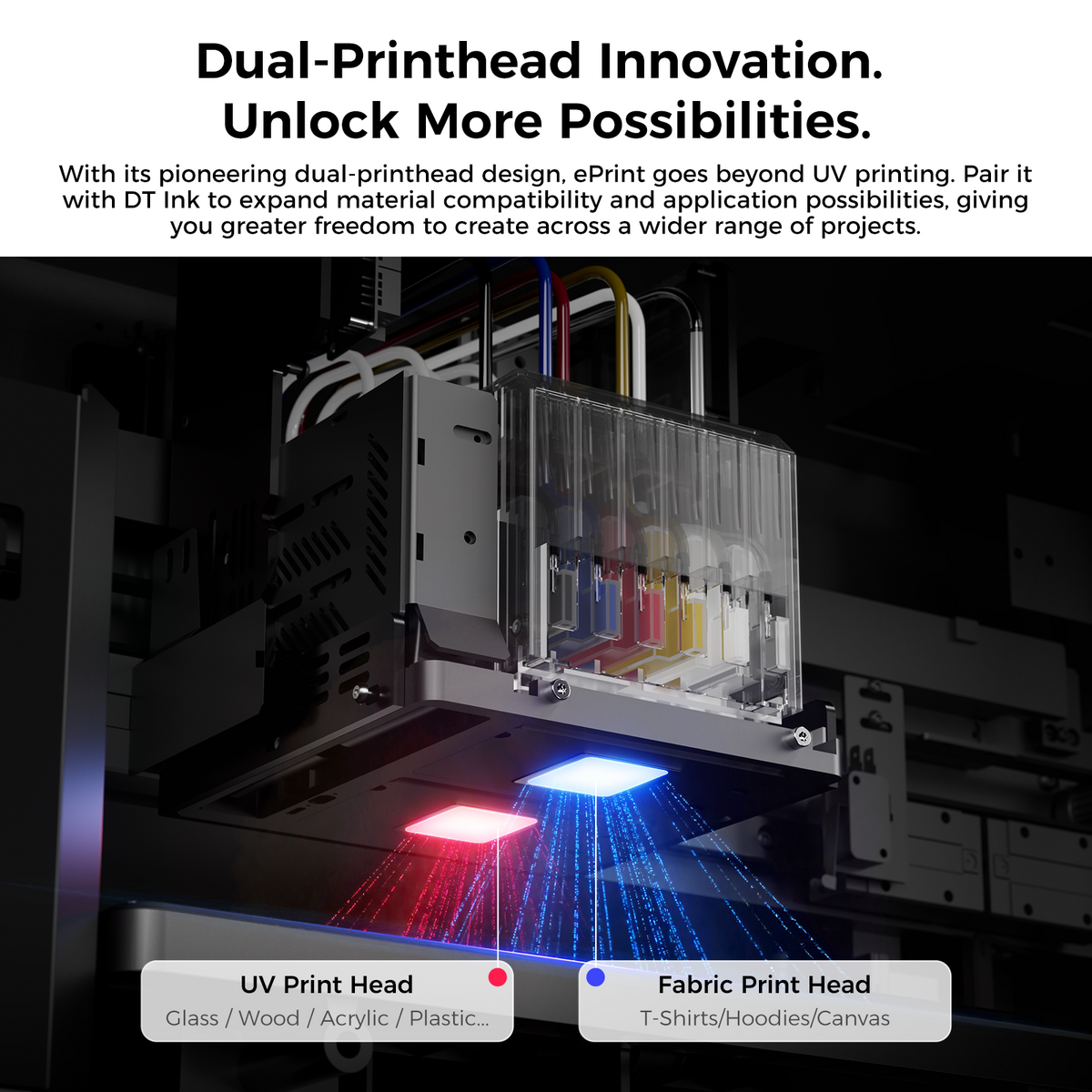
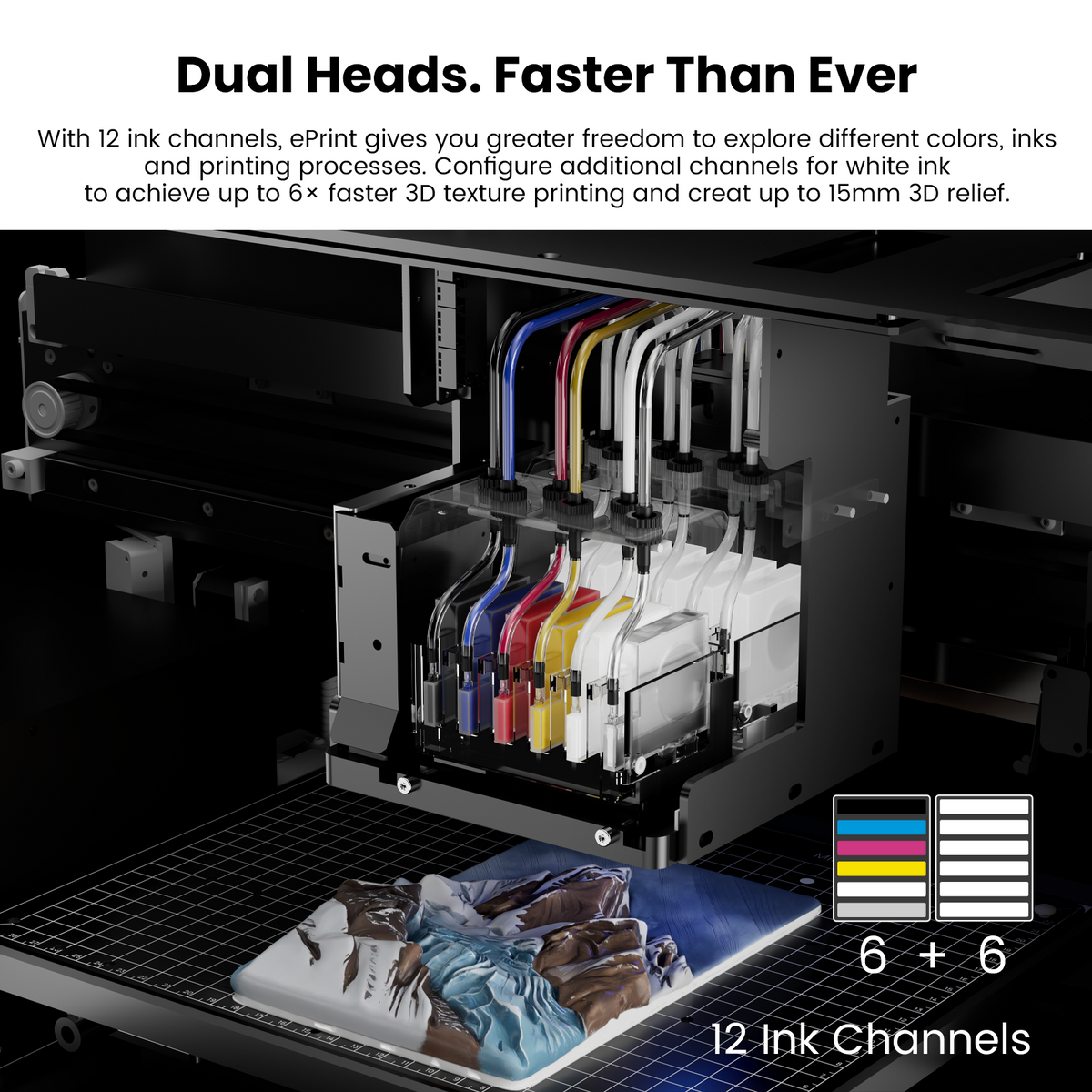
- 双头创新:世界上第一台双头 UV 打印机,拥有 12 个墨水通道,打印速度比传统单头系统快 6 倍。
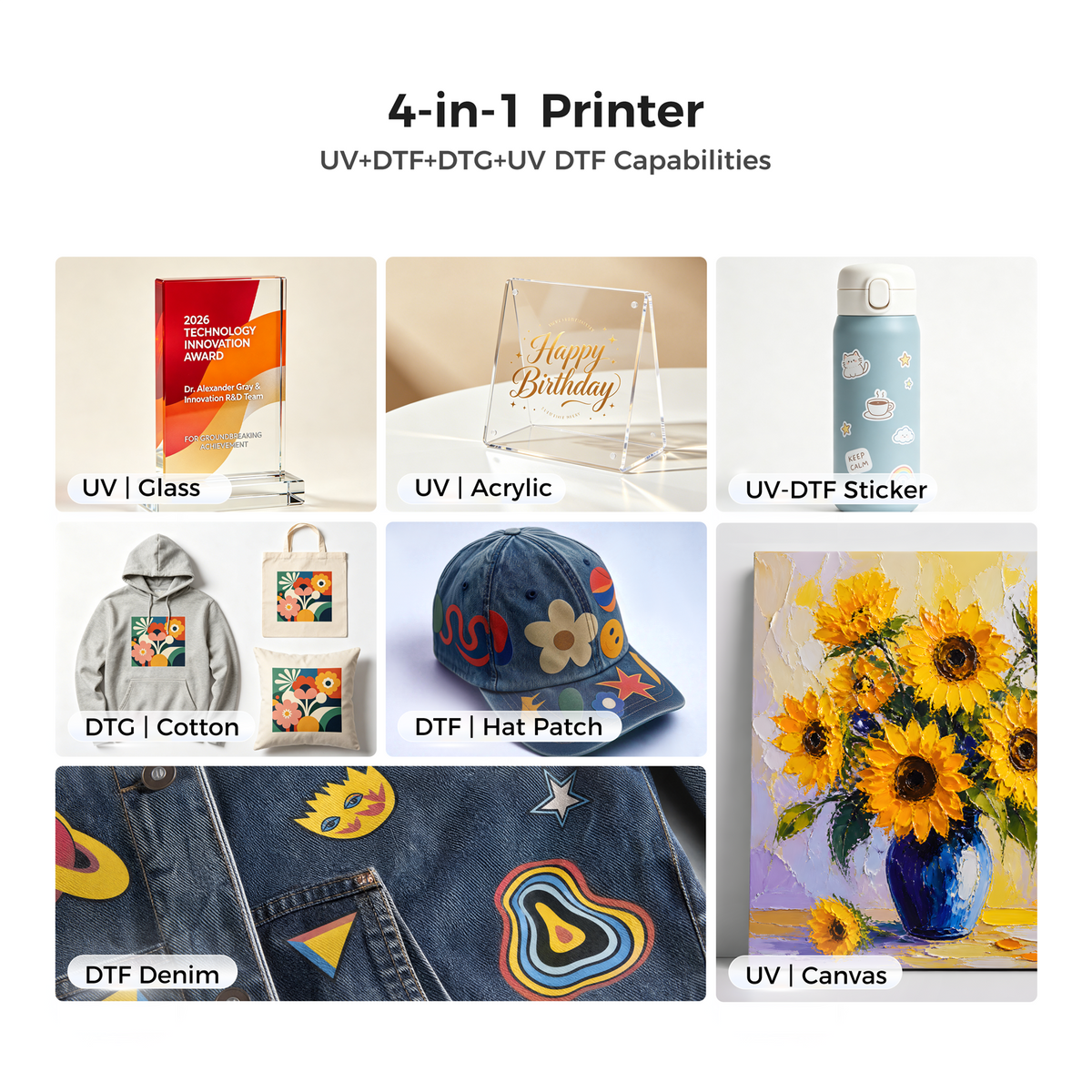
- 四合一多功能支持 UV、DTF、DTG 和 UV DTF 打印,以及 20 多种创意工艺,适用于硬质材料、织物和转印应用。
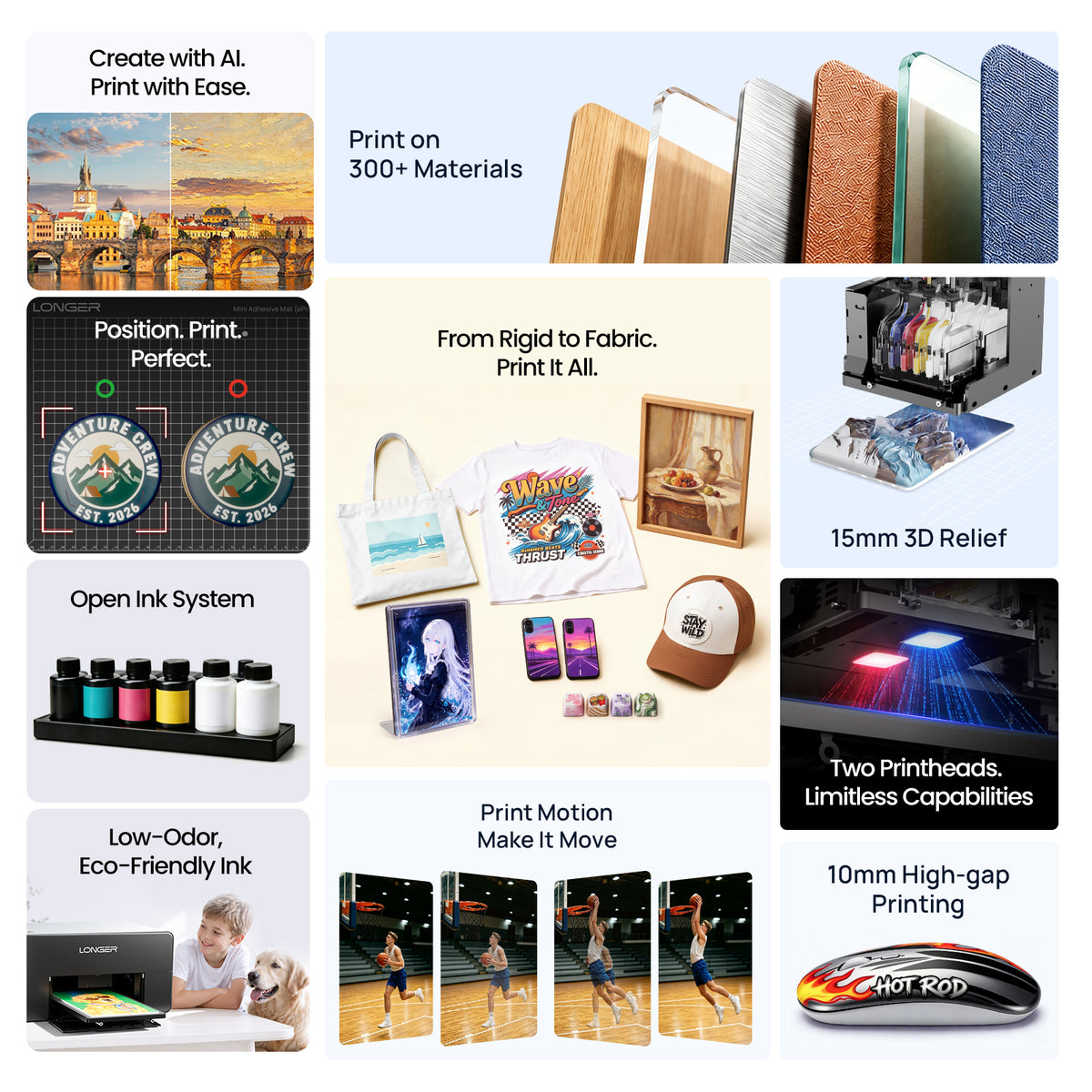
- 15毫米3D彩色浮雕:可制作高达 15 毫米(0.59 英寸)的生动浮雕版画,呈现惊人的深度、纹理和立体感。
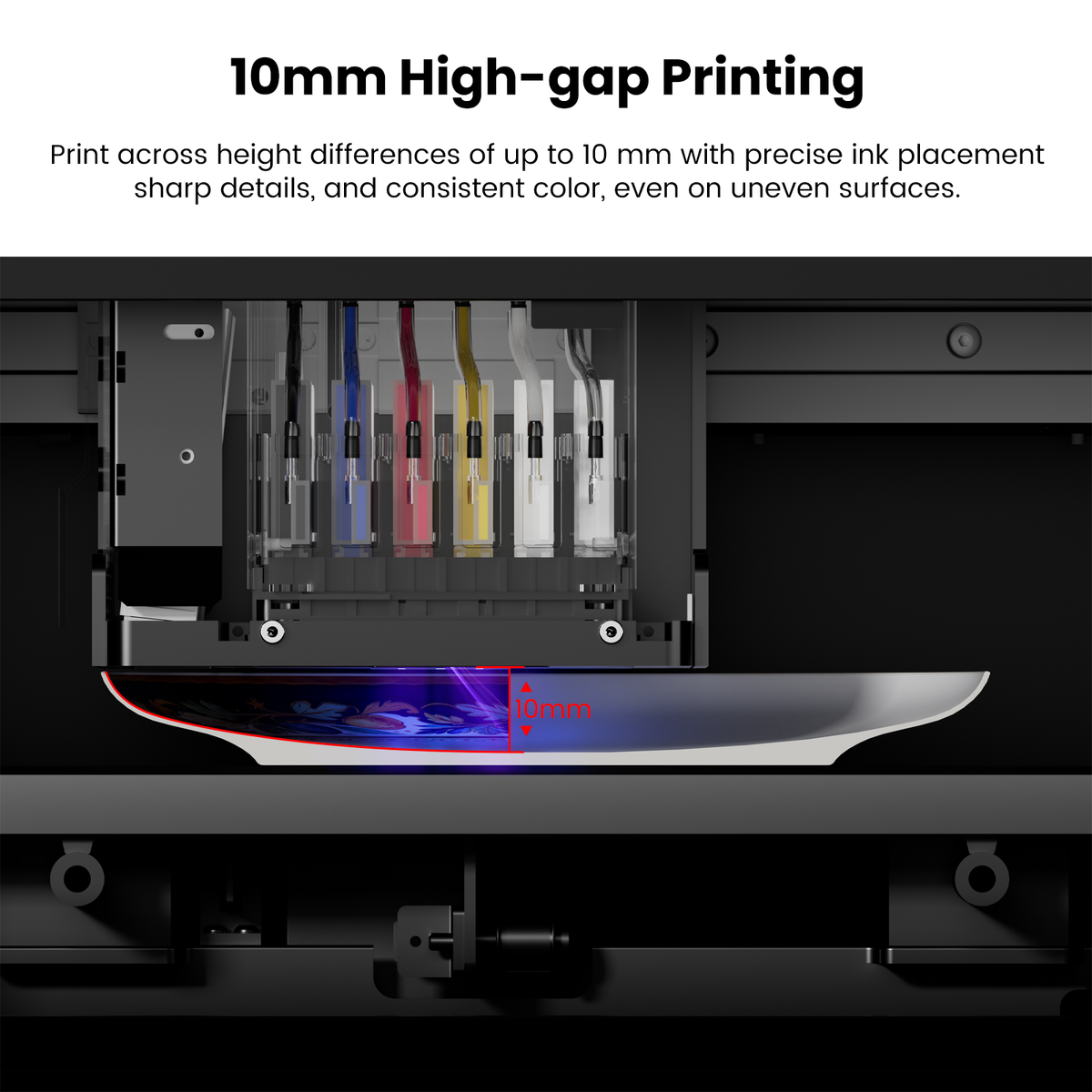
- 10 毫米高度补偿:可在不平整的表面上无缝打印,支持高达 10 毫米(0.39 英寸)的高度变化。
-
开放墨水自由:兼容第三方墨水,可实现更大的灵活性和更低的运营成本。
- 预计九月底开始发货。

Would you like to add protection?
One-click upgrade to total coverage. Protect your machine from accidents and quality issues.
What's Included in the Basic Set
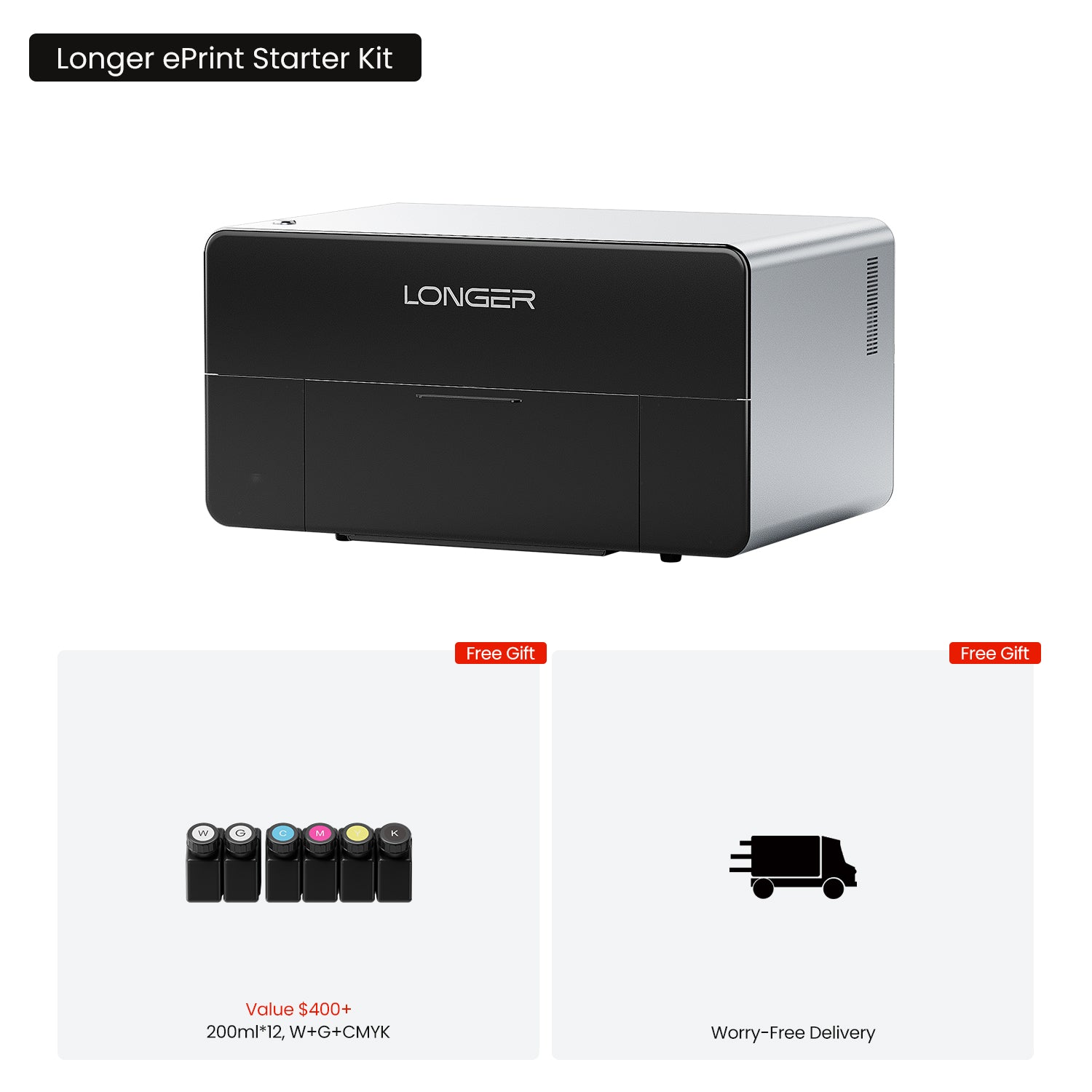
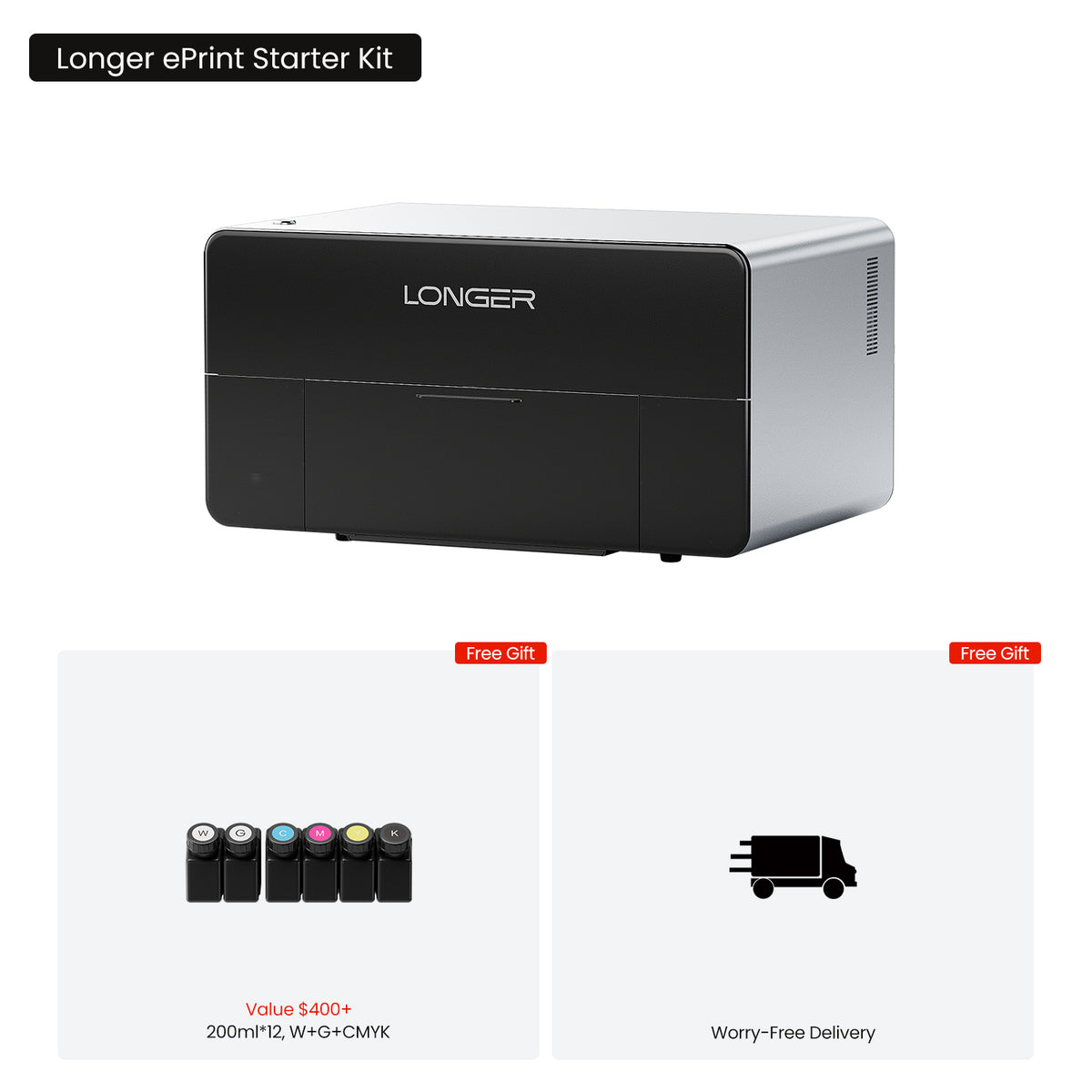
ePrint Single Machine Package Includes:
1 x ePrint Dual-Head
12 x 200ml Ink(W+G+CMYK)
1 x Standard Flatbed
1 x Mini Flatbed
1 x Data Cable
1 x Power Cable
1 x Instruction Manual
1 x USB Flash Drive
1 x Accessory Box
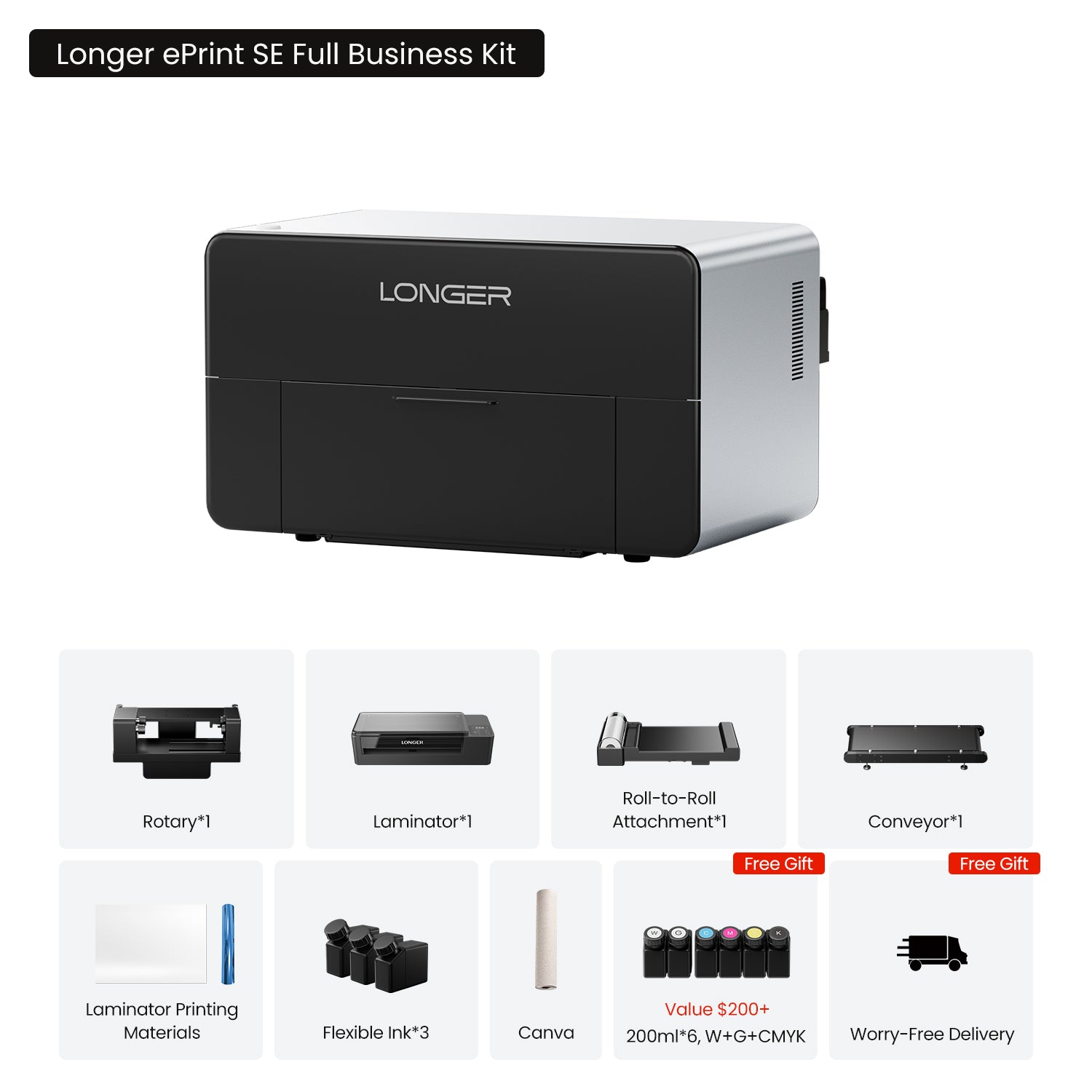
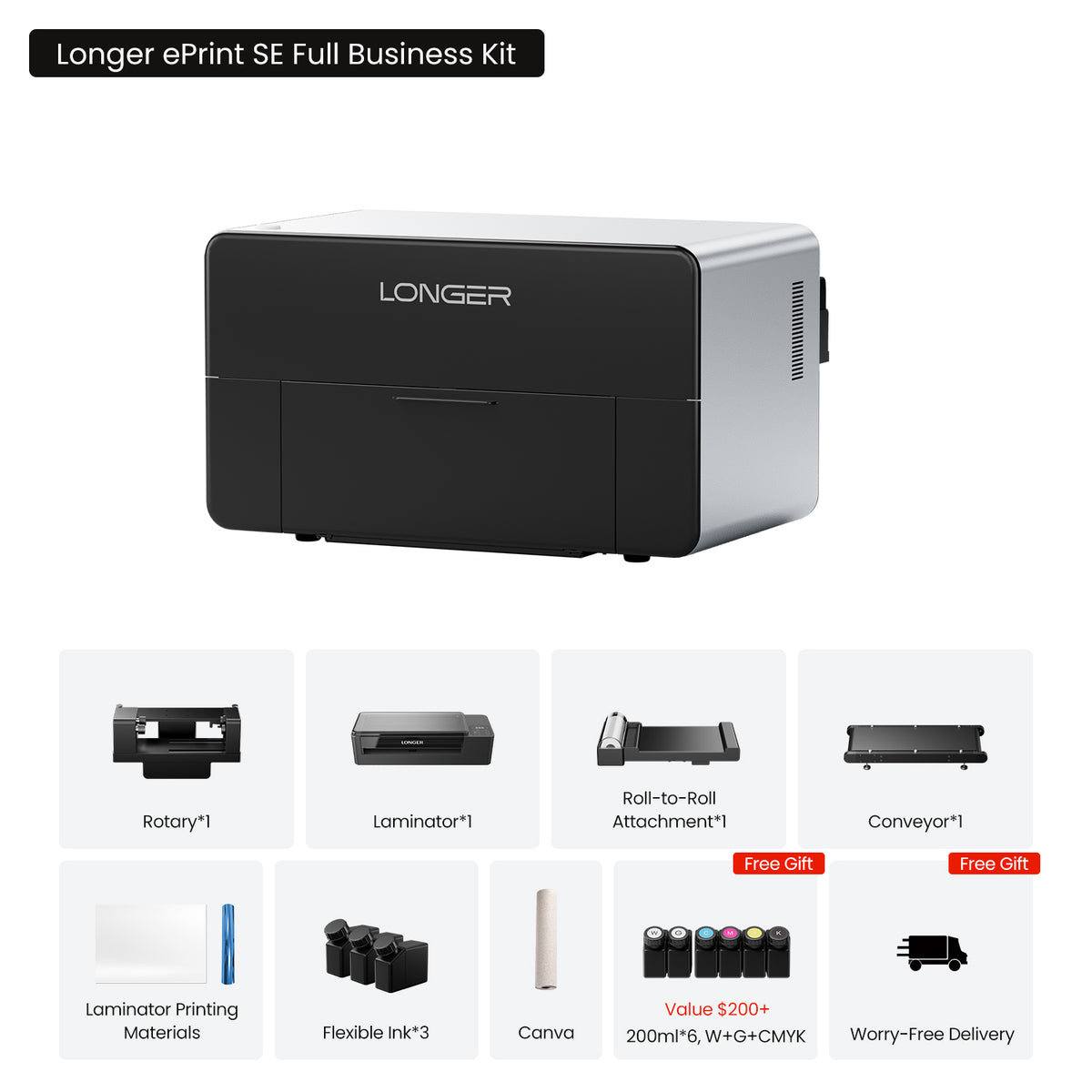
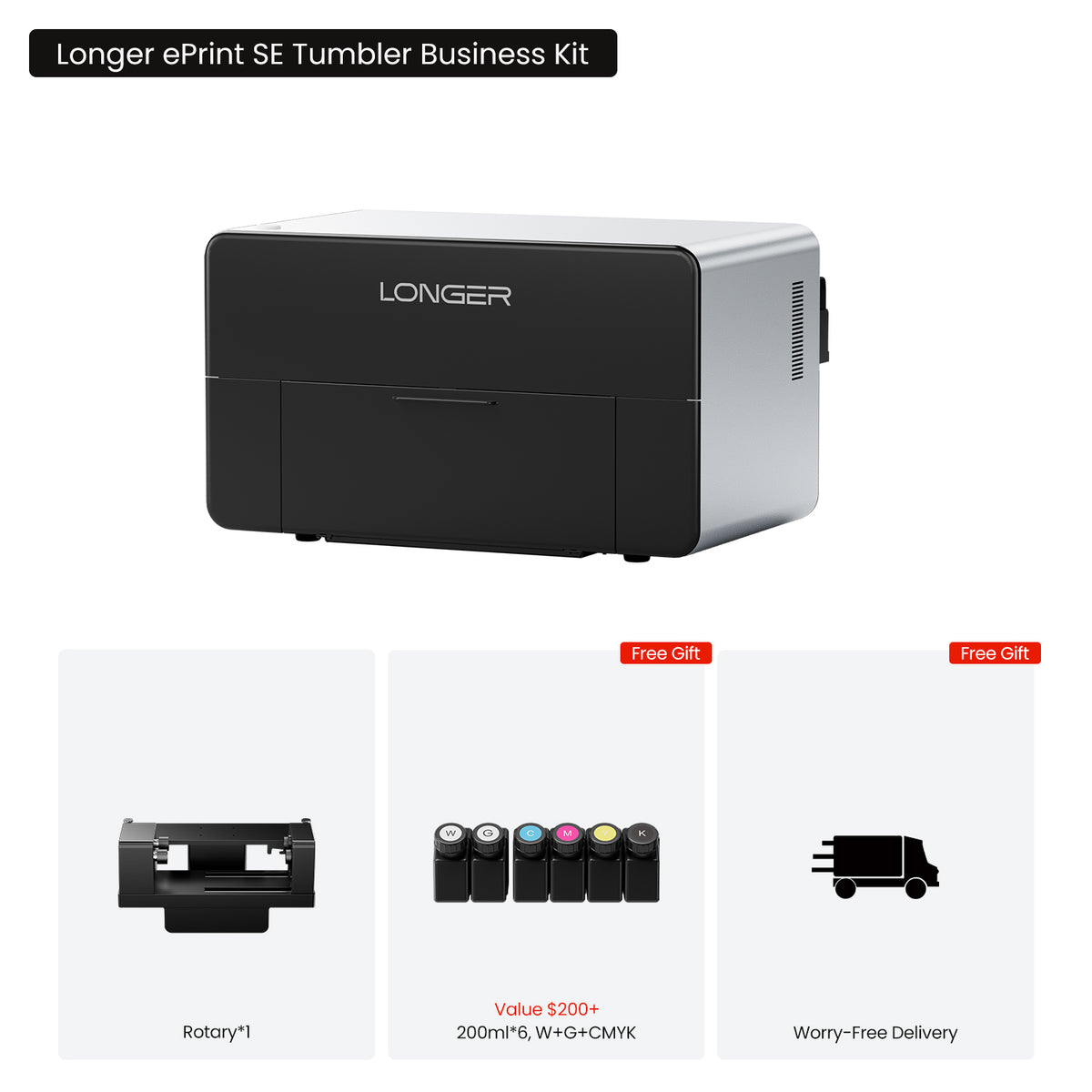
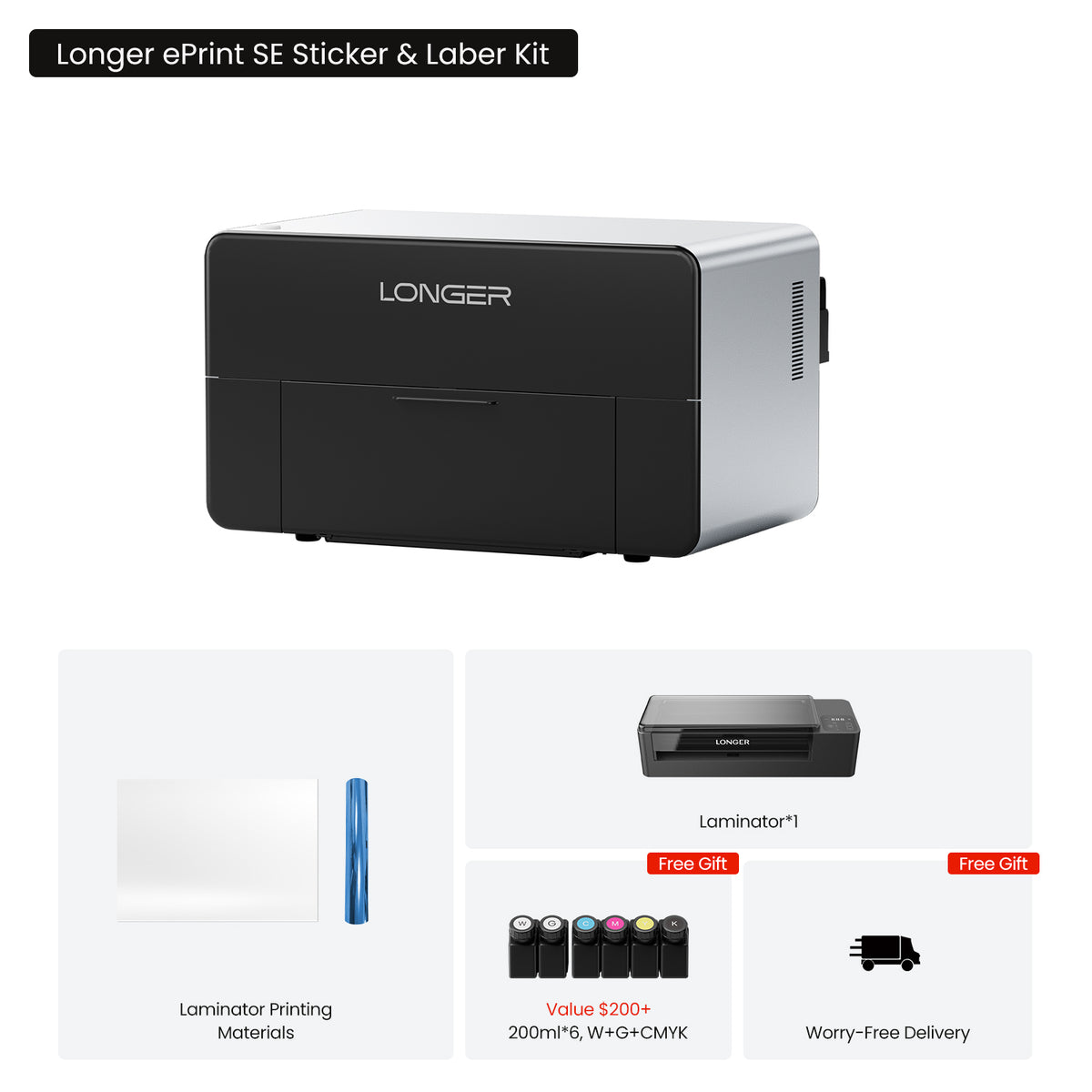
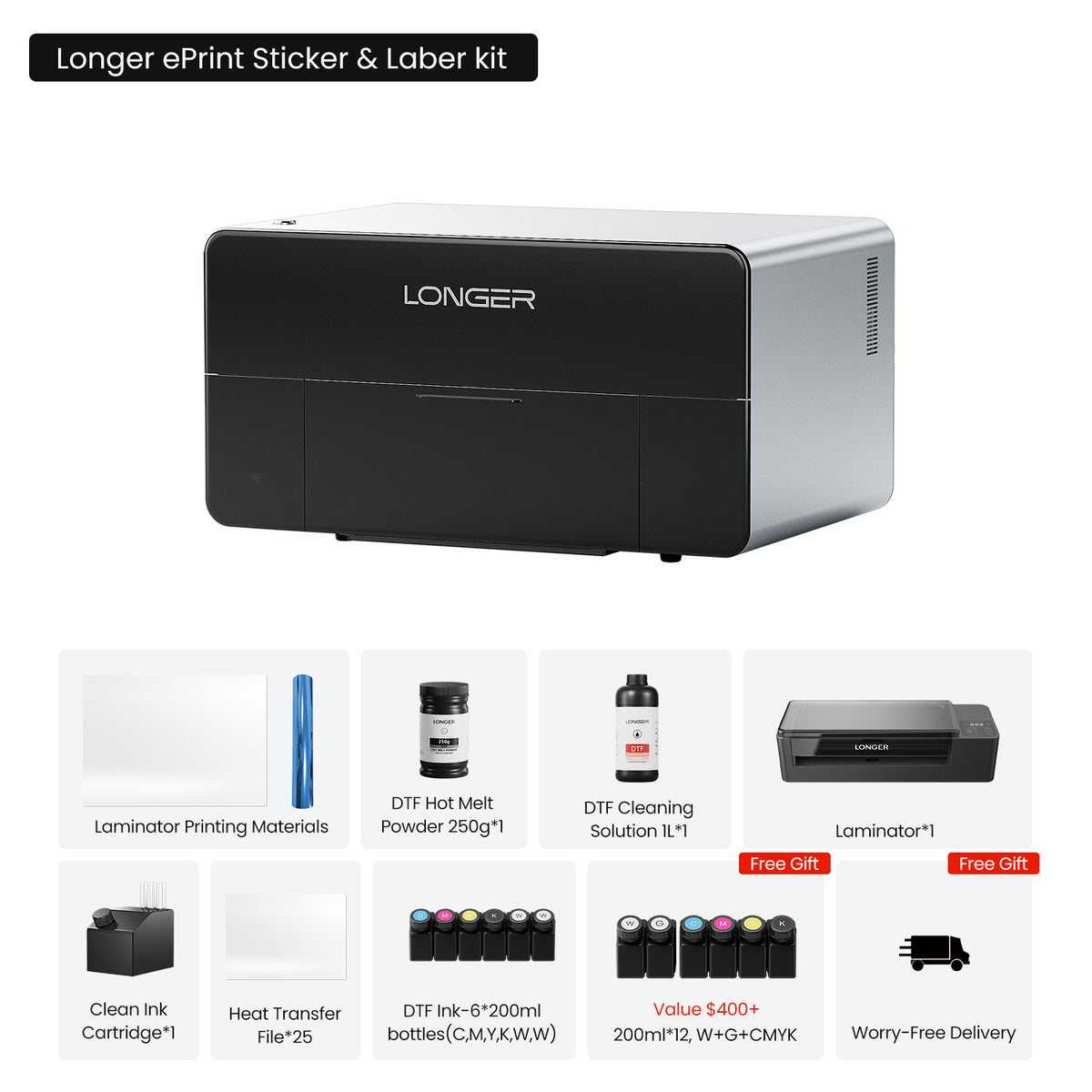
ePrint SE Single Machine Package Includes:
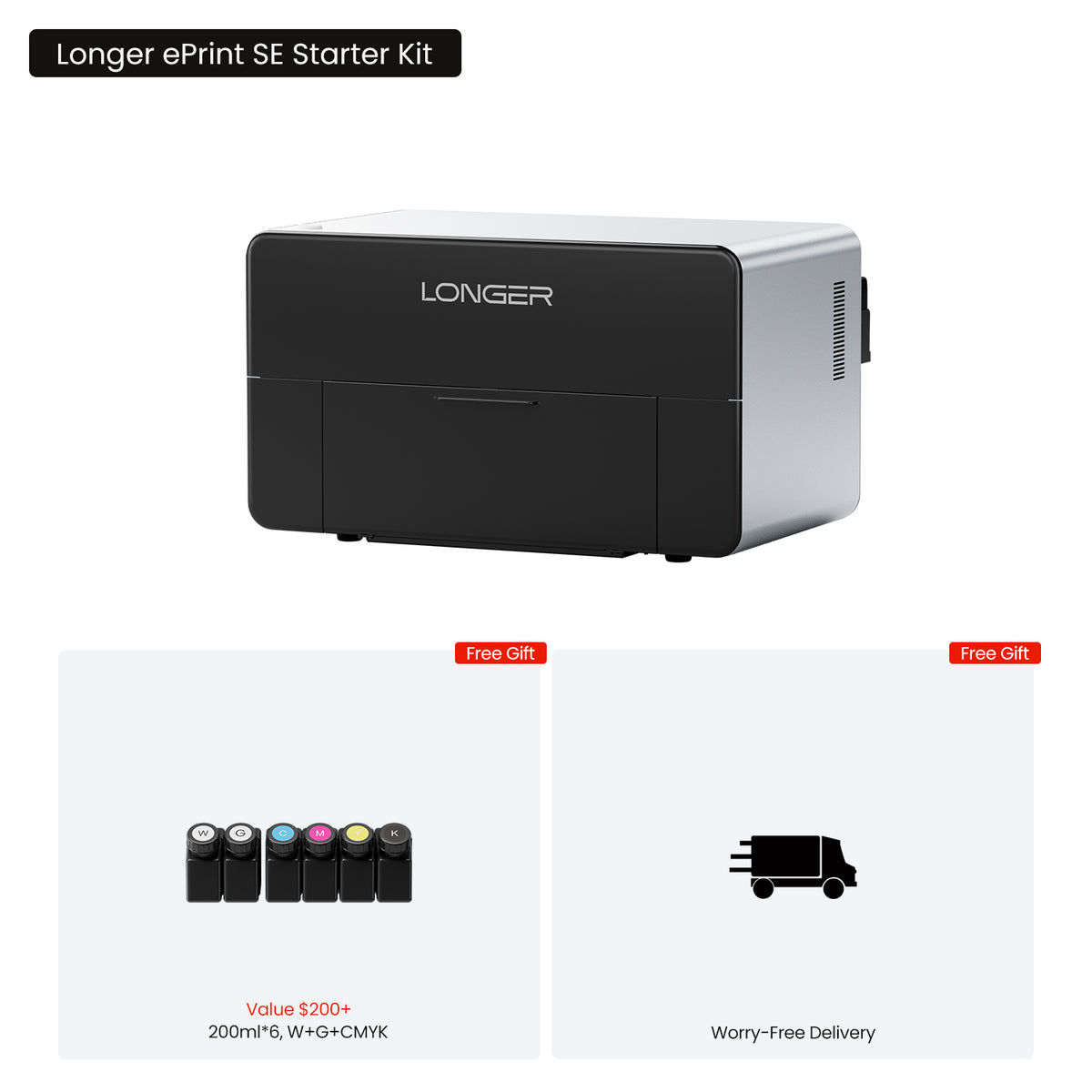
1 x ePrint Single Head
6 x 200ml Ink(W+G+CMYK)
1 x Standard Flatbed
1 x Mini Flatbed
1 x Data Cable
1 x Power Cable
1 x Instruction Manual
1 x USB Flash Drive
1 x Accessory Box
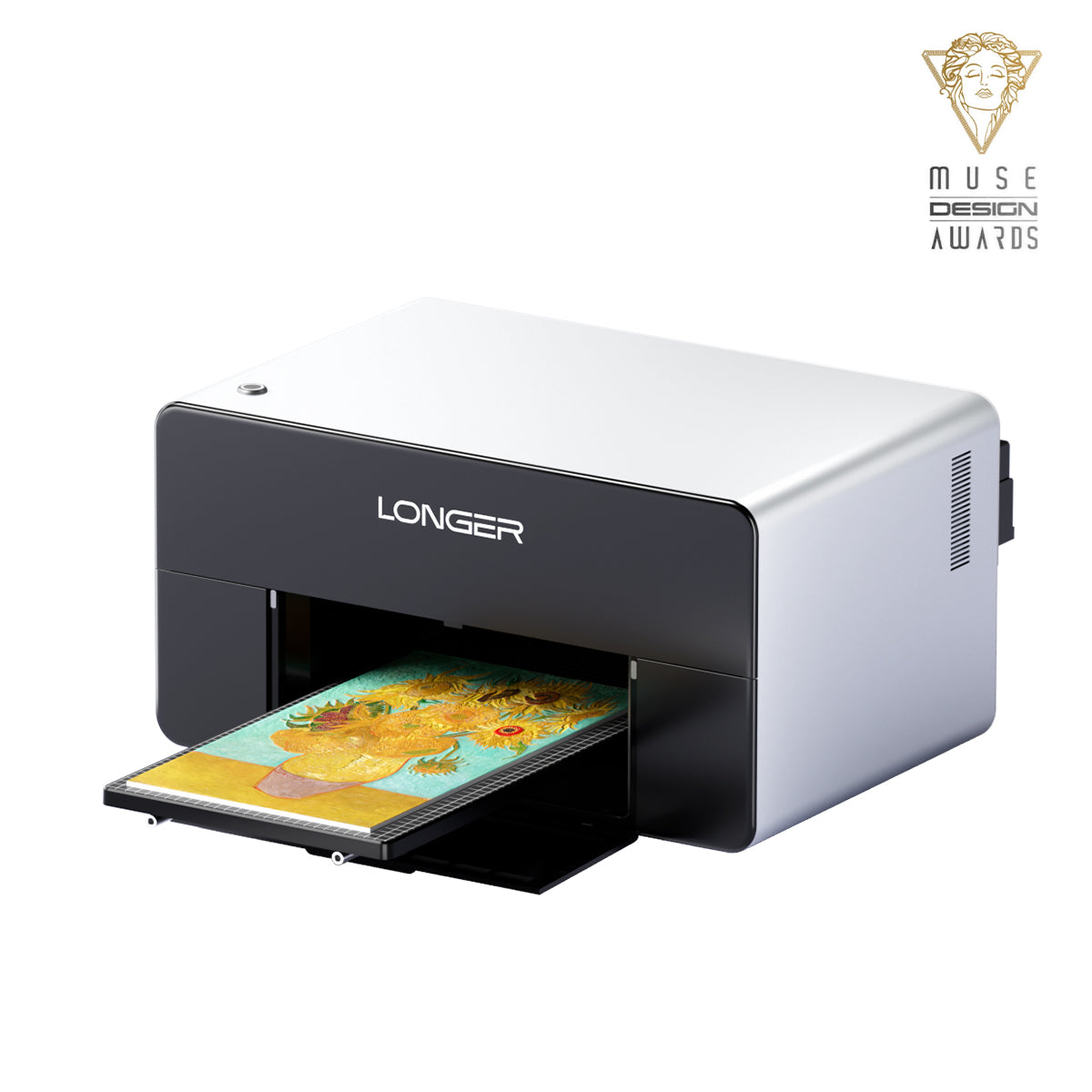
World's First Dual-Head UV Printer


4-in-1 UV Printer
UV+DTF+DTG+UV DTF
ePrint(UV + DT Bundle Only) brings hard-surface printing, fabric printing, direct-to-garment printing, and UV DTF printing together in one powerful solution. From acrylic, wood, glass, and metal to leather, canvas, apparel, and curved products, ePrint gives you the freedom to create, customize, and turn more ideas into reality.


10 mm High-gap Printing
更长的 ePrint 技术可在表面高度差异处保持精确的墨水定位。 最大可达 10 毫米(0.39 英寸)优化的液滴尺寸、喷射速度、驱动波形和打印速度确保液滴飞行稳定,从而在不平整和轮廓分明的表面上呈现更清晰的细节和更一致的色彩。

Faster than Ever
Introducing the ePrint dual-printhead system. With 12 ink channels—five dedicated to CMYK and varnish and seven fully customizable—ePrint gives you greater freedom to explore different colors, inks, and printing processes. Need more colors, specialty inks, or faster production? Configure additional channels for white ink to achieve up to 6× faster 3D texture printing.

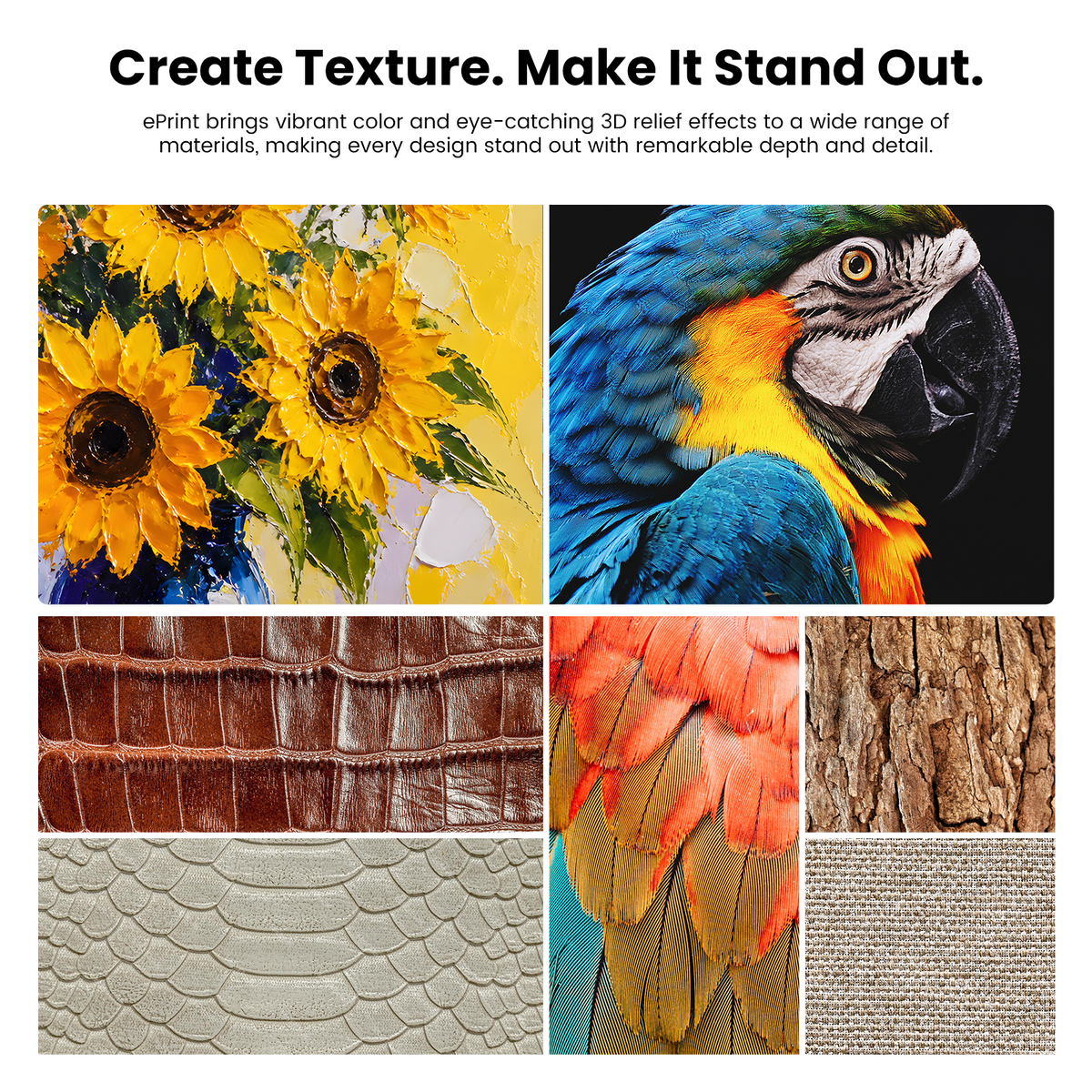
Industry-Leading 15 mm (0.59 in) Colorful 3D Texture
Create stunning raised prints with up to 15 mm (0.59 in) of dimensional depth.
From textured artwork and personalized gifts to premium signage and decorative products, ePrint brings vibrant color and eye-catching 3D relief effects to a wide range of materials, making every design stand out with remarkable depth and detail.
*The dual-head ePrint features twelve 200 mL ink cartridges, while the single-head ePrint SE features six 200 mL ink cartridges.

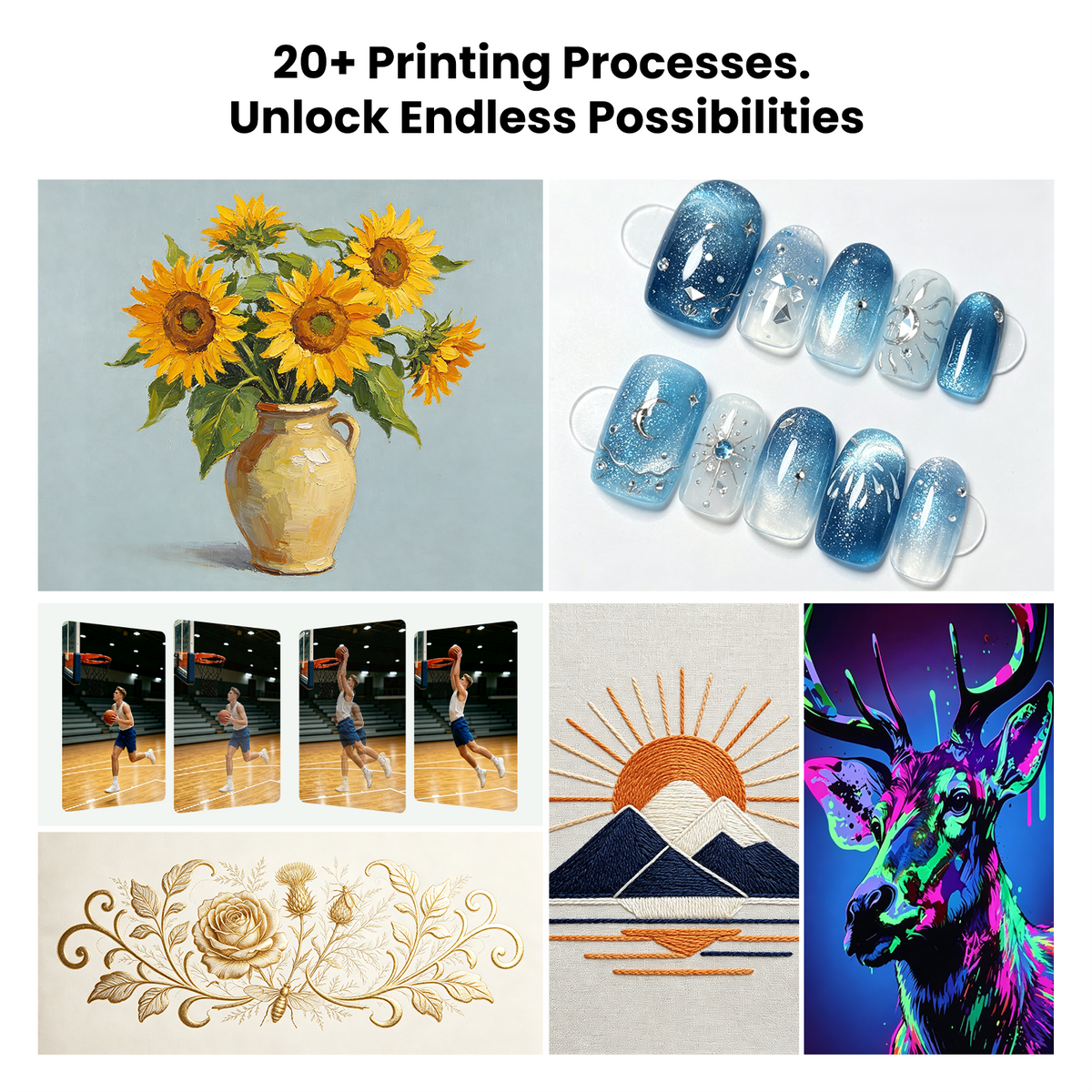
20+ Printing Processes Unlock Endless Possibilities
Turn your ideas into stunning prints in just a few clicks. Explore up to 20+ unique printing effects. With intelligent parameter optimization built in, perfect results are just one click away.
Preview unavailable for this combination. Please try different options.
开始创建
Module
Ink Type
Effects
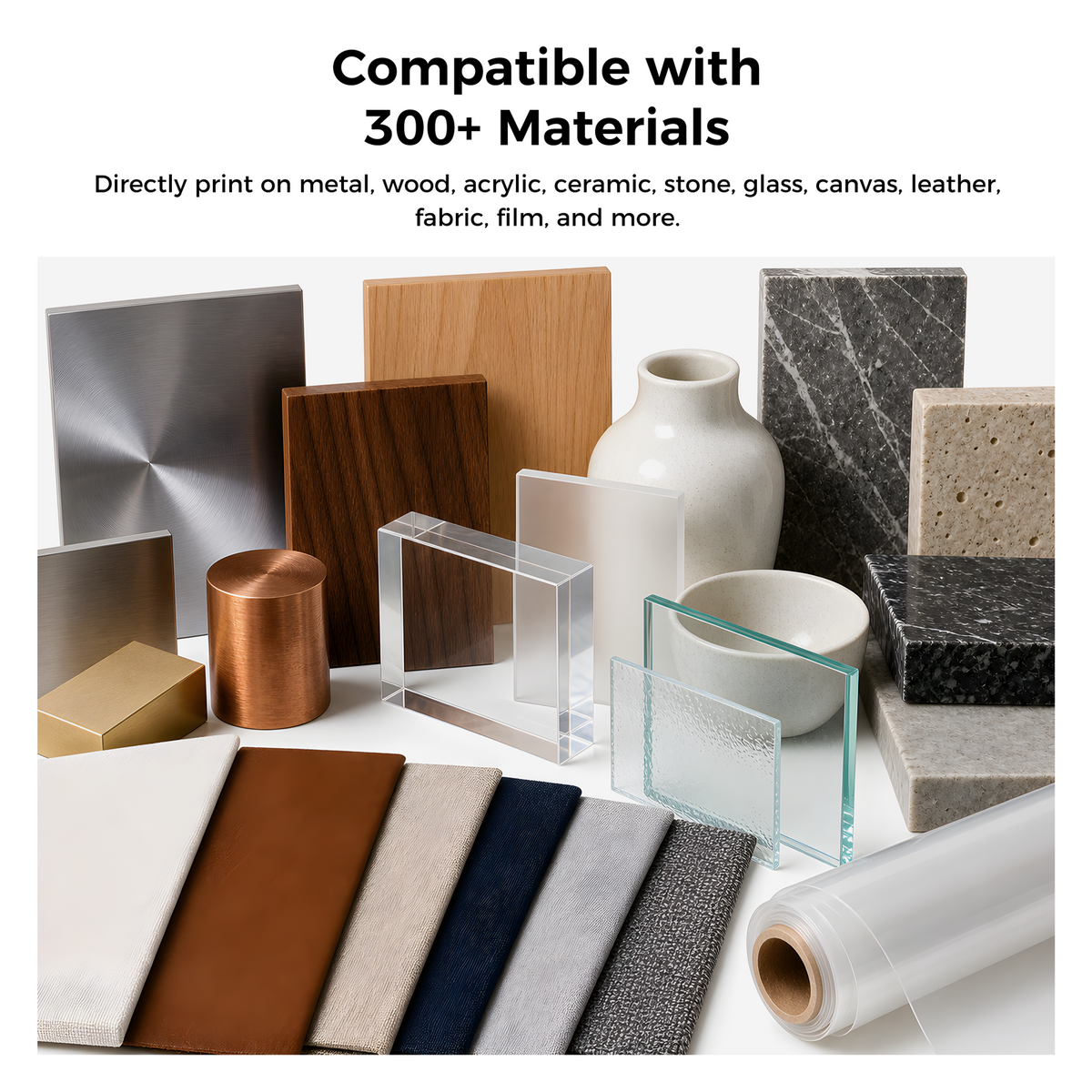
300+ Materials. Endless Possibilities.
Print on wood, metal, acrylic, plastic, fabric, and many other materials


Compatible with 300+ Materials
Raw Material
See the unprinted surface
Printed Result
See the printed outcome


看看这惊人的差别
Sharper Details. More Vibrant Colors.

Sharper Details. Richer Color
1440 DPI captures fine textures and delivers vivid, accurate color.

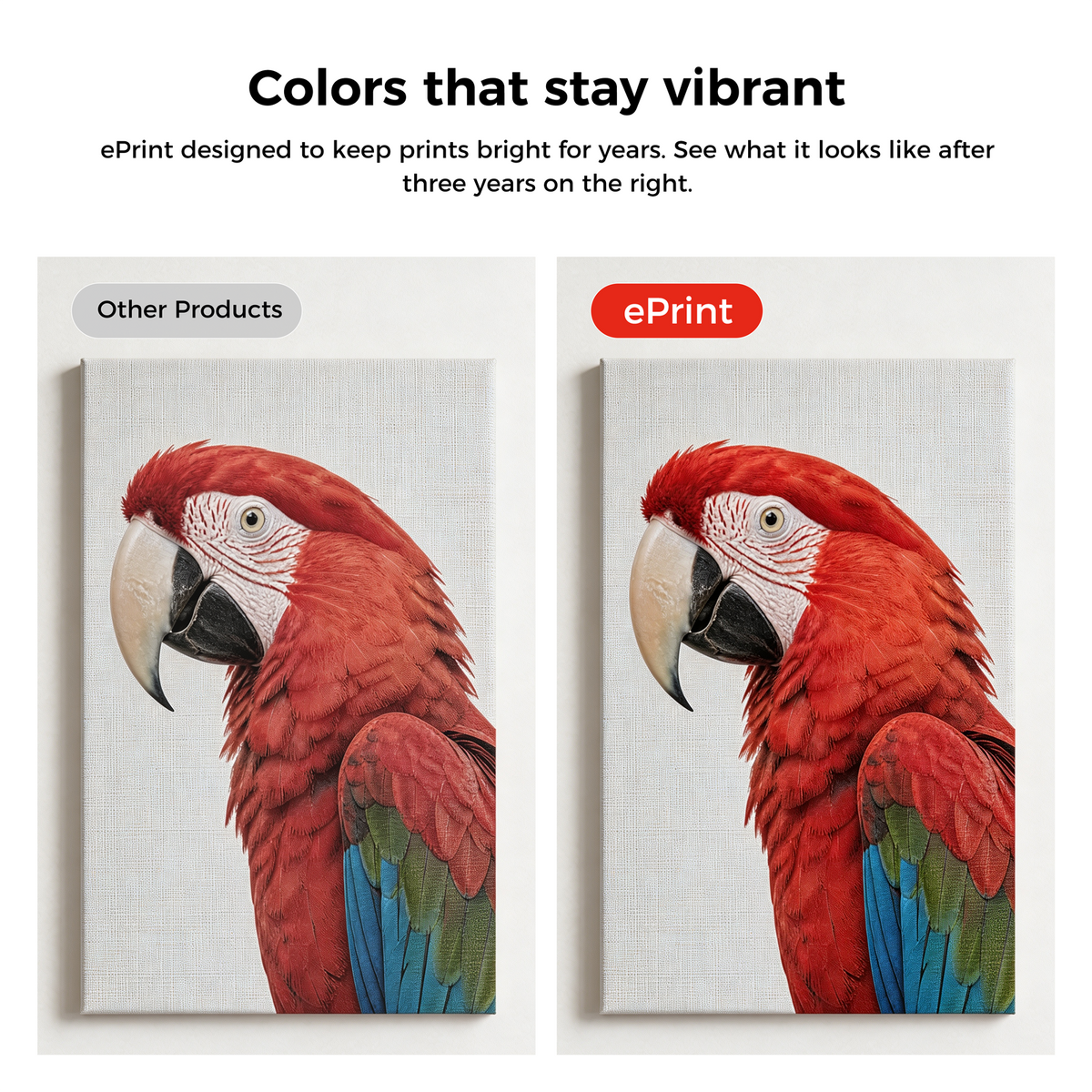
持久鲜艳的色彩
ePrint 的设计旨在使打印件多年保持鲜艳亮丽。请看右图,了解三年后打印件的效果。
Open Ink System, Greater Freedom
Compatible with third-party inks, giving you the freedom to choose the inks that best suit your needs.
With Longer official inks, no additional ink mixing or color adjustment is required. Enjoy optimized colors,
consistent printing performance, and stunning standard and 3D textured prints right out of the box.

Real Costs. Real Profits. Real ROI

Custom T-Shirt

Custom Canvas Bag

Personalized Wall Art

Custom Home Decor

Custom Ceramic Ornament
Custom T-Shirt
Custom Canvas Bag
Personalized Wall Art
Custom Home Decor
Custom Ceramic Ornament
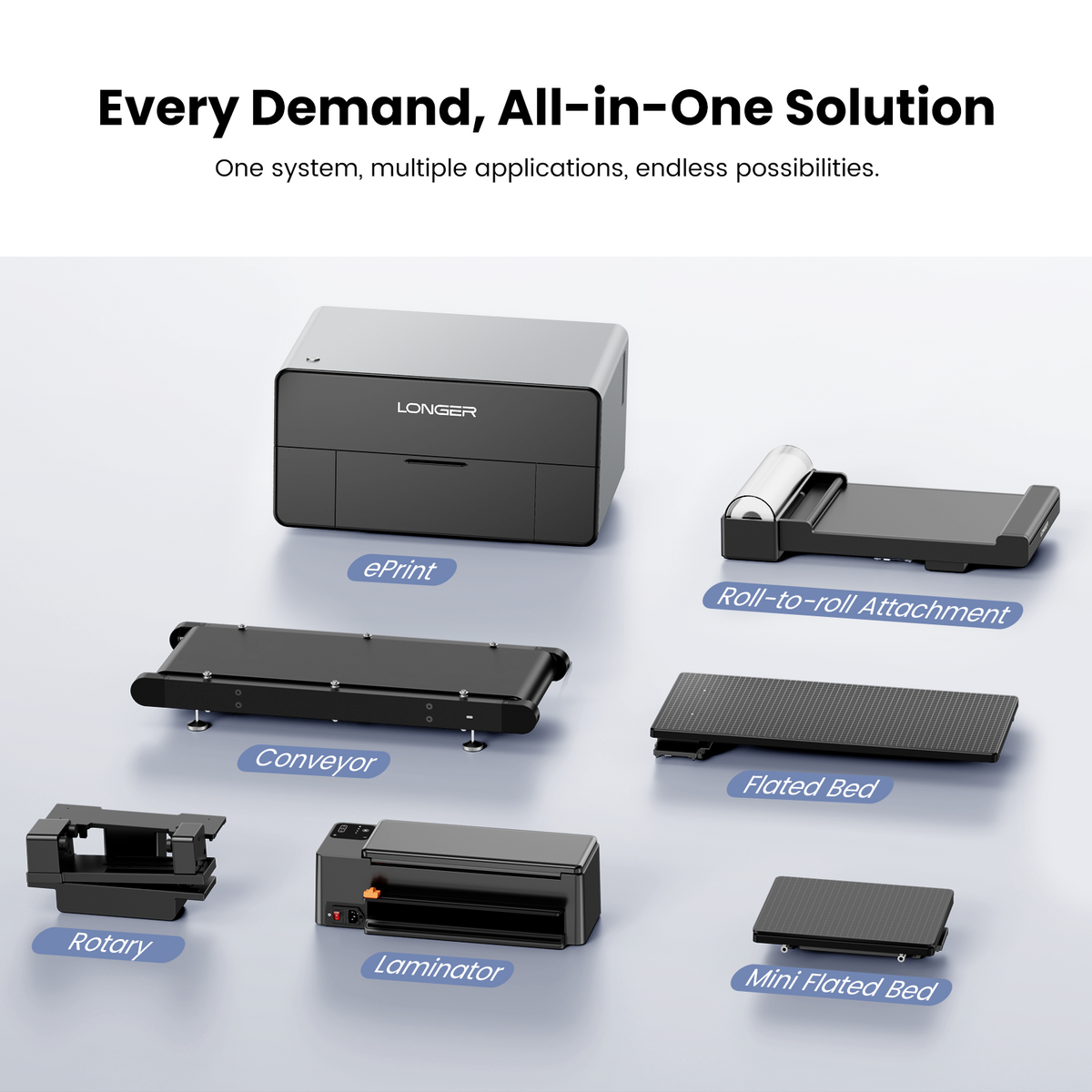
5种打印模式,满足各种业务需求
One system, multiple applications, endless possibilities.


AI-Powered Longer Studio Where Ideas Take Shape

Background Removal
精密边缘处理,实现清洁复合。

Pattern Replication
Creates seamlessly repeating patterns from a single element.

文本转图像生成
描述你的需求,人工智能就能生成可直接用于印刷的设计稿。
规格
If you have any questions, you are always welcome to contact us. We'll get back to you as soon as possible, within 24 hours on weekdays.
-
运输信息
Use this text to answer questions in as much detail as possible for your customers.
-
客户支持
Use this text to answer questions in as much detail as possible for your customers.
-
FAQ’s
Use this text to answer questions in as much detail as possible for your customers.
-
Contact Us
使用此文本尽可能详细地为您的客户回答问题。
FAQ
-
ePrint: Featuring a dual printhead with 12 channels, it supports UV Printing, DTF, DTG, and UV DTF. Print on materials like wood, acrylic, metal, leather, garments, and fabrics with efficient white ink output and advanced effects like 3D texture and embossed printing. Ideal for studios, customization businesses, and commercial users.
ePrint SE: Featuring a single printhead with 6 channels, it supports UV Printing and UV DTF for applications like phone cases, gifts, acrylic items, and wood products. With a simpler design and affordable price, it is ideal for beginners, hobbyists, and small-batch customization. -
No. Each edition is factory-configured with a specific printhead setup and ink system, which cannot be upgraded after production. We recommend choosing the edition that best fits your long-term printing needs.
-
ePrint features an open ink system that supports multiple ink types, including UV Ink, DTG Ink, DTF Ink, Varnish Ink, Foil Varnish, Embroidery Effect Ink, and Fluorescent Ink, meeting different application needs such as material printing, textile customization, special effects, and creative designs.
-
Longer Studio supports importing multiple file formats for printing, including PNG, JPG, BMP, SVG, WEBP, TIFF, and PDF.
-
In a standard indoor environment (around 25°C, 50% RH), prints on wood and acrylic can typically last around 5–7 years. Color changes may vary depending on material, ink color, print settings, lighting, and environmental conditions.
-
It is recommended to keep the machine powered on at all times and avoid long-term power disconnection, so the automatic flashing function continues to operate and keep the printhead moisturized.
Guide rails should be maintained with lubricant, with frequency depending on usage volume. The more frequently the machine is used, the more frequent the maintenance. -
Yes. If one is the color head and the other is the white head, and the white head fails, color printing can still proceed but white printing cannot.
If each head is loaded with a different ink type (e.g., one soft and one hard), they can print independently without affecting each other. -
Yes. If you need to use different ink properties (flexible/rigid) on the same object, you will need the ePrint dual-printhead version.
Printhead 1: Flexible UV Ink
Printhead 2: Rigid UV Ink
During printing, you can select either Printhead 1 or Printhead 2 as needed. You can also switch between the two printheads when printing on the same object, allowing you to combine flexible and rigid inks based on different areas or application requirements. -
If you want to print directly onto fabric, you’ll need to use DTG ink. For garments, we recommend using 100% cotton fabric, and the fabric should be kept flat during printing.
If you need to print on a wider range of materials, you can also use a transfer printing method:
DTF Ink: The design is printed onto transfer film and then transferred onto the fabric. It offers broader material compatibility and produces a smooth, flat finish, making it suitable for a wide variety of fabrics.
Embroidery Effect Ink: Also applied through transfer film, but it creates a raised, textured finish that gives the design a more three-dimensional look similar to embroidery. It can be used on a wide range of fabrics and even materials such as leather.
Therefore, for direct-to-garment printing, we recommend DTG ink + 100% cotton fabric. If you need compatibility with a wider range of materials, DTF ink or Embroidery Effect Ink with transfer film would be the better choice. -
ePrint is a color printer and can print black-and-white images. If you want to print only one specific color (e.g., only red), simply provide an image in that corresponding color — the image controls which color is output.
-
Storage temperature: 5°C to 25°C, in a dark place.
Operating temperature: 20°C to 28°C.
If the ink is slightly frozen (surface frozen, still liquid inside), heat it in a water bath at 30°C to 40°C, stir slowly, and let it rest for 2 to 4 hours after thawing to recover.
If it is completely frozen solid (below -5°C), or shows obvious separation, sedimentation, or clumping after thawing, the ink is damaged and cannot be used. -
Ink consumption for 2D flat files may vary depending on factors such as image coverage and print settings.
As a general estimate:
A3: approximately 4.29 mL
A4: approximately 2.2 mL
These figures are for reference only. Actual ink consumption may vary depending on the file content and other printing conditions. -
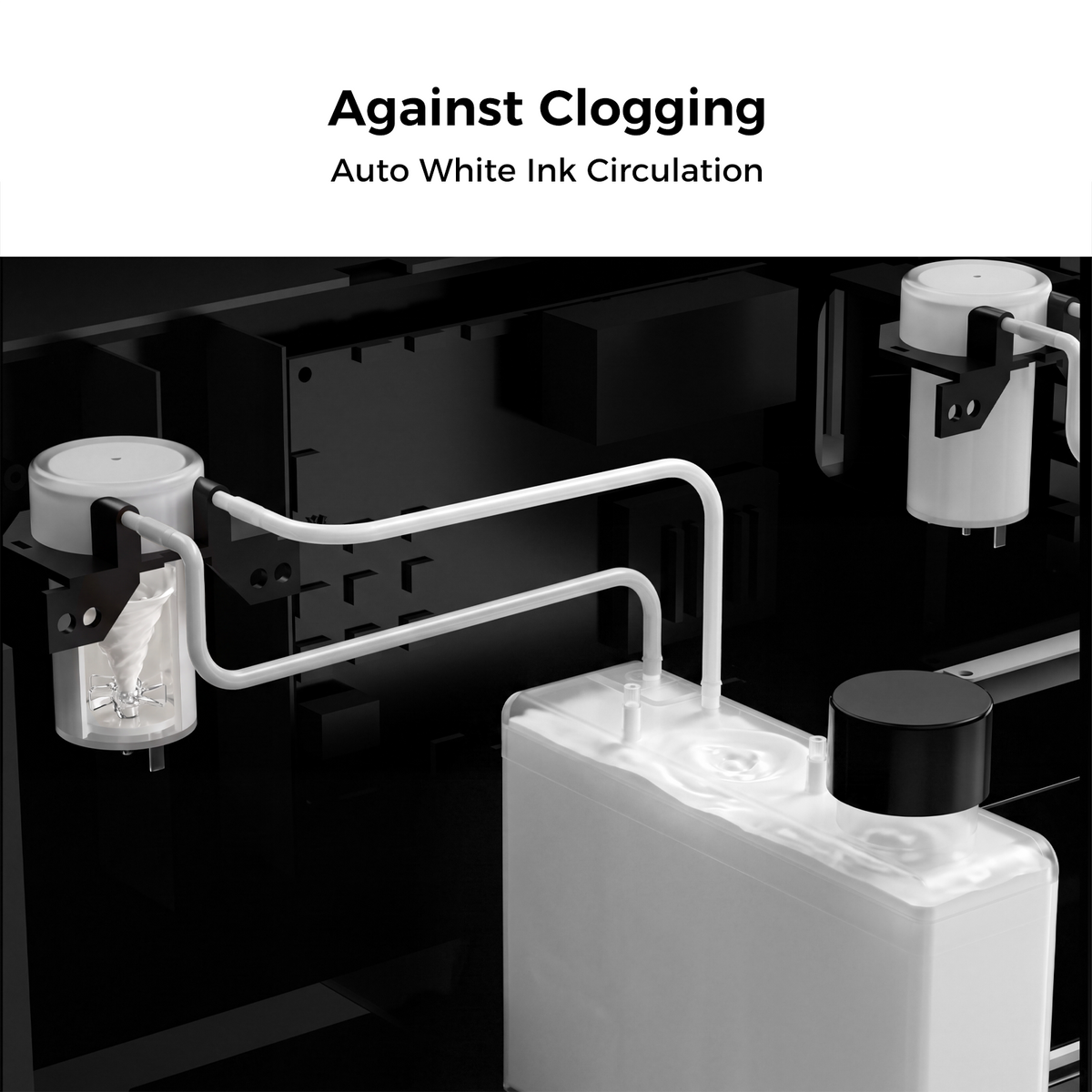
Yes. The machine has a built-in purification and circulation system. The slight odor produced during printing is noticeably reduced after filtration.
-
There is no dedicated vacation mode. The following recommendations apply:
- Daily use: Normal operation is sufficient.
- Use every 1 to 2 days: Keep the power on to allow automatic printhead cleaning.
- Use every few weeks or months: After use, remove the printhead, moisturize it properly, and store it.