








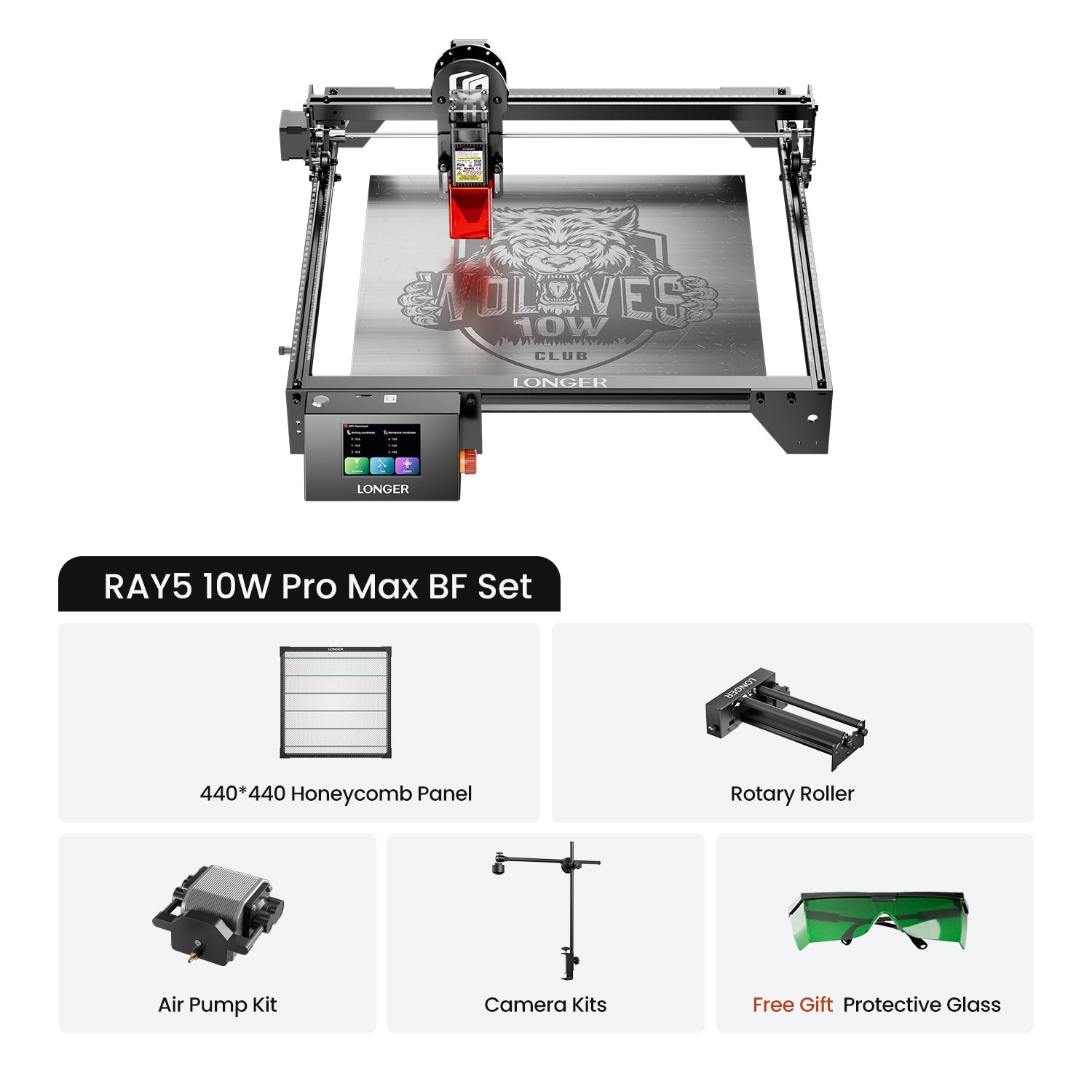
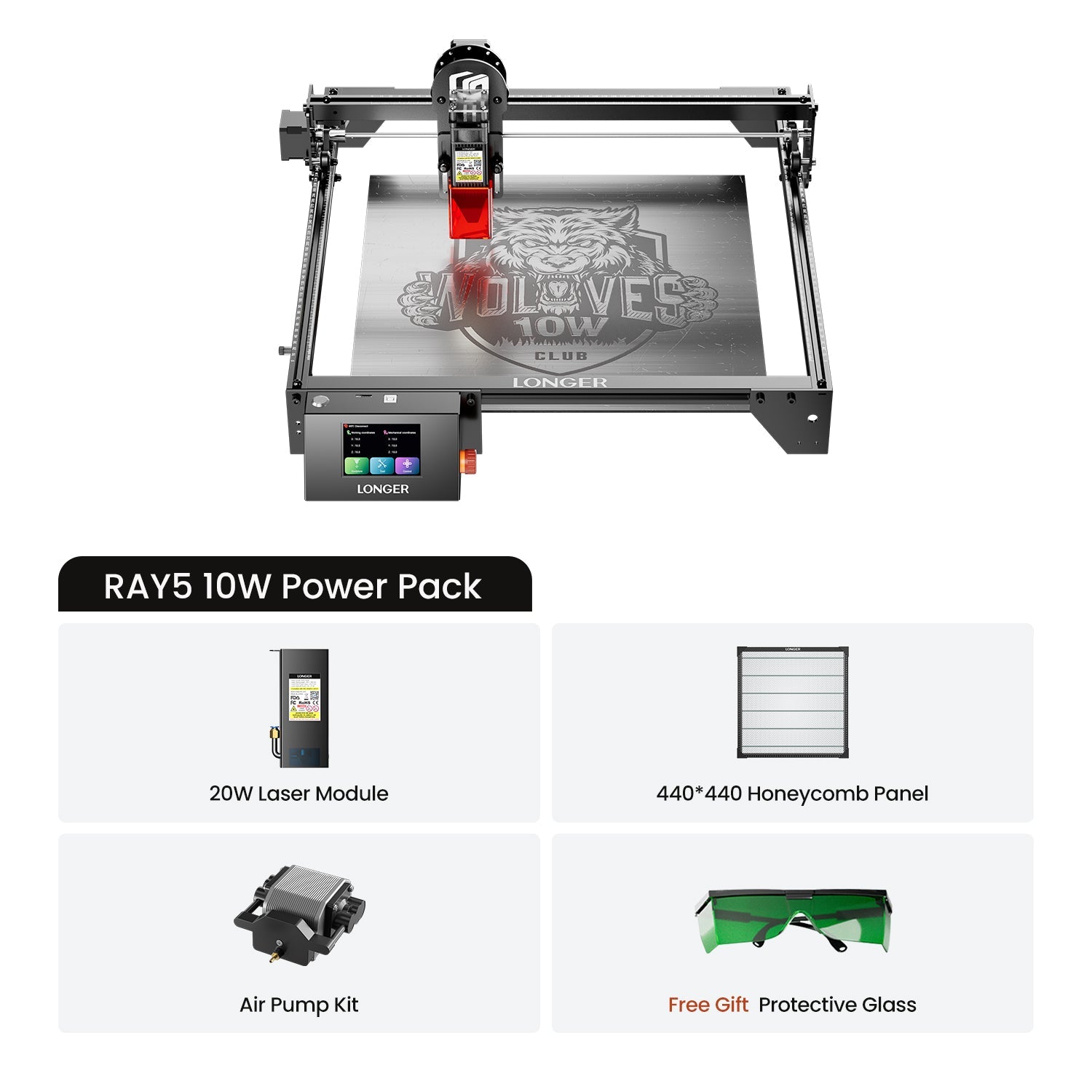
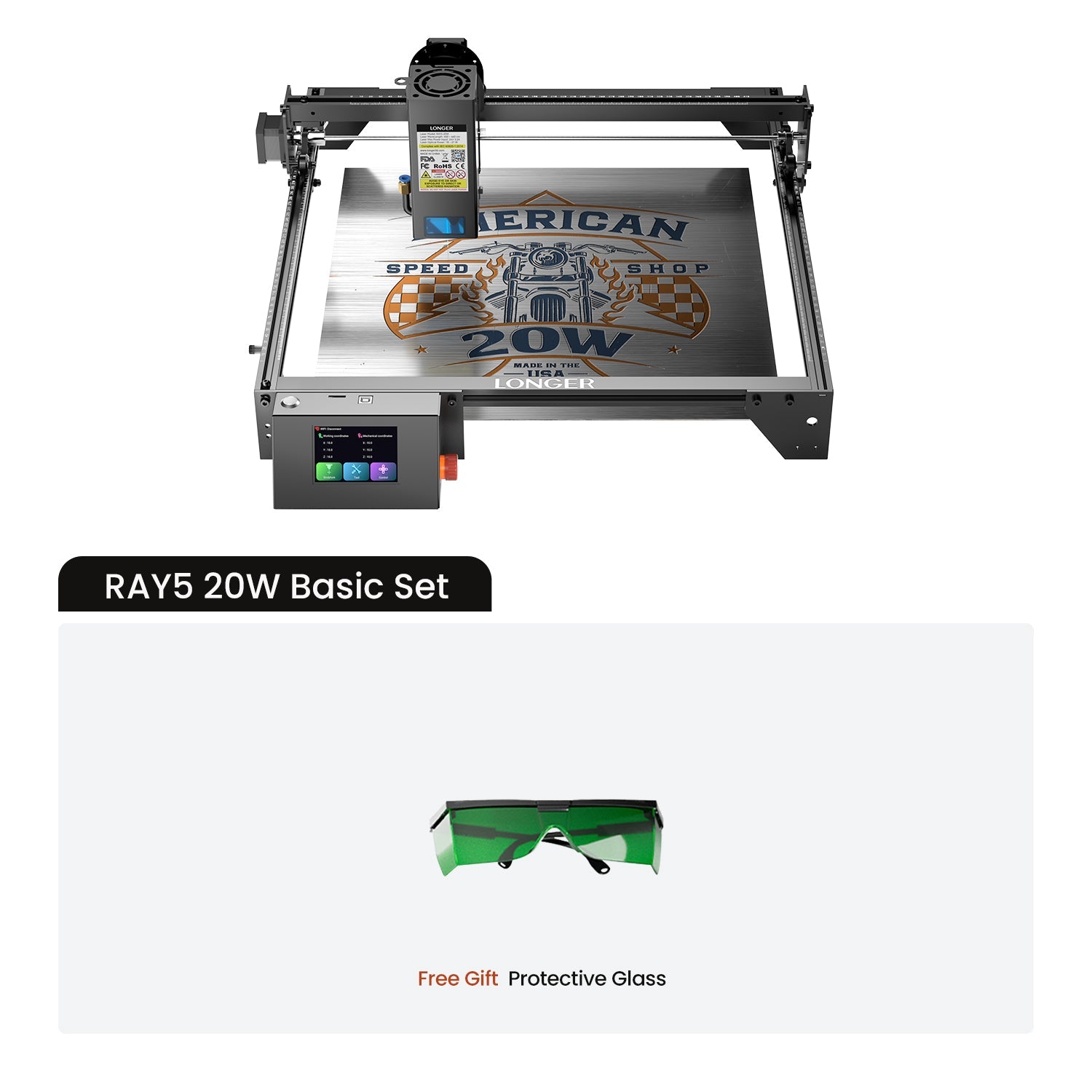
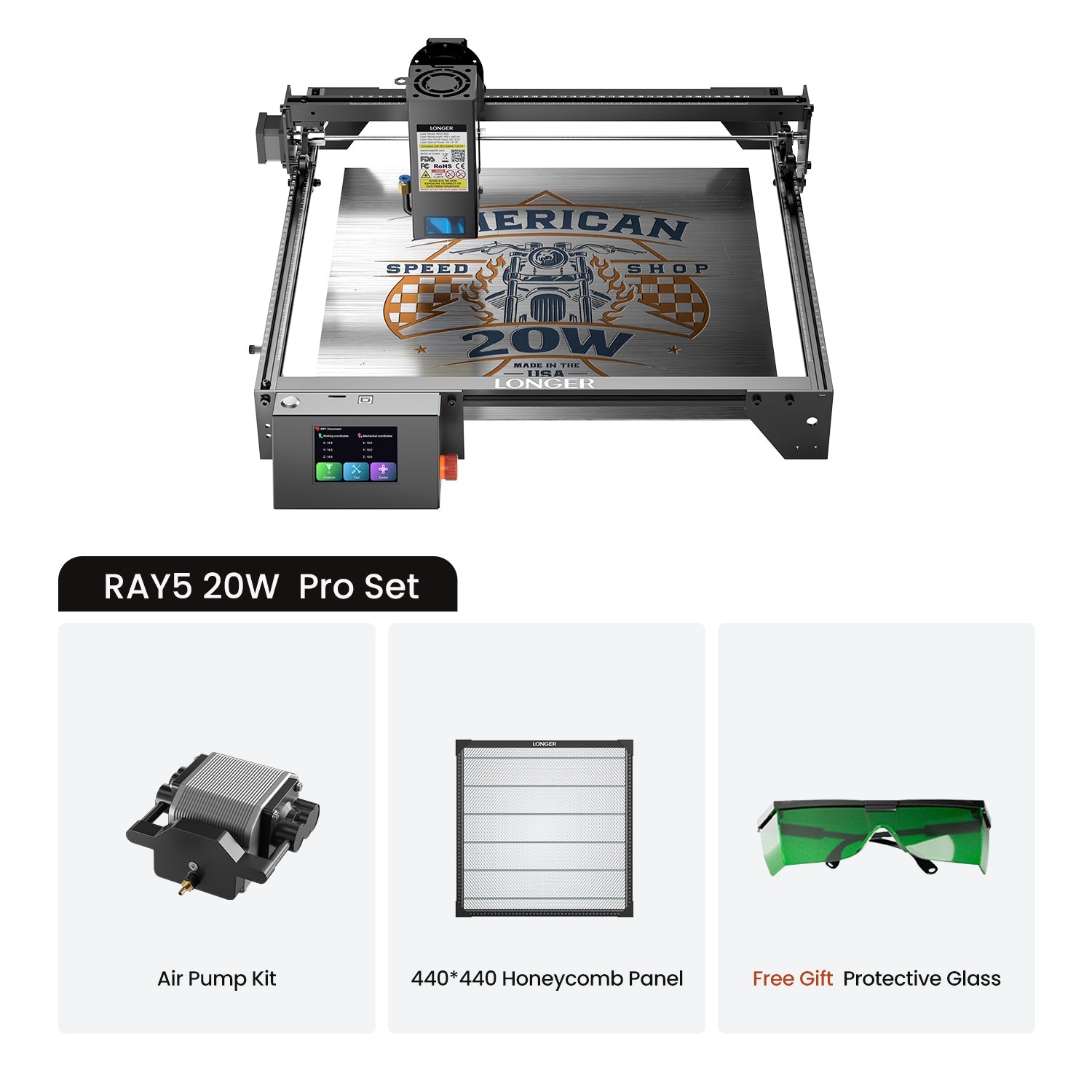


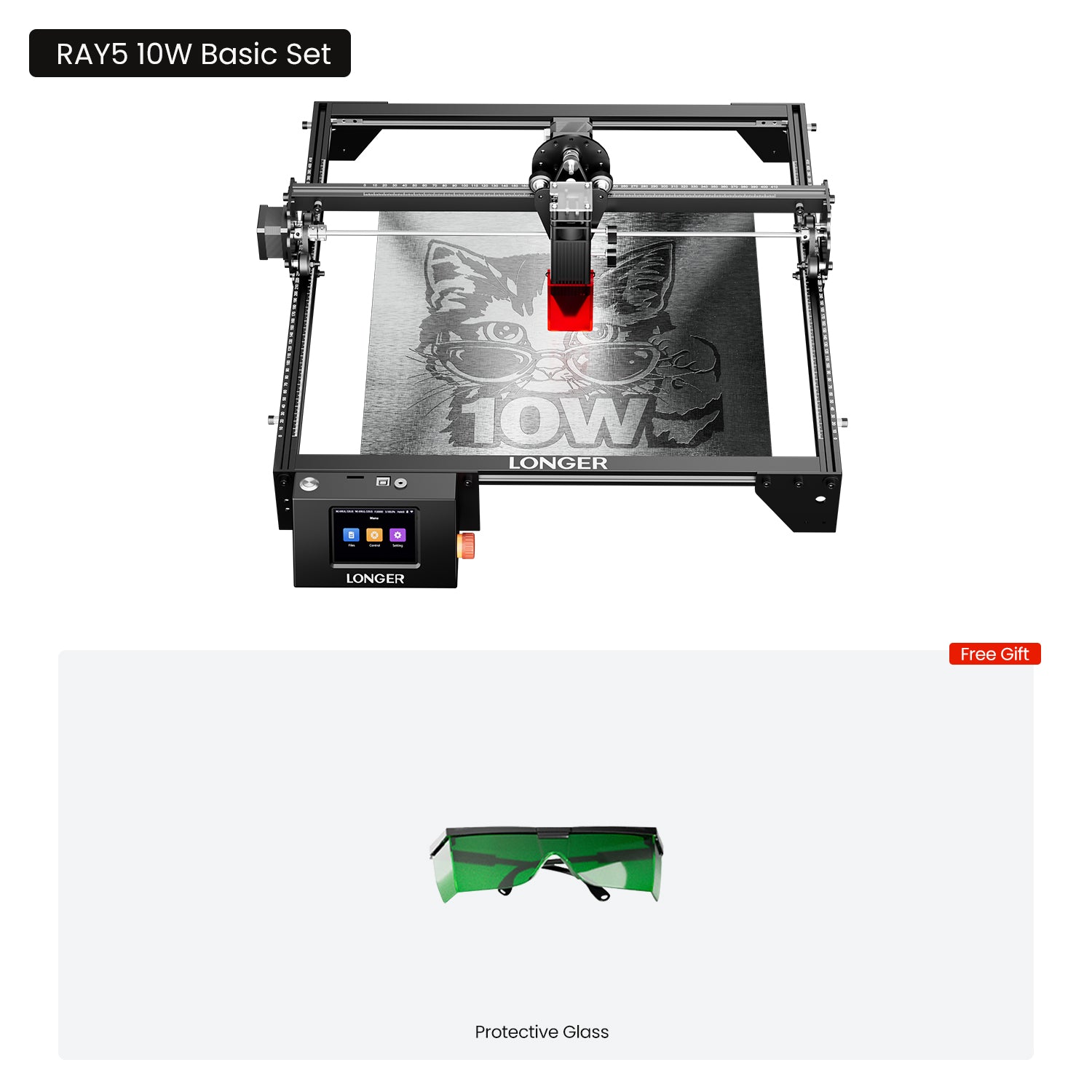


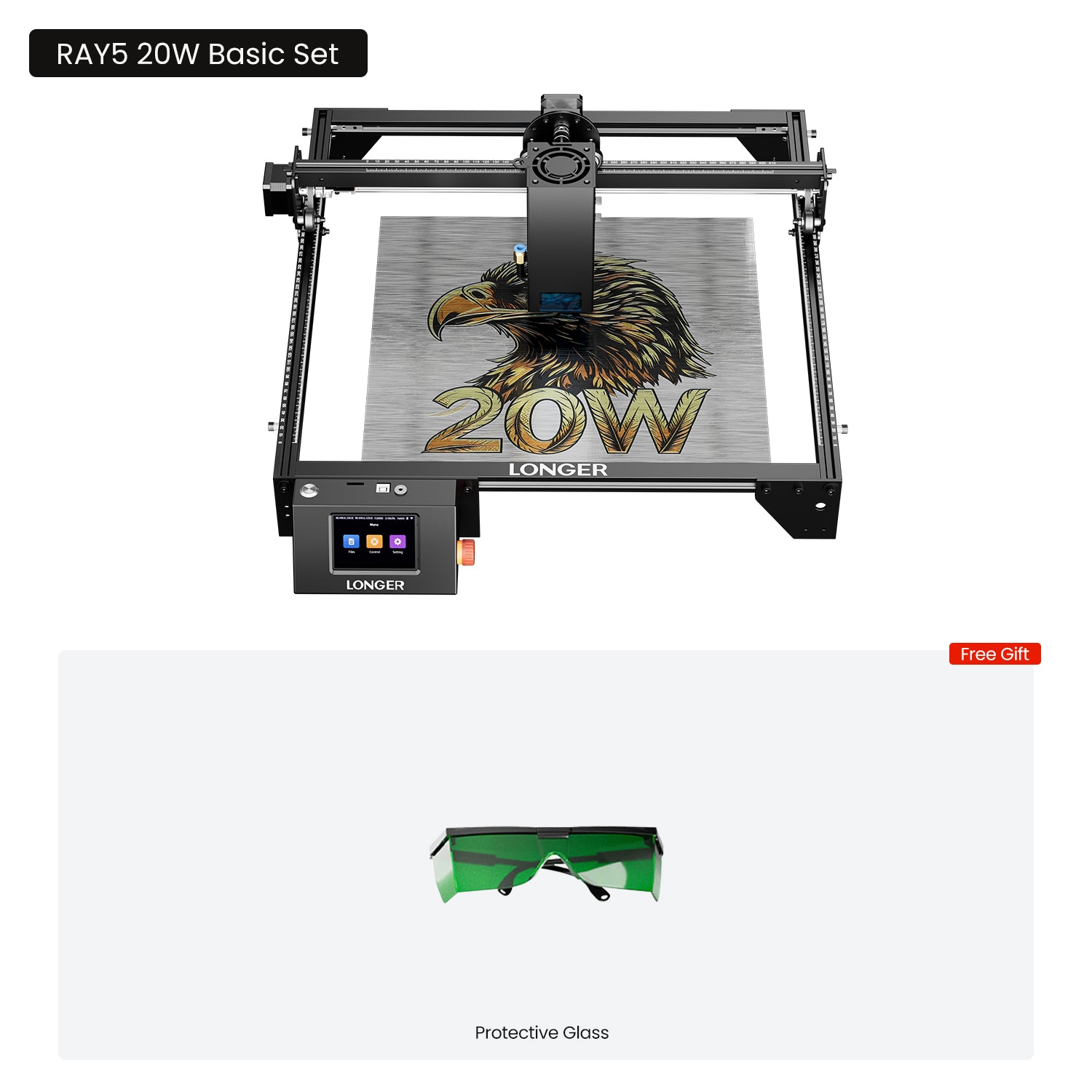


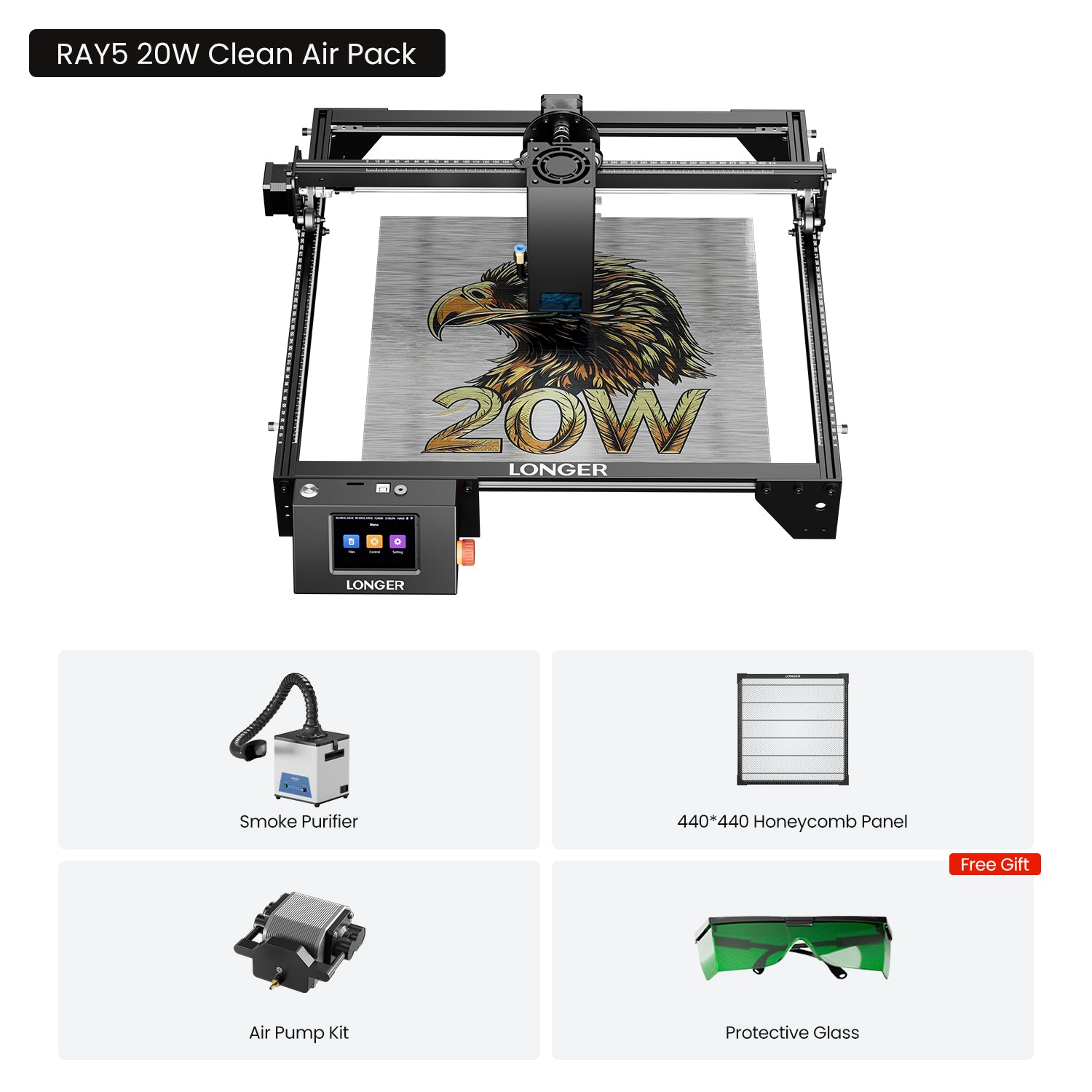
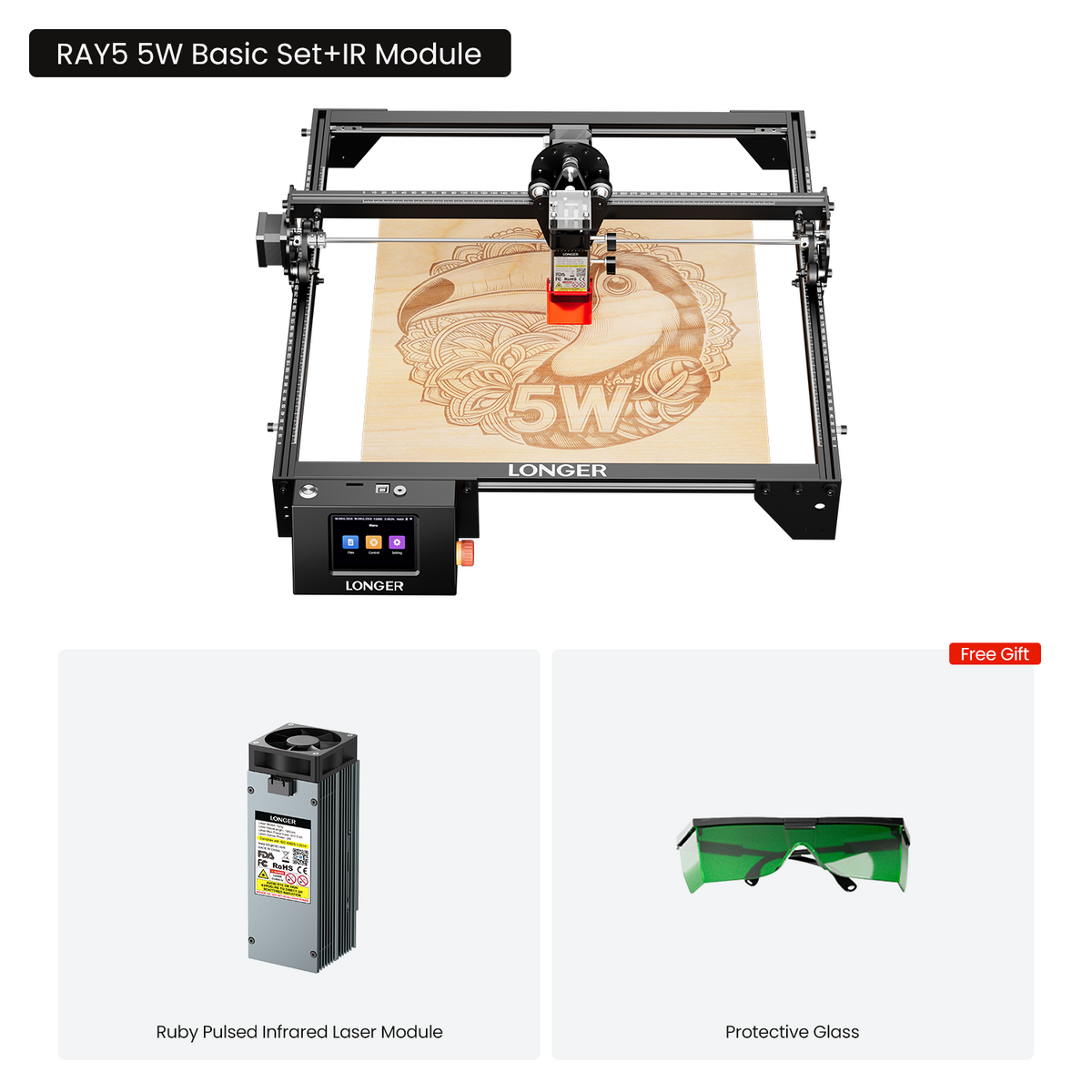
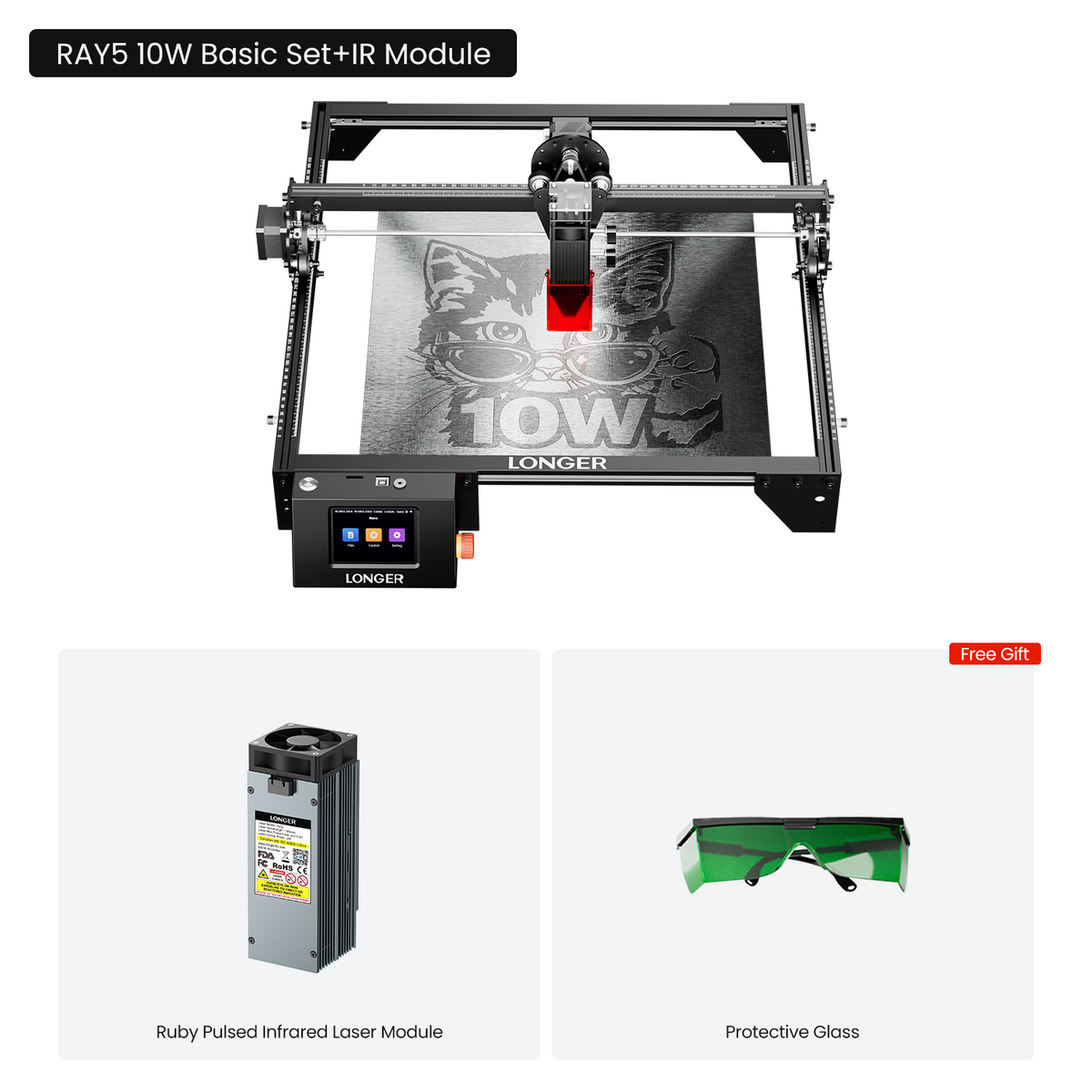
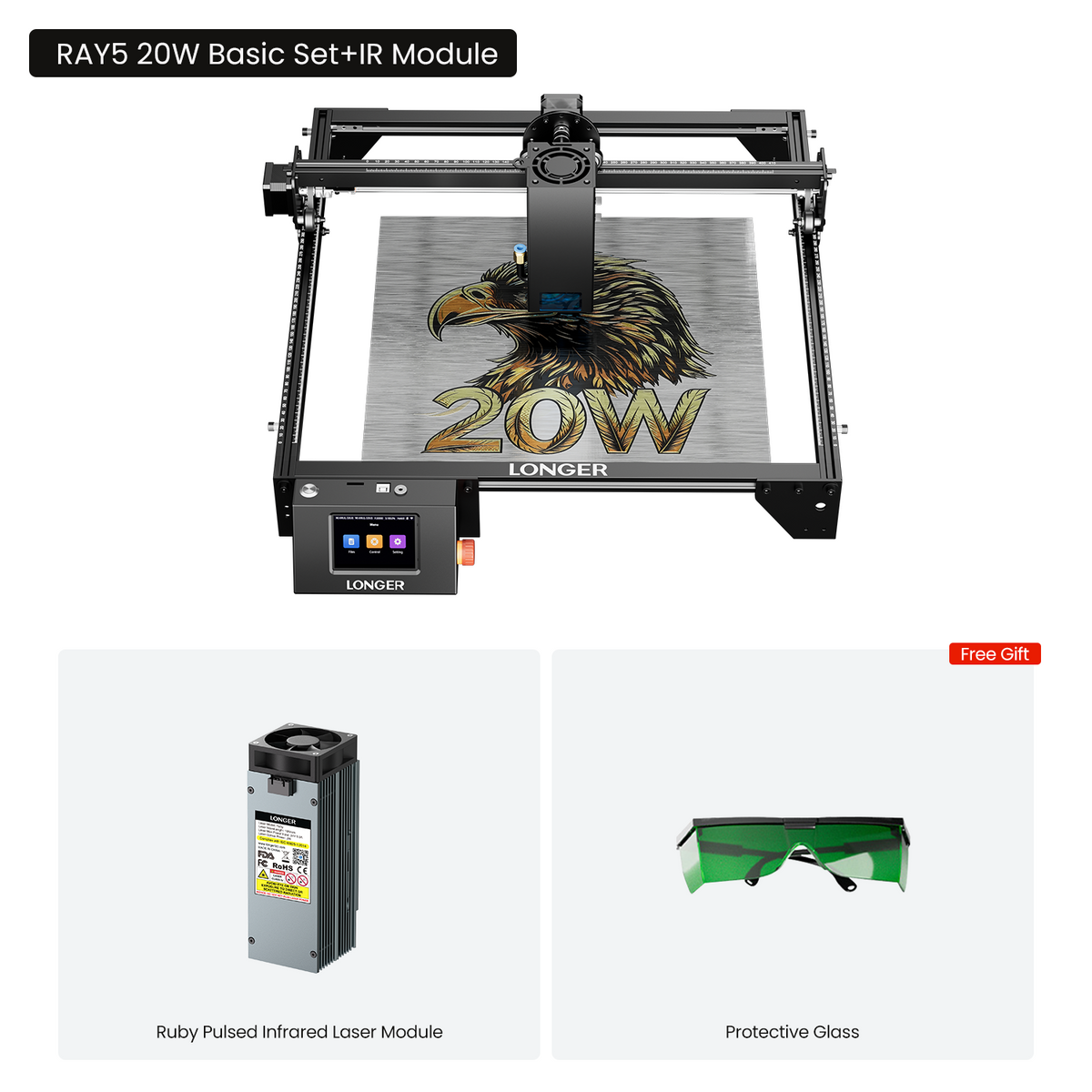
Longer Ray5 Laser Engraver 5W/10W/20W
- 卓越的多功能性可互换的激光模块(30W/20W/10W/5W/2W 红外)使您能够加工各种各样的材料。
- 非常适合初学者: 这款工具采用易于组装的设计,可提供高达 0.01 毫米的精确雕刻精度和高达每分钟 24,000 毫米的速度,使其成为新手的理想选择。
- 用户友好的应用程序控制:与 Lightburn、LaserGRBL 和 LaserBurn 兼容,可实现无缝操作。

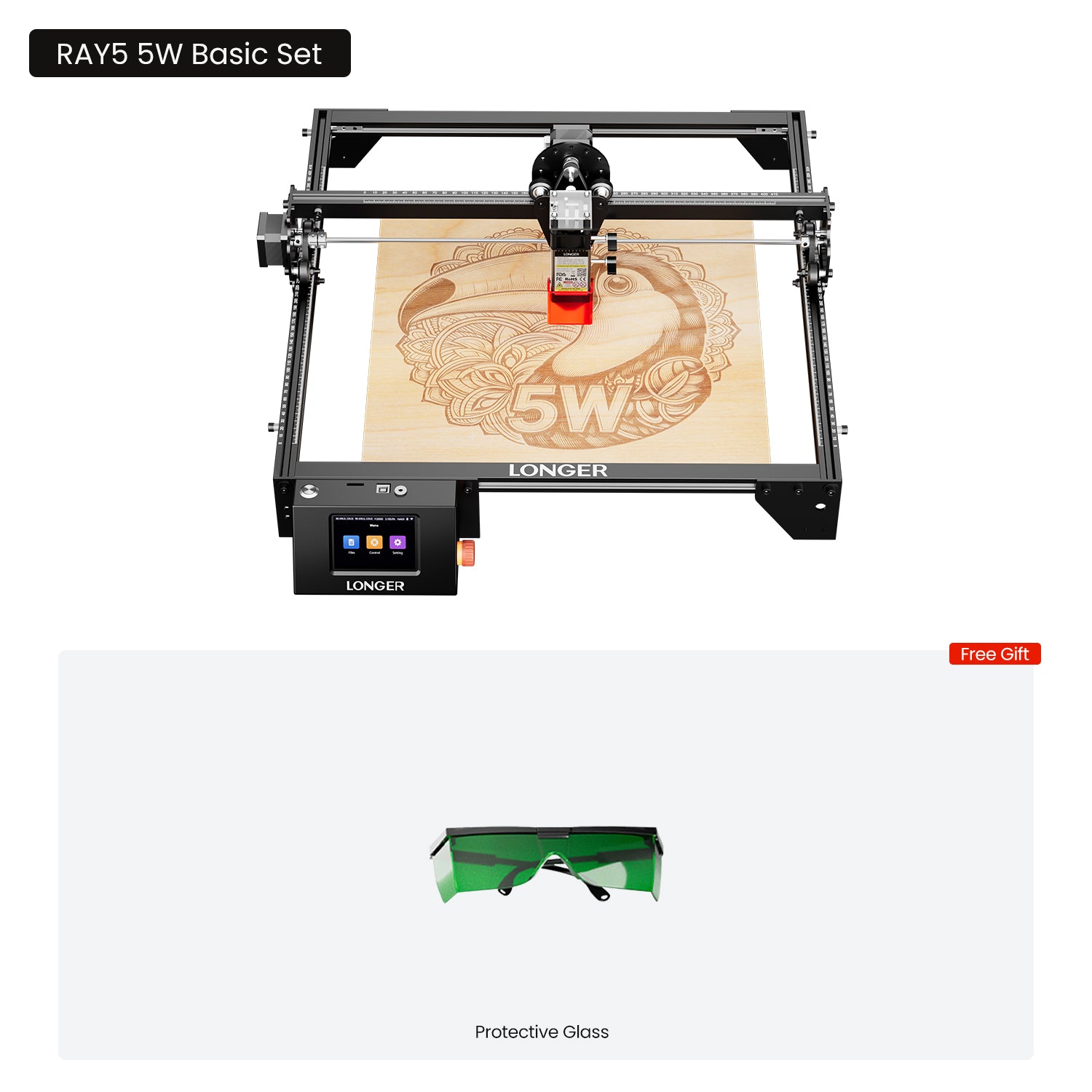
What's Included in the Basic Set
1 x Ray5 Laser Engraver
1 x Card Reader & TF Card
1 x Wooden Brush
1 x Protective Goggles
1 x Allen Wrench
1 x Cable Tie
3 x Plywood
1 x Laser Focus Column
1 x User Manual
Longer Ray5 5W/10W/20W Laser Engraver
Best Laser Engraver For Beginners

Why choose Ray5 Series Laser Engraver

探索专家洞见
罗查 KRG
983K subscribers
LONGER RAY5 20W truly impressed me with its power and precision. It easily engraves stainless steel and delivers results that exceeded my expectations for a machine in this category.
硬汉DIY
23.9K subscribers
The LONGER RAY5 10W is a great entry-level laser engraver that makes setup simple even for first-time users. It delivers strong performance and opens up plenty of creative project possibilities, making it a solid choice for DIY enthusiasts and beginners alike.
Joshua De Lisle
329K subscribers
The LONGER RAY5 10W delivers impressive performance, especially in both WiFi and offline control, making it easy to operate in any workflow. It handles stainless steel engraving, intricate cuts, and thick hardwood plywood with surprising precision and consistency.
从精致的细节到强劲的剪裁


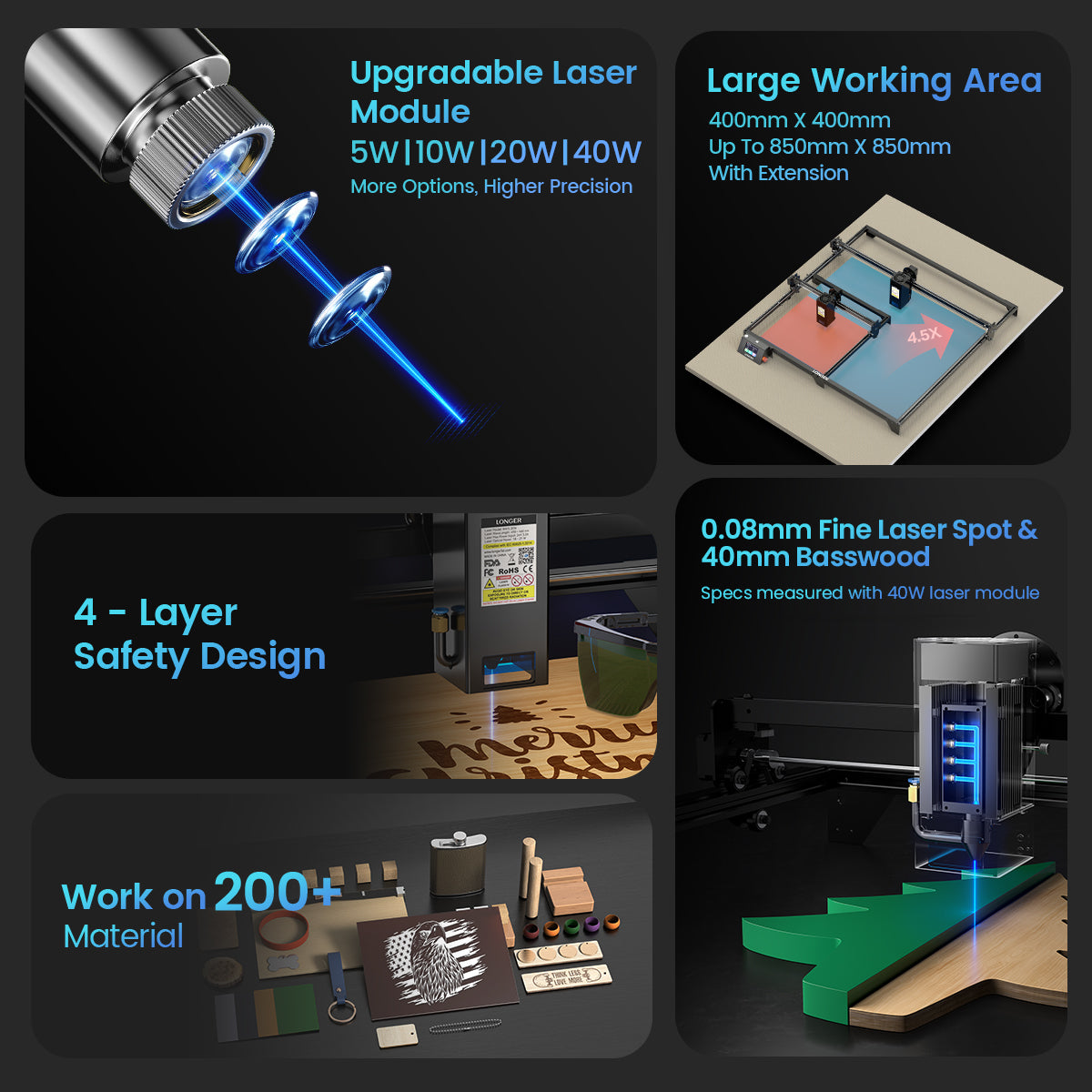
Finest Spot Size
Maintaining ultra-fine laser output allows you to engrave more finely and lifelike on each work.


无限创意,无限工具


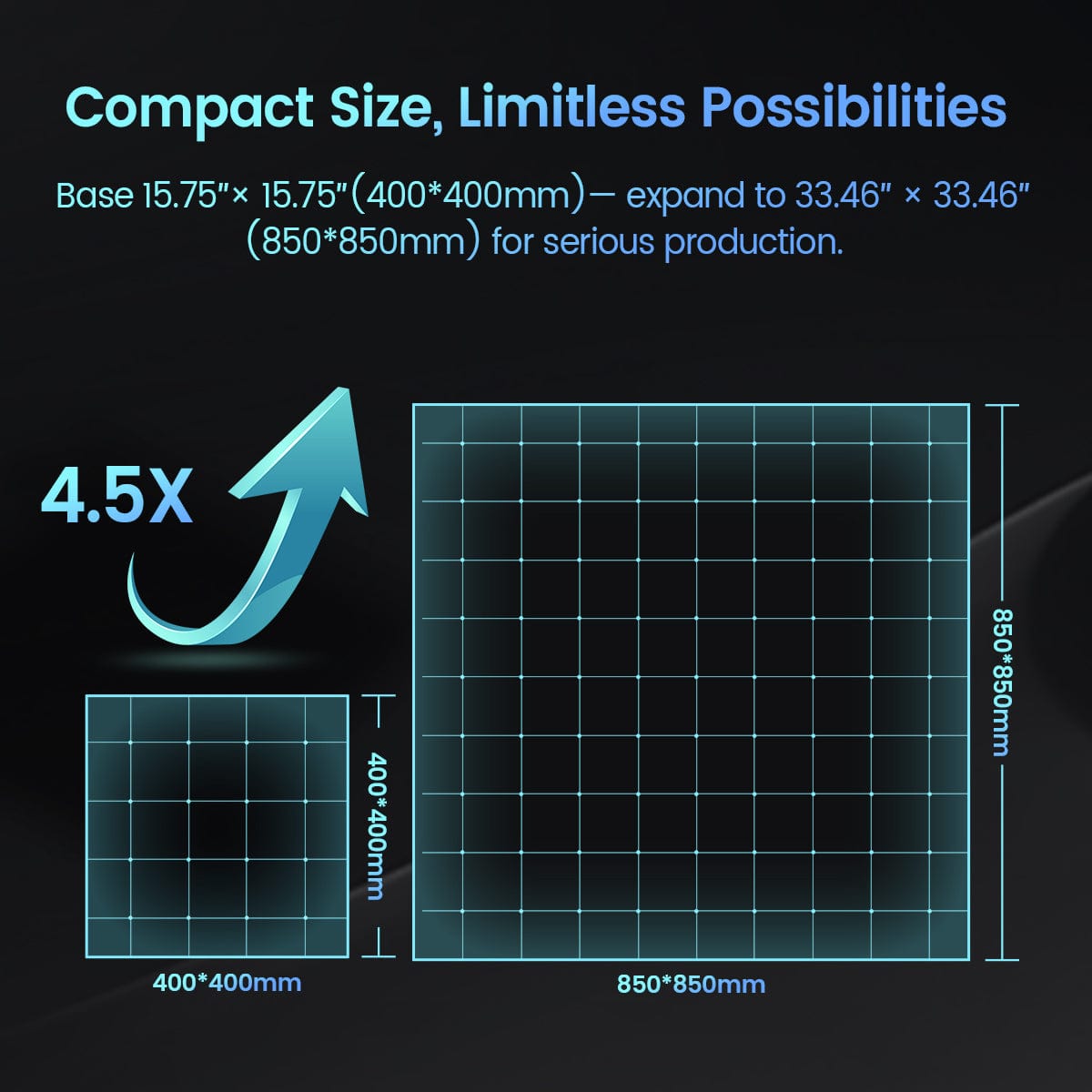
Compact Size, Limitless Possibilities
Achieving a 350% increase in the engraving area,
base 400 x 365mm (15.75*14.37inch), expanding to 850 x 850mm(33.46*33.46inch) allowing you to create larger and more creative artworks.

6 Layers of Safety

Blue Light Protection

Limit Switch Protection

Emergency Stop Button

运动传感器保护

Data Loss Protection

Flame Sensor Protection
Powerful Software Widely Compatibility
Compatible with a variety of systems, including Windows and macOS systems, and software such as LaserGRBL, LightBurn and LaserBurn

规格
If you have any questions, you are always welcome to contact us. We'll get back to you as soon as possible, within 24 hours on weekdays.
-
Shipping Information
使用此文本尽可能详细地为您的客户回答问题。
-
Customer Support
使用此文本尽可能详细地为您的客户回答问题。
-
FAQ’s
使用此文本尽可能详细地为您的客户回答问题。
-
联系我们
Use this text to answer questions in as much detail as possible for your customers.
You May Also Like

激光雕刻机用加长旋转卡盘

激光雕刻机相机套件

用于 Laser B1 / Ray5 系列的红宝石脉冲红外激光模块

Honeycomb Working Table 17.32"17.32"/440*440mm²
I have a Ray5 10w, and qty 2 20w. one has the 850x850 expansion kit. Since I have bought them, they have redesigned the Y axis part, it's a better design. If you have a 20,30,40 or IR head, buy the upgrade kit. Overall it's a great machine, setup is easy, just ensure it's square. The 20w has a slight problem, because the head is heavy, you should buy some inserts for extra support, it'll keep it from twisting. You can get them from Temu. Or better yet if you have the old style buy the upgrade. The only other drawback, is when doing ceramics, make sure to clean thoroughly in-between pieces.
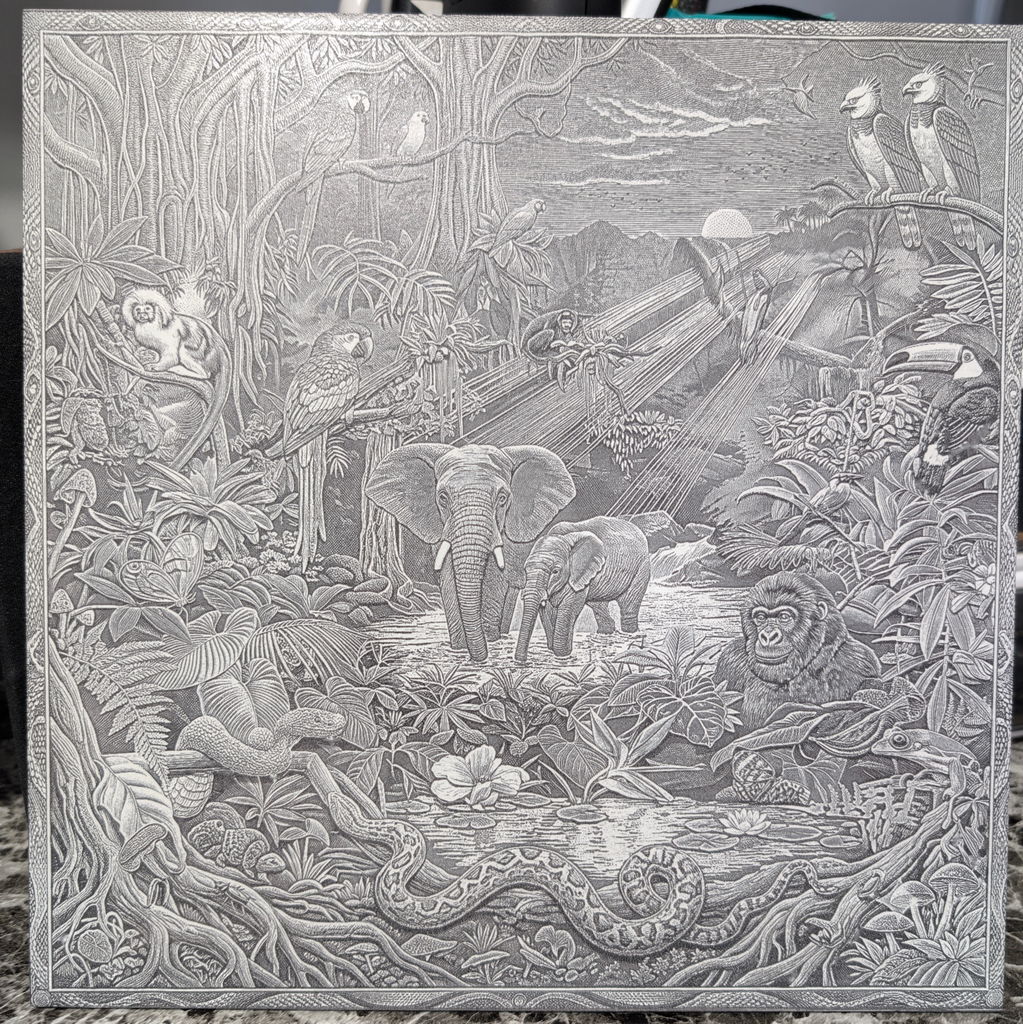
I gave this engraver 5 stars because it’s been a great machine to learn on as a beginner. There is definitely a learning curve with settings and different materials, but once you start experimenting, it gets much easier. I’ve already had great results engraving leather, glass, and photos. My advice for other beginners is to start with small test pieces and keep track of the settings that work best. For the price and the quality of the results, I’m very happy with this engraver and would definitely recommend it to someone just getting started.
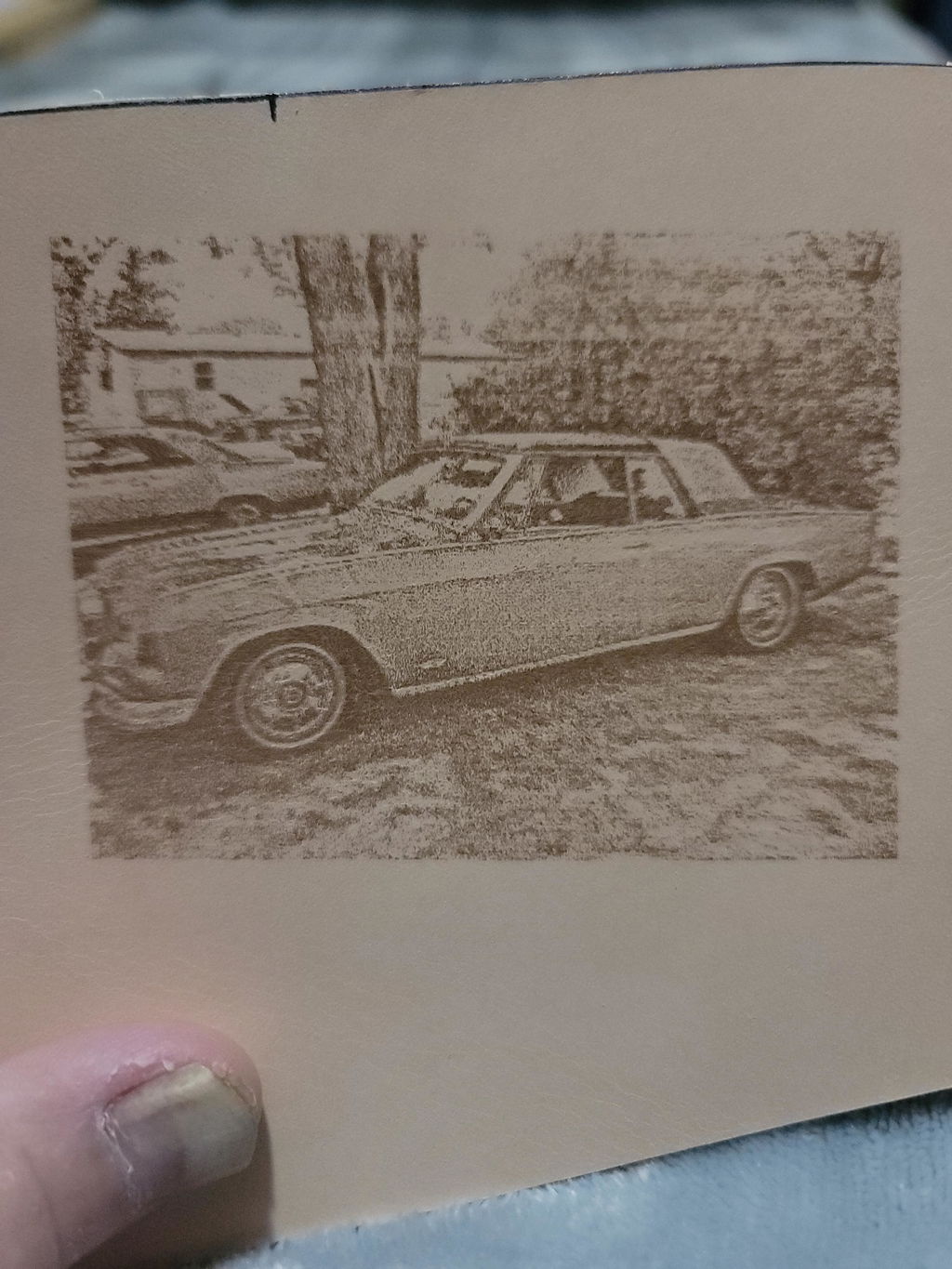
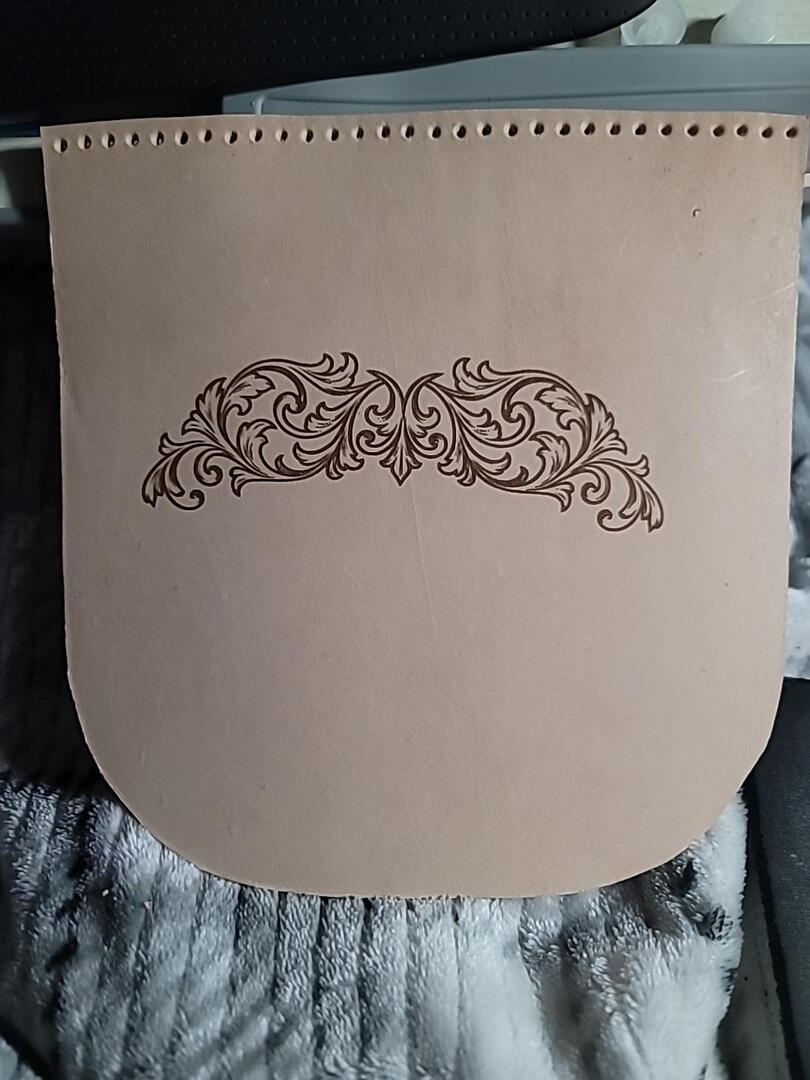
Love this product, best decision I've made.
Still learning the nuances of the machine but it cuts smoothly and etches wonderfully.
much stronger than my 5W longer. works great !!
Lightburn has a learning curve, but the engraver is easy to control and with a little adjustments, this is my first attempt, on cherry no less.
The hardware upgrade from the 10W to the 30W was simple. Finding and loading the correct configuration files was far from intuative. It may have hurt that I upgraded my Lightburn version at the same time as the laser.
Works great though. I'm cutting 1/4" MFD in one pass as I'm typing this.
Took a second to get the settings down. But works and does the job expected.
I purchased a larger version and use it so much, I picked up this one to handle the smaller stuff. It just works.
The laser on my first engraving was awesome. Uploaded an image to gbrl and off i went. Now to learn more about placement and the finer details
Can't beat the detail!!
All ok
Great, quick delivery and setup. Still on the learning path!
Love, Love, Love it..
Love it so much, I am Immediately going to Grab the 50w IR Laser Head.
Video is a 3 hour burn, SS on Black Acrylic.
Making wooden models and 4 puzzles tomorrow..
Did I mention I Love IT!
Thank you Rose in support.
Your software set-up help was Awesome
��֧� ���էէ֧�اܧ� ����֧�! ���֧ߧ� ���ާ�ԧݧ�! ��֧�֧�� �� �ߧ� �ҧ���� ���ܧ��ѧ�� �է��ԧڧ� ���ӧѧ�� ��� LONGER!
The kit went together with ease, the instructions were easy to follow and understandable,
The SD card to usb adapter should be the first thing to open on your computer it has all the manuals and setup help and some test g codes to try out
You will have to set the home zero at your desired location if you have moved the cutter gantry by hand
I didn��t set the home zero and the gantry moved to the location my g code had told it to go to,
But this was my first attempt and I soon figured out that it was my mistake
There is a helpful guide to what settings for different materials
I missed this and my video shows it cutting 3mm basswood in two passes,
Since then I found the guide and have found it will cut the 3mm basswood in one pass at 100% and 350 on speed
The air assist definitely helps to give clean and nice precise cuts
I��m very happy with it,
I will probably be purchasing the longer bed rails to cut longer parts
I live in UK and delivery was without issue,I did have a small Uk customs VAT bill to pay but that was just short of ��30
I was kept informed from purchase to delivery I was a bit sceptic before I ordered but all was good no issues at all
Congratulations to Longer for providing such a great service
So far it��s been really fun.
I ordered the Ray 5 10 Watt directly from Longer. It was shipped promptly and very well packaged. I found the assembly instructions to be vague in some areas but, eventually, I had it assembled. I had very little experience in any software program or use of a laser engraver and it showed as I had great difficulty in connecting the engraver to the software program (Fireburn). even after numerous You Tube videos. Fortunately, a friend who had recommended both the engraver and software programs did a 'house call' at my residence and, within a few hours, had me up to speed on how to connect and use the engraver. I have had great success and satisfaction ever since.
Testing out keychain jig, really enjoying my Ray5 20W
Schnelle Lieferung, sehr gute Qualit?t und ein super Support. Kaufe gerne wieder
Had an initial problem and Longer quickly shipped me a brand new unit. Unit was easy to assemble and use. Does a beautiful job on everything I've tried it on so far. I highly recommend the 10 watt unit which I have.
Started out with a Ray5 10w ,later bought the Ray5 20w. Both great machines. I have different jobs going at the same time. I'm just a hobbyist and got into this after retirement. I've had a blast at craft shows and made a lot of acquaintances and met some really nice folks. Right now I'm doing ceramics and wood items. Started with 4x4 tiles and now doing 6x6. Will be doing 12x12 tiles starting sometime this spring. Longer has been great in answer any question and providing any support that I've needed.
Great laser engraving to start a side hustle job with. I love it
There was a learning curve but once I got it figured out I spent all weekend engraving stuff... very fun
Great product easy to assemble...Just getting started...can't wait!!! Merry Christmas to me....
Testing out keychain jig, really enjoying my Ray5 20W
This was an easy product to put together. Solid materials. There was an issue with the firmware when I first booted it up. I reached out to customer service and in one message had me up and running. Customer service was awsome. Looking forward to many hours of working with this laser
...
The Longer Ray5 20W diode laser impressed me right from the start.
Build Quality & Assembly
- The machine��s build is solid and well thought out, giving confidence in its durability.
- Assembly was straightforward and user-friendly, even for someone setting it up for the first time. The instructions were clear, and I was able to get it running quickly without frustration.
Power & Performance
- With 20W of output, the Ray5 delivers impressive cutting and engraving power. It handles a wide range of materials with ease, producing clean, precise results.
- The laser��s performance makes it a versatile tool for both hobbyists and professionals who want reliable results.
Customer Service Experience
I did encounter an issue with the focus lens threads being stripped. Customer service promptly sent replacement parts to try, though the problem couldn��t be resolved at first. I was willing to accept that outcome, but a few days later, customer support followed up again��without me reaching out��and offered to replace the entire laser module under warranty.
This level of proactive, caring support is rare to find. Longer��s customer service went above and beyond to ensure I was satisfied, and that speaks volumes about the company��s commitment to its customers.
Final Thoughts: The Longer Ray5 20W diode laser combines strong build quality, ease of assembly, and powerful performance with outstanding customer service. Even when issues arise, Longer stands behind their product and their customers. That makes this machine not just a great tool, but a trustworthy investment.
For now, for the price paid, it's an excellent entry-level product. The built-in software certainly needs improvement, and it would have been great to have the LightBurn license included.
FAQ
-
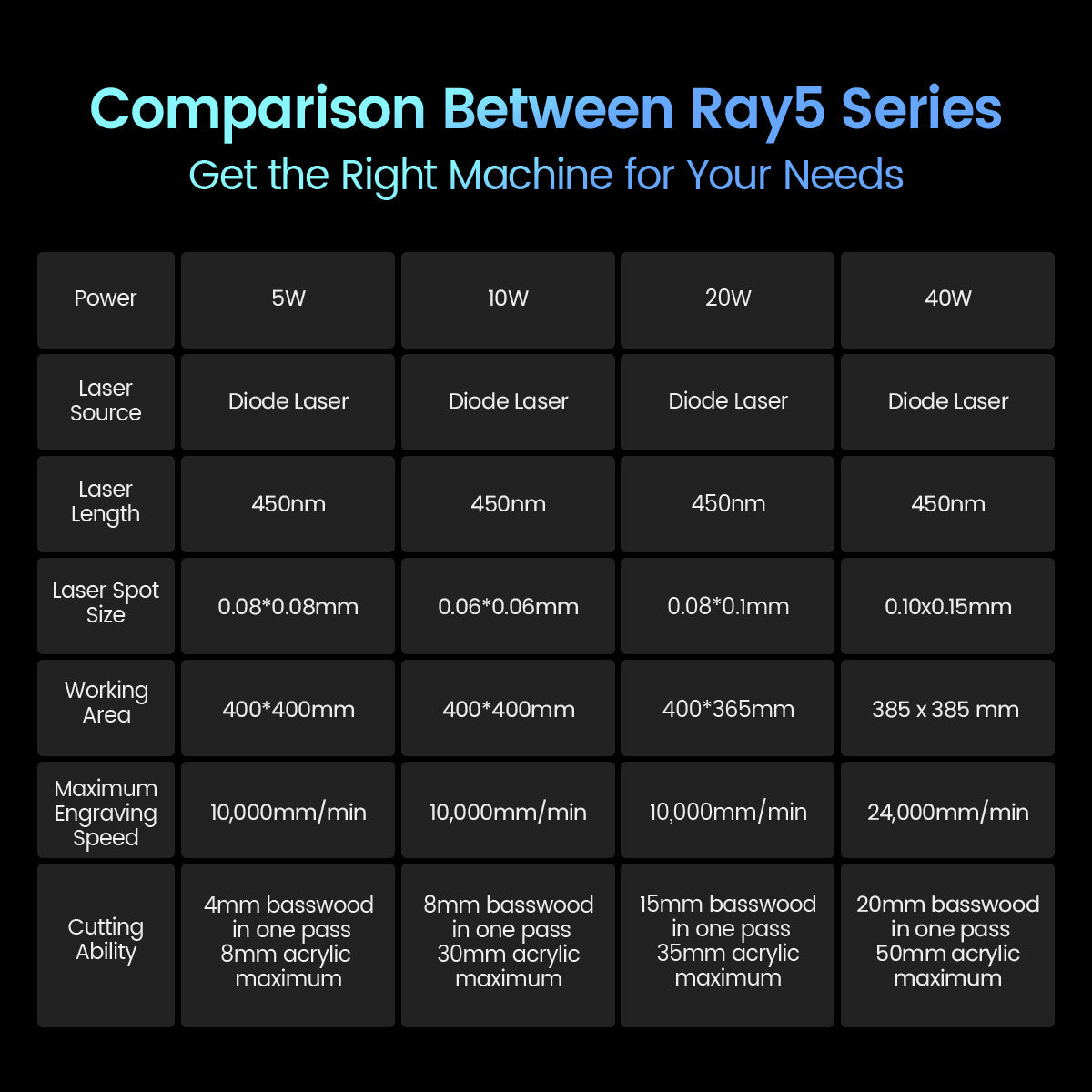
The right Ray5 module depends on your engraving and cutting needs. The 5W and 10W modules are ideal for detailed engraving projects and everyday creative work, while the 20W module offers the best balance between engraving precision and cutting performance, making it the most versatile choice for most users. If you need faster processing speed and stronger cutting capability for thicker materials, the 40W module is the best option. Choose 5W/10W for fine engraving, 20W for all-around performance, and 40W for maximum efficiency and cutting power.
-
The Ray5 series supports engraving and cutting on a wide range of materials. The diode laser can cut wood, leather, MDF, paper, felt, and some dark opaque acrylic. It can also engrave wood, leather, bamboo, fabric, glass, ceramic, stone, stainless steel, and coated metals.
With the optional Ruby 1064nm IR Laser Module, Ray5 can engrave more metals, including gold, silver, brass, iron, aluminum, and stainless steel.
Actual results may vary depending on the material type, thickness, and processing settings. -
Please check whether the CH340 driver is installed correctly on your computer. After installation, open Device Manager and check if the machine appears under Ports (COM & LPT). Select the correct COM port in LightBurn and set the baud rate to 115200. Please also make sure no other software (such as LaserGRBL) is occupying the serial port. If the issue remains, please import the correct Ray5 .lbdev configuration file and try connecting again.
-
Yes! Ray5 is designed to be beginner-friendly with an easy setup and intuitive operation. You can quickly get started with LightBurn, LaserGRBL, or LaserBurn. We also provide detailed tutorials and user manuals to help you complete your creative projects with ease.
If you encounter any issues during installation or operation, our customer support team is always ready to assist you at support@longer.net. All you need is some practice and exploration to unlock more creative possibilities with Ray5.